Free AI Headshot Generator
A model is trained on your own photos, not a filter on a single shot. Pick a package only when you want the finished LinkedIn, resume, and team-page headshots.
 LinkedIn Studio
 Corporate Team
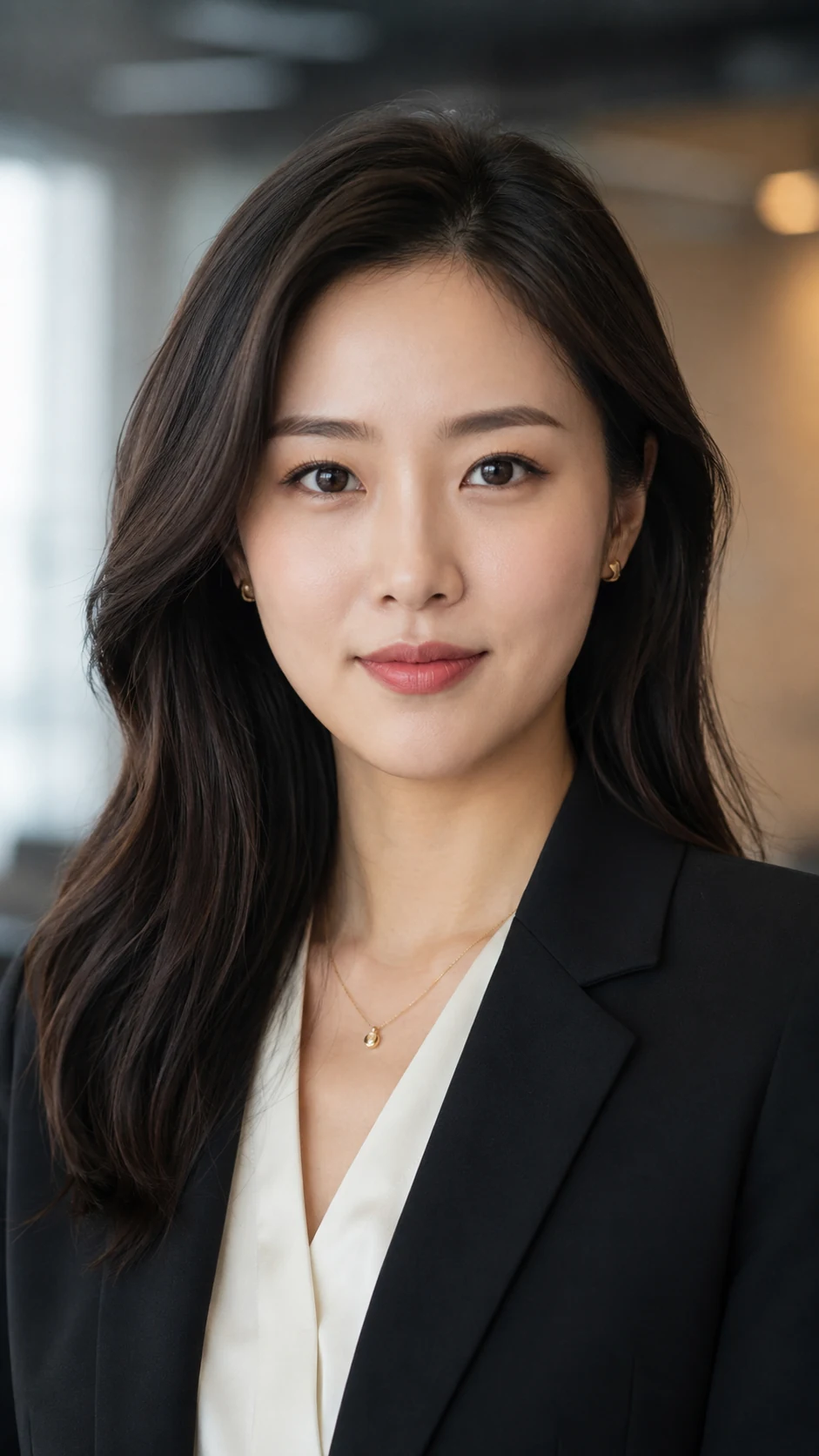 Executive
 Resume / CV
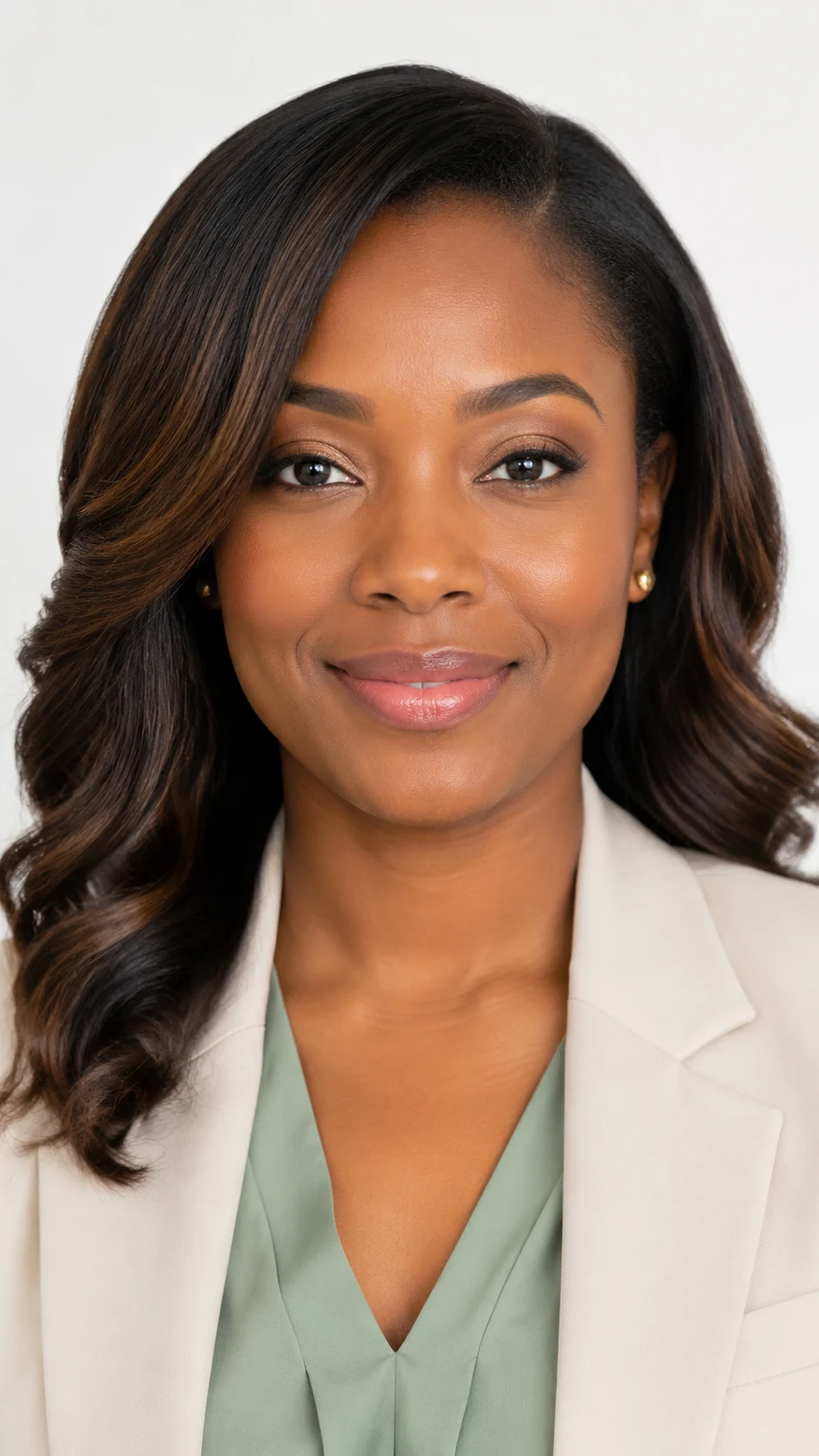 Email Signature
 Business Card
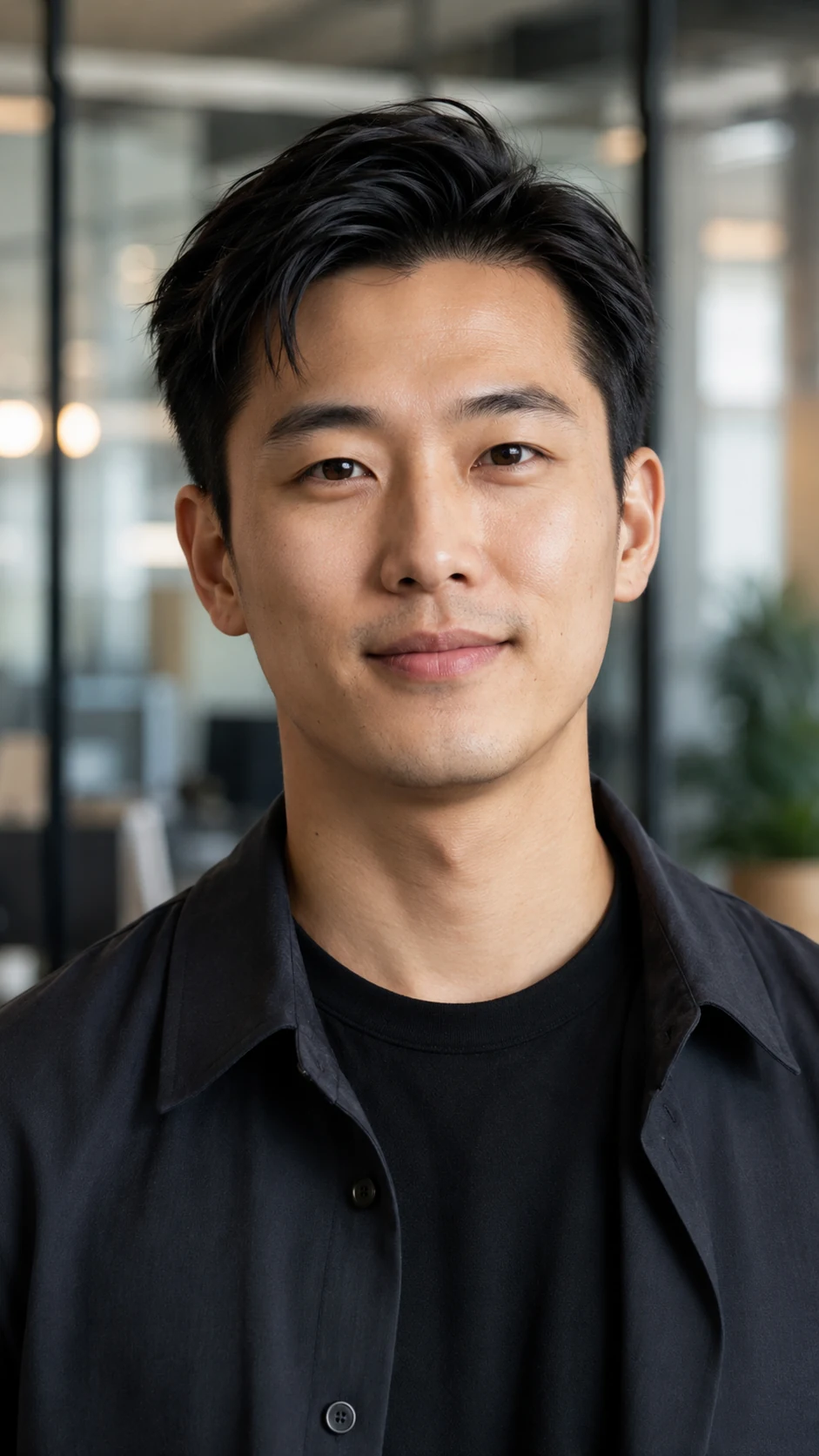 Startup Founder
 Medical Professional
 Creative Professional
 Real Estate Agent
What is a free AI headshot generator?
A free AI headshot generator lets you upload your own selfies at no cost and see the headshot styles a trained model can produce before you commit. Instead of applying a filter to a single photo, it learns your face from 5 to 20 pictures, then renders studio-style portraits across outfits and backgrounds. You pay only when you choose a package for the finished set.
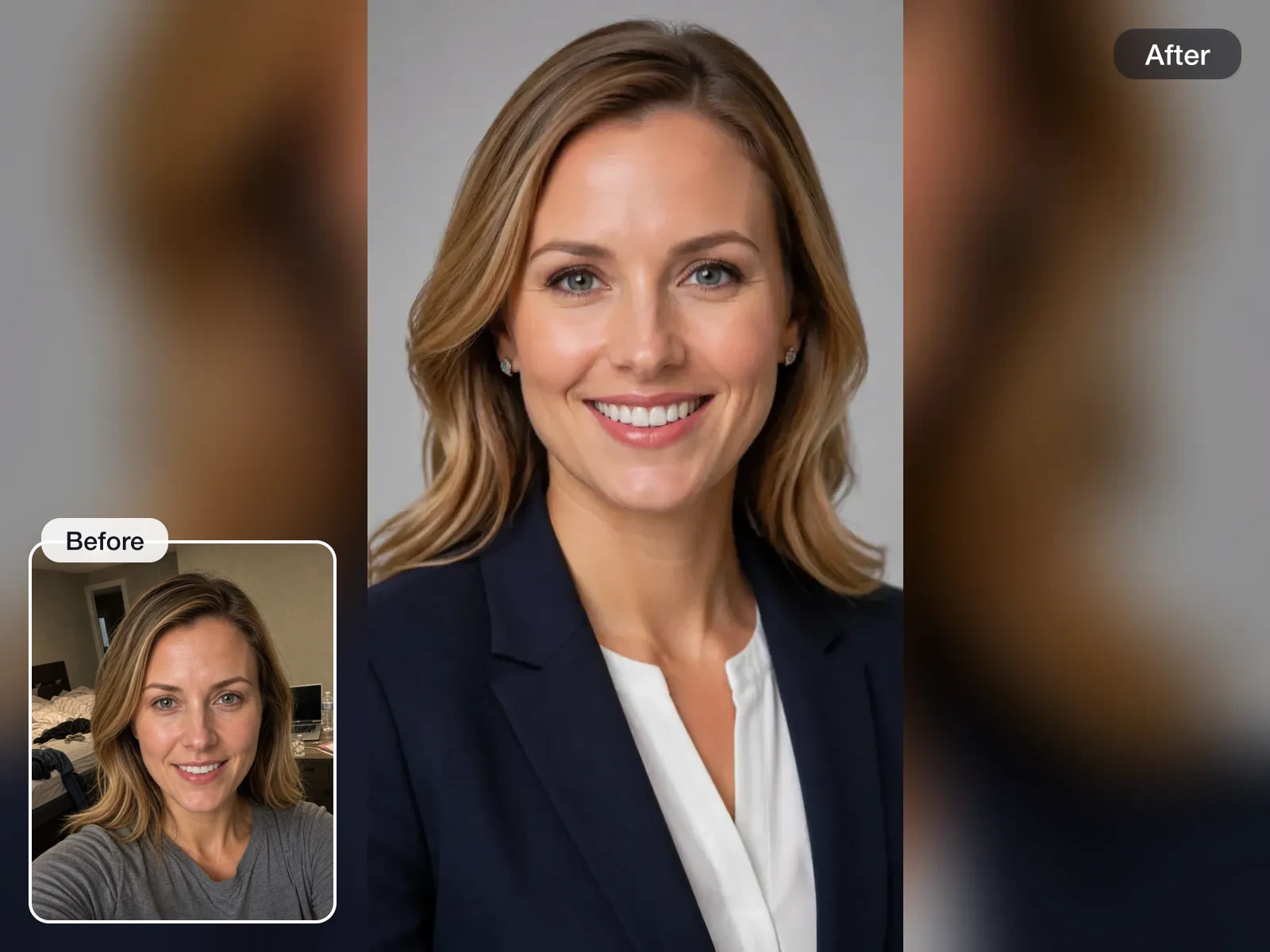
How it works
Upload 5 to 20 selfies
Drop in photos where your face is clearly visible, with different angles, lighting, and outfits. No account needed to upload.
Pick a package
Choose how many headshots, outfits, and backgrounds you want. Your email is collected at checkout, nothing to fill in before that.
Get your headshots by email
A model is trained on your photos and the finished set lands in your dashboard. Every photo is checked for face visibility before training.
Turn a casual photo into a profile-ready headshot
The tool keeps your face as the anchor while improving the lighting, background, outfit, and crop so the result feels appropriate for work.
Chest-up styles for common work use cases
Choose professional headshot styles for LinkedIn, resumes, email signatures, business cards, founder profiles, healthcare, and sales roles.
Upload free, pay only for the finished set
Uploading and browsing packages costs nothing. You pay once you pick a plan, and the same photos flow straight into training without re-uploading.
Frequently Asked Questions
Other free tools
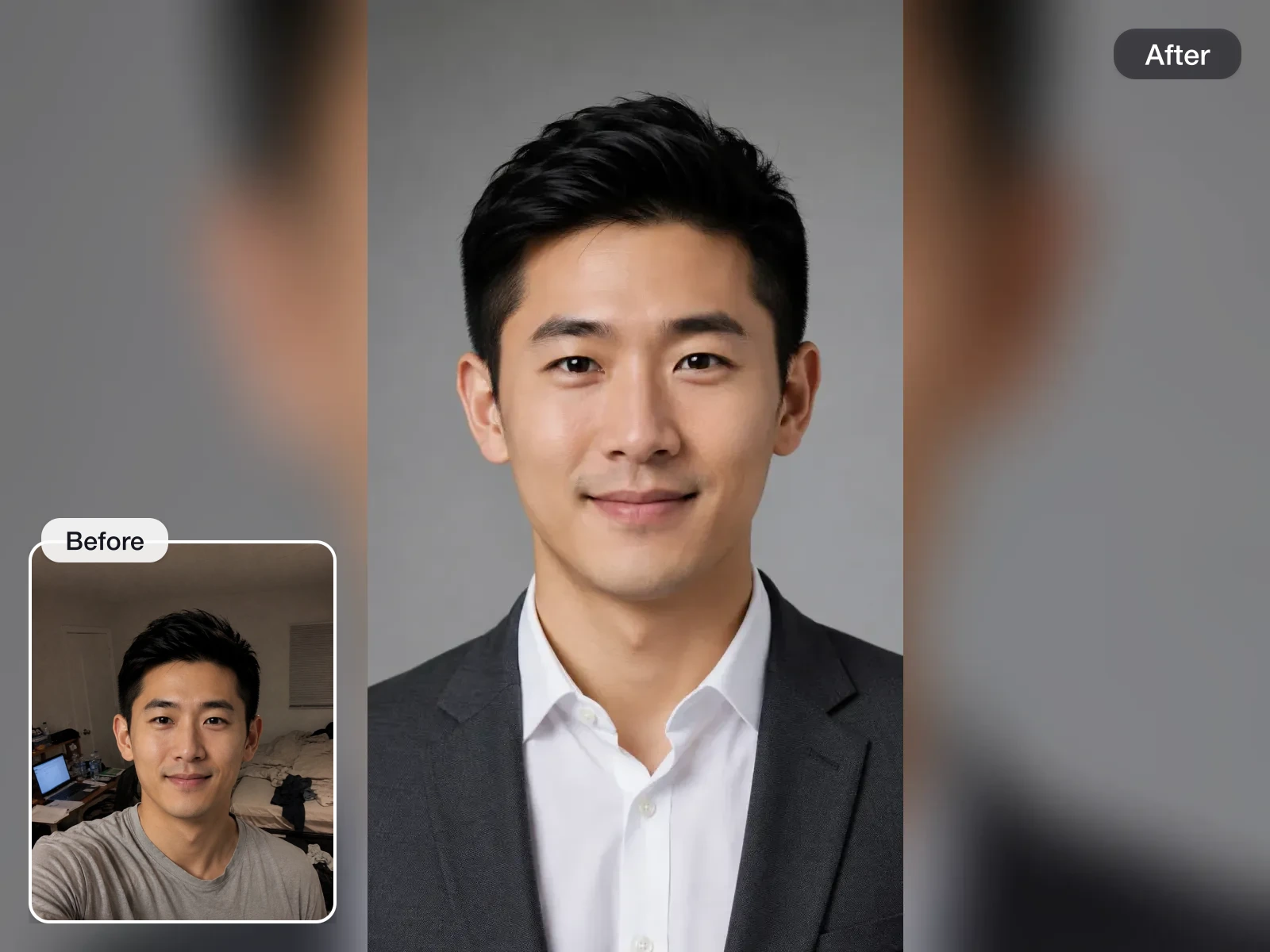
LinkedIn Headshot Generator
A model trained on your photos renders chest-up LinkedIn portraits with clear eye contact and business-appropriate styling. Pick a package only when you want the finished set.
LinkedIn Headline Generator
Upload a resume PDF or enter your role, skills, and target job to generate headline options recruiters can find in LinkedIn search.
Resume Headline Generator
Enter your role, skills, and the job you are applying for — or upload your resume PDF — and get headline options that mirror the posting, ready for the top of your resume.
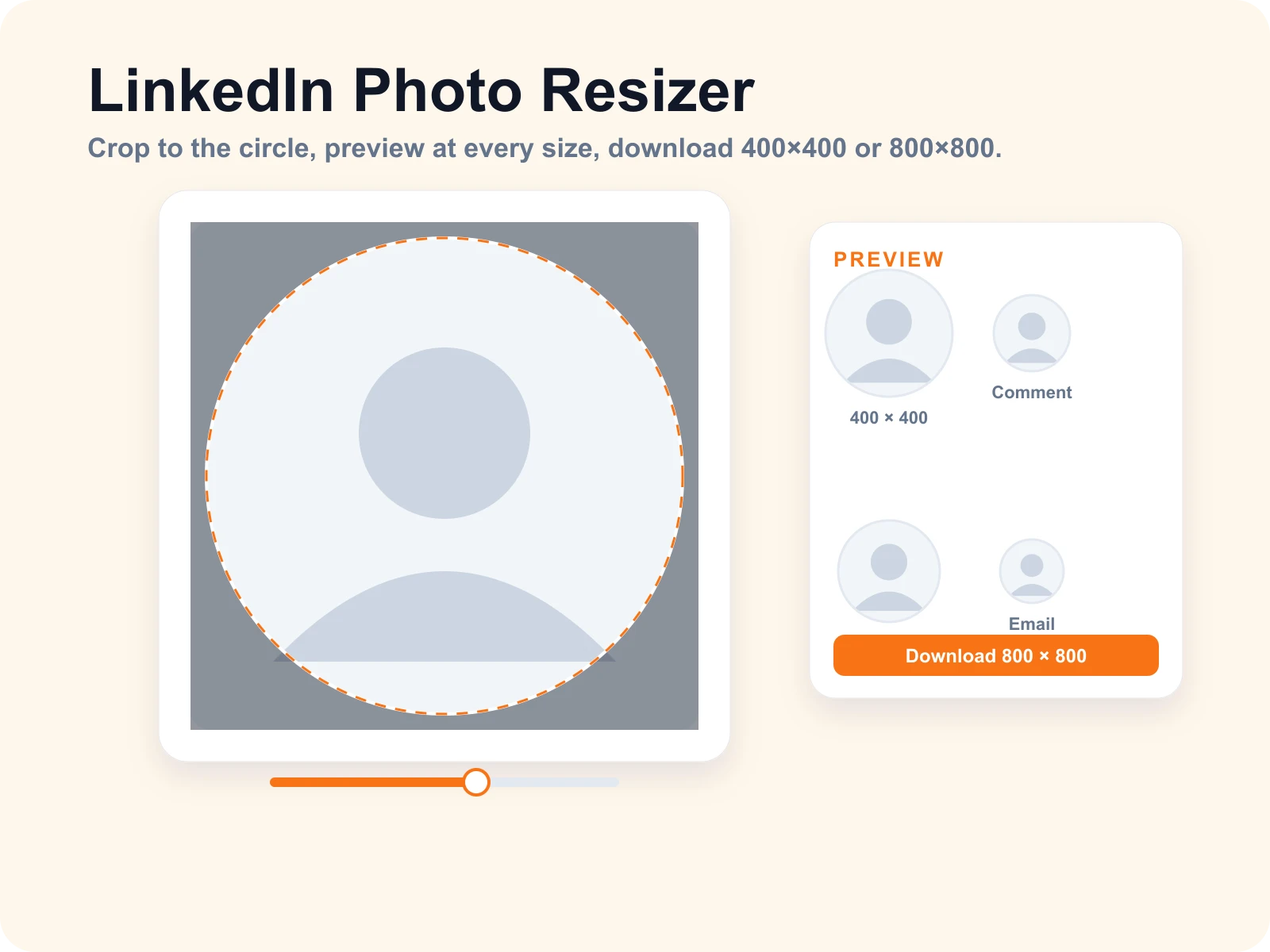
LinkedIn Photo Resizer
Drop a photo, drag it into the circle, and download it at the exact LinkedIn profile picture size. Preview how the crop reads as a comment avatar, Slack icon, and email signature before you save.
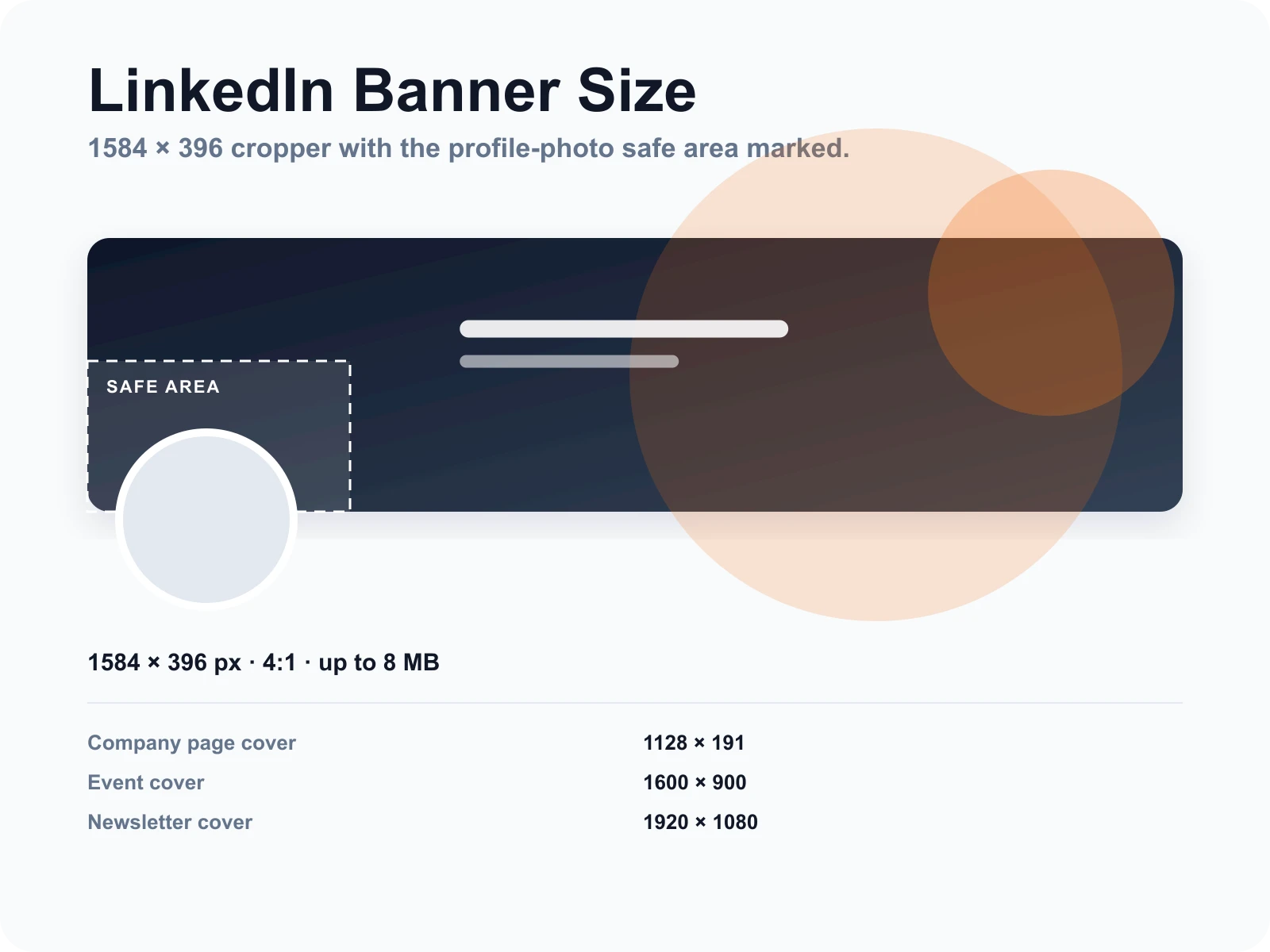
LinkedIn Banner Size Tool
Crop any image to 1584×396 pixels, see where your profile photo will sit on top of it, and download a banner that is not blurry or cut off. Sizes for company pages, events, and newsletters are in the table below.
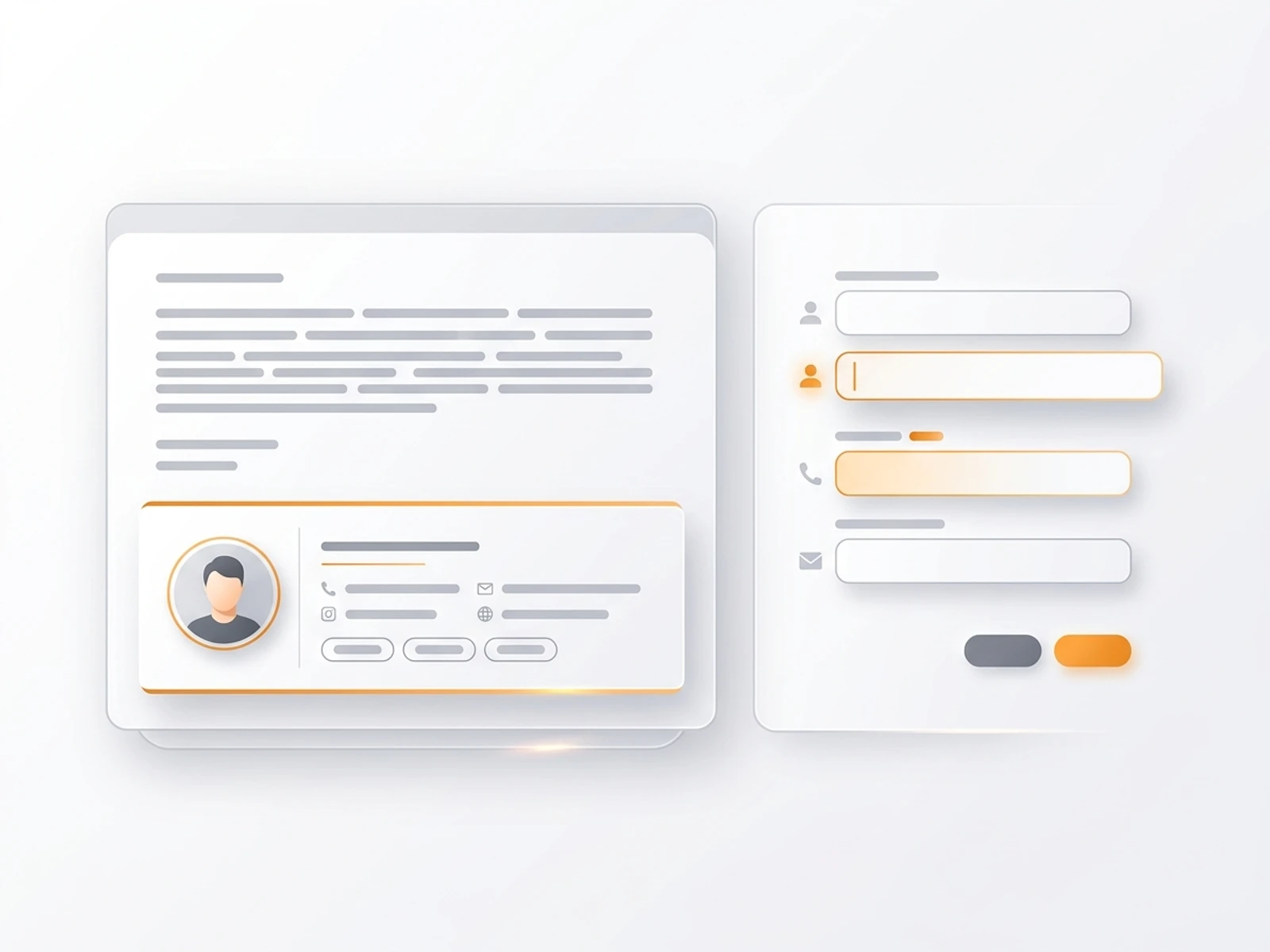
Email Signature Generator
Build a professional email signature template with your contact details, links, and optional headshot, then copy HTML or plain text.


Join 50,000+ professionals
Upload a few selfies. Get 40–100 polished headshots in 15–30 minutes. No appointments, no studio, no awkward poses.