LinkedIn Banner Size
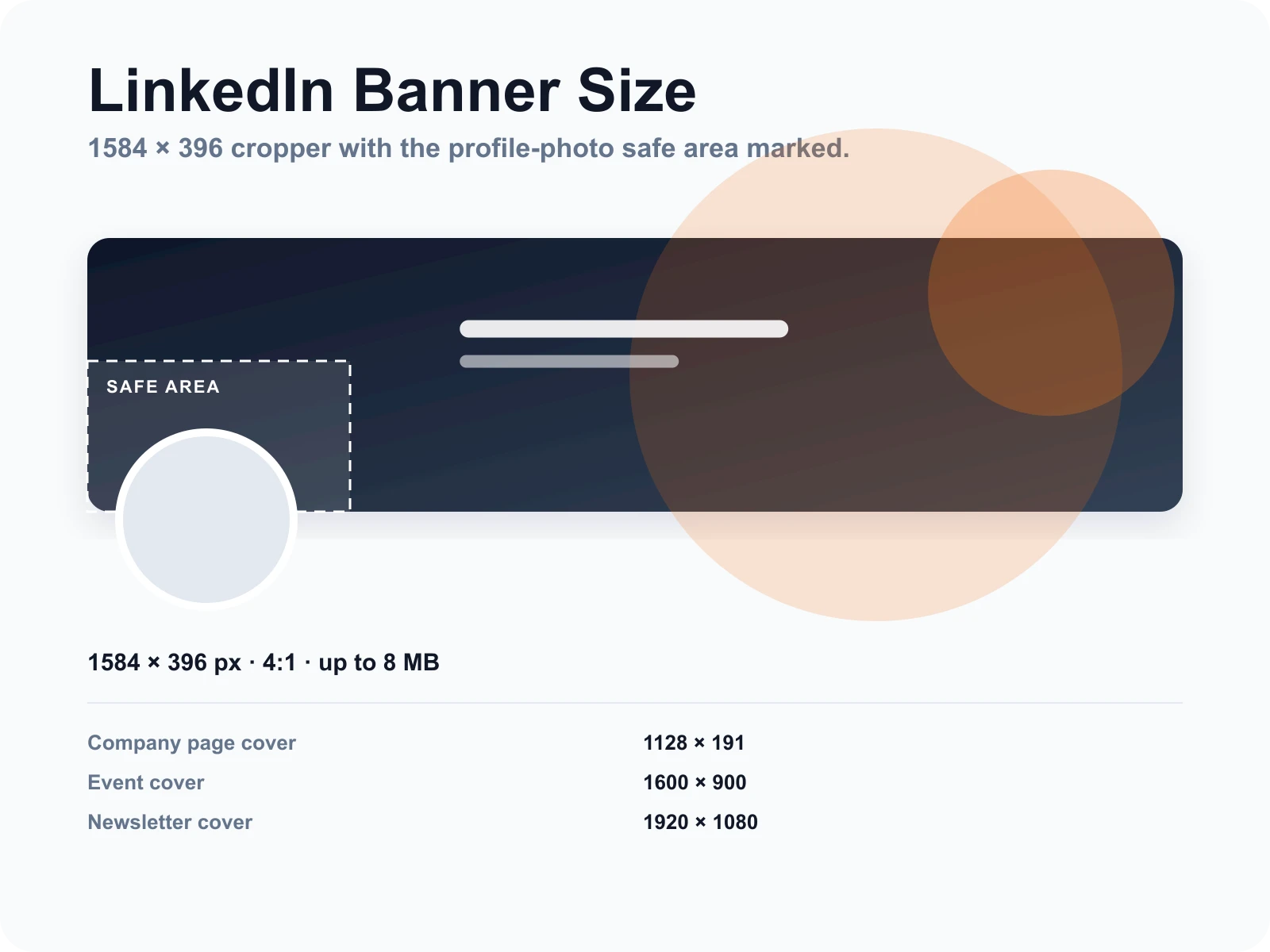
Crop any image to 1584×396 pixels, see where your profile photo will sit on top of it, and download a banner that is not blurry or cut off. Sizes for company pages, events, and newsletters are in the table below.
Drop a photo here or click to choose
JPG, PNG or WebP up to 15 MB. The photo stays in your browser and is never uploaded.
Everything happens in your browser. The photo is never sent to a server.
LinkedIn banner size and other cover image sizes
Recommended pixel dimensions as of 2026. Larger uploads are scaled down by each platform.
| Where it is used | Size (px) | Ratio | Max file |
|---|---|---|---|
| LinkedIn personal profile banner | 1584 × 396 | 4:1 | 8 MB |
| LinkedIn company page cover | 1128 × 191 | 5.9:1 | 8 MB |
| LinkedIn event cover | 1600 × 900 | 16:9 | 8 MB |
| LinkedIn newsletter cover | 1920 × 1080 | 16:9 | 8 MB |
| LinkedIn post image (landscape) | 1200 × 627 | 1.91:1 | 5 MB |
What is the LinkedIn banner size?
The LinkedIn banner, also called the background photo or cover image, is 1584×396 pixels on a personal profile, a 4:1 ratio, with an 8 MB file limit. Company page covers are 1128×191. Because your circular profile photo overlaps the bottom-left corner on desktop, that region should stay free of text and faces. This tool crops to the exact ratio and shows the overlap.
How it works
Drop an image
A wide photo, a design export, or a screenshot. JPG, PNG or WebP up to 15 MB, processed in your browser.
Position inside the 4:1 frame
Drag and zoom until the important part sits to the right of the dashed safe area, which marks where the profile photo overlaps.
Download 1584×396
Export at the recommended size, or 3168×792 for a sharper result on large screens. Upload it under Edit background photo on your profile.
The safe area is drawn where LinkedIn puts your photo
On desktop the circular profile photo covers roughly the bottom-left quarter of the banner. The dashed box shows that overlap so headlines and logos land where people can read them.
Exact 4:1 ratio, no stretching
The frame is locked to 1584×396. You move the image, not the frame, so the export is never squashed and never padded with bars.
Company, event, and newsletter sizes in one table
Company pages, events, and newsletters each use a different cover ratio. The table below lists all of them so you do not have to search LinkedIn help every time.
Frequently Asked Questions
Other free tools
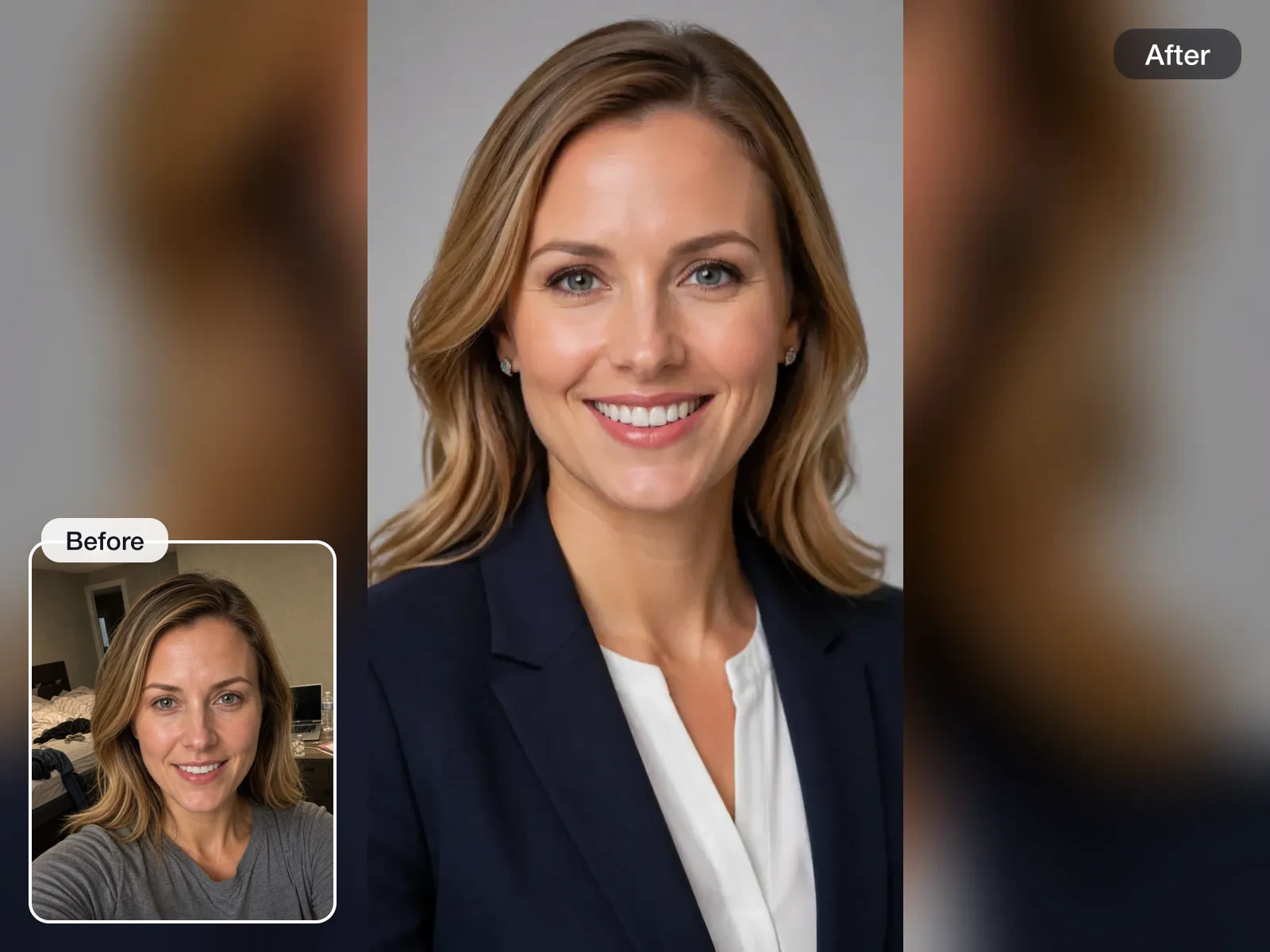
Free AI Headshot Generator
A model is trained on your own photos, not a filter on a single shot. Pick a package only when you want the finished LinkedIn, resume, and team-page headshots.
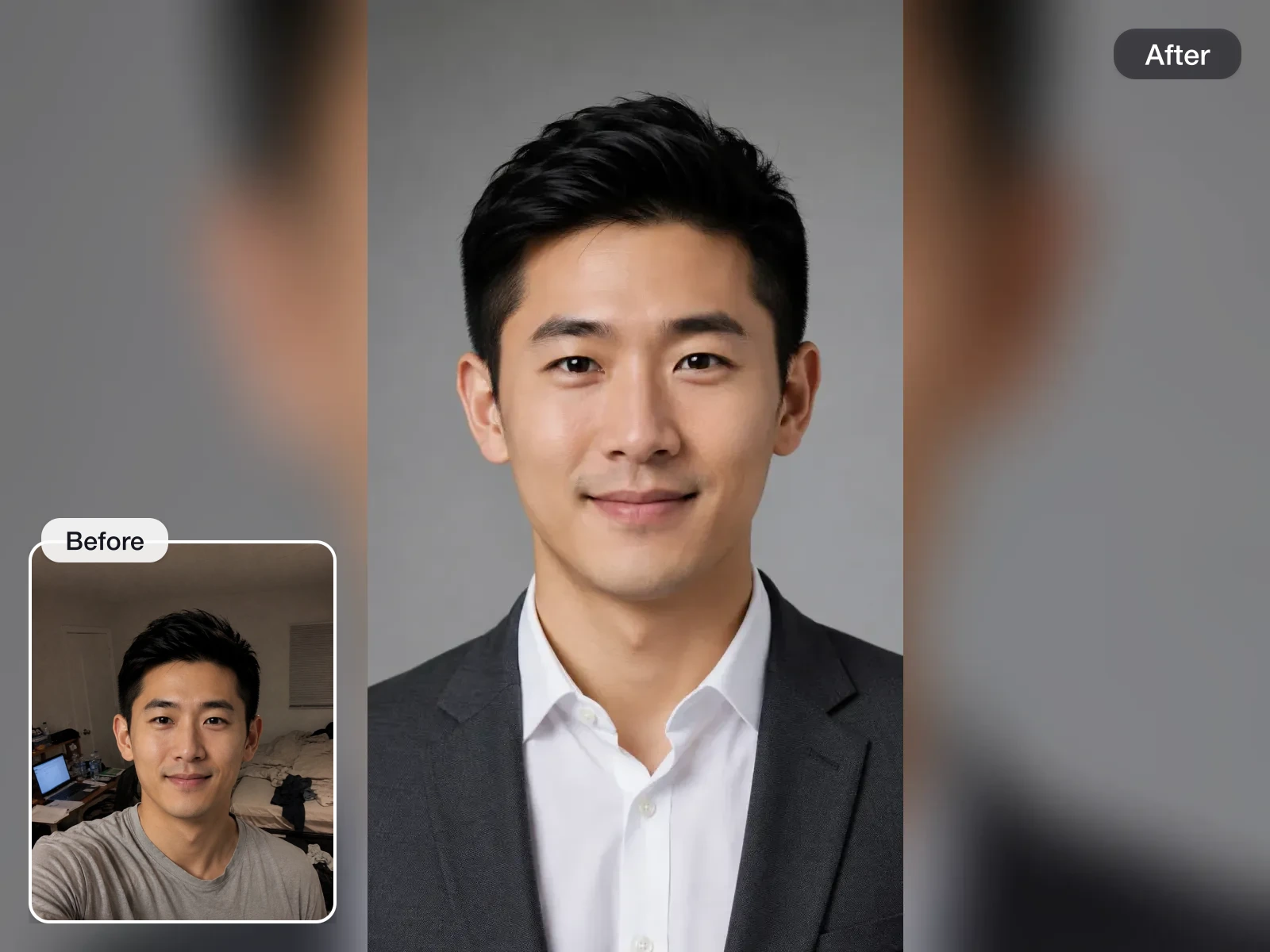
LinkedIn Headshot Generator
A model trained on your photos renders chest-up LinkedIn portraits with clear eye contact and business-appropriate styling. Pick a package only when you want the finished set.
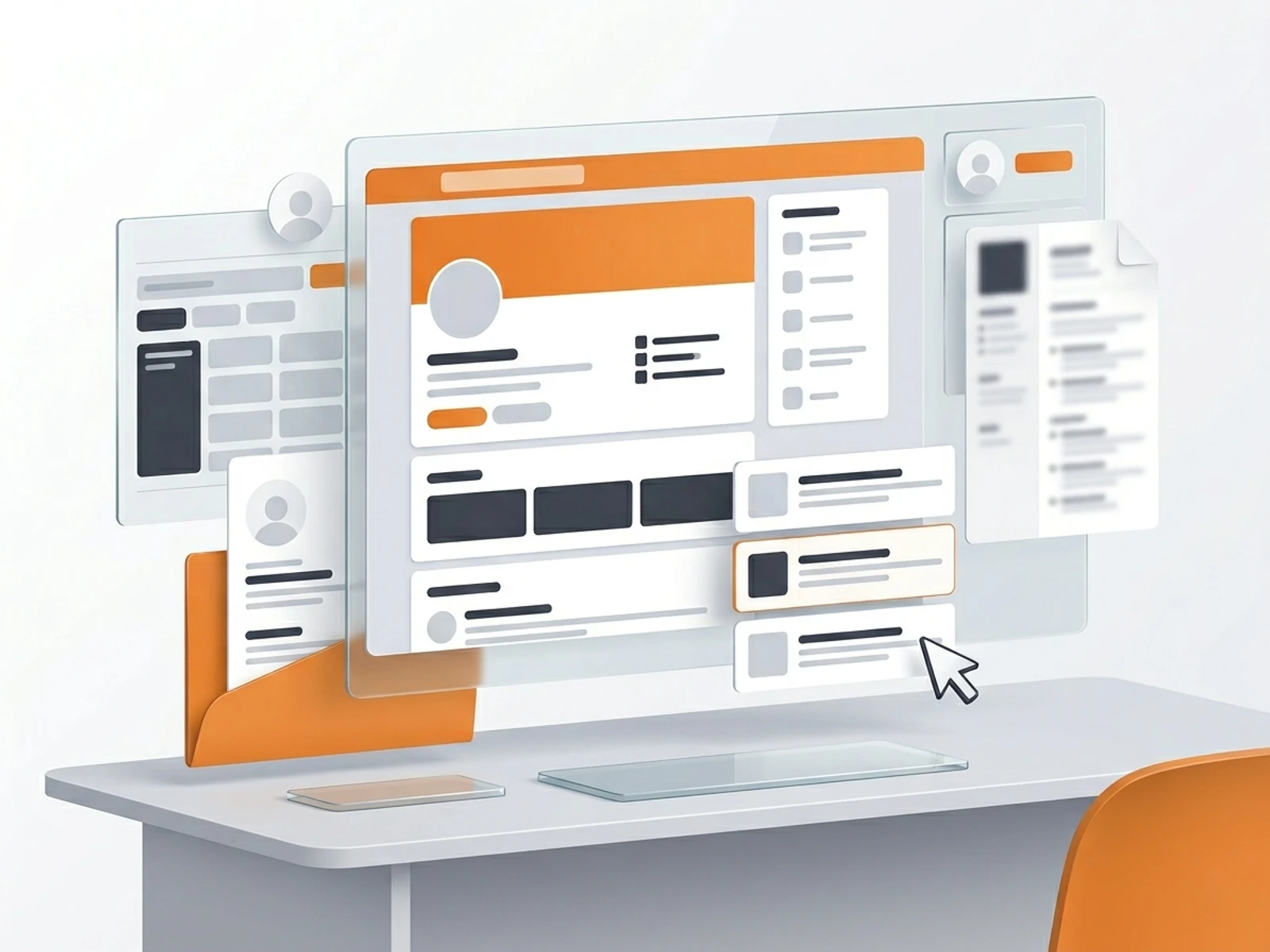
LinkedIn Headline Generator
Upload a resume PDF or enter your role, skills, and target job to generate headline options recruiters can find in LinkedIn search.
Resume Headline Generator
Enter your role, skills, and the job you are applying for — or upload your resume PDF — and get headline options that mirror the posting, ready for the top of your resume.
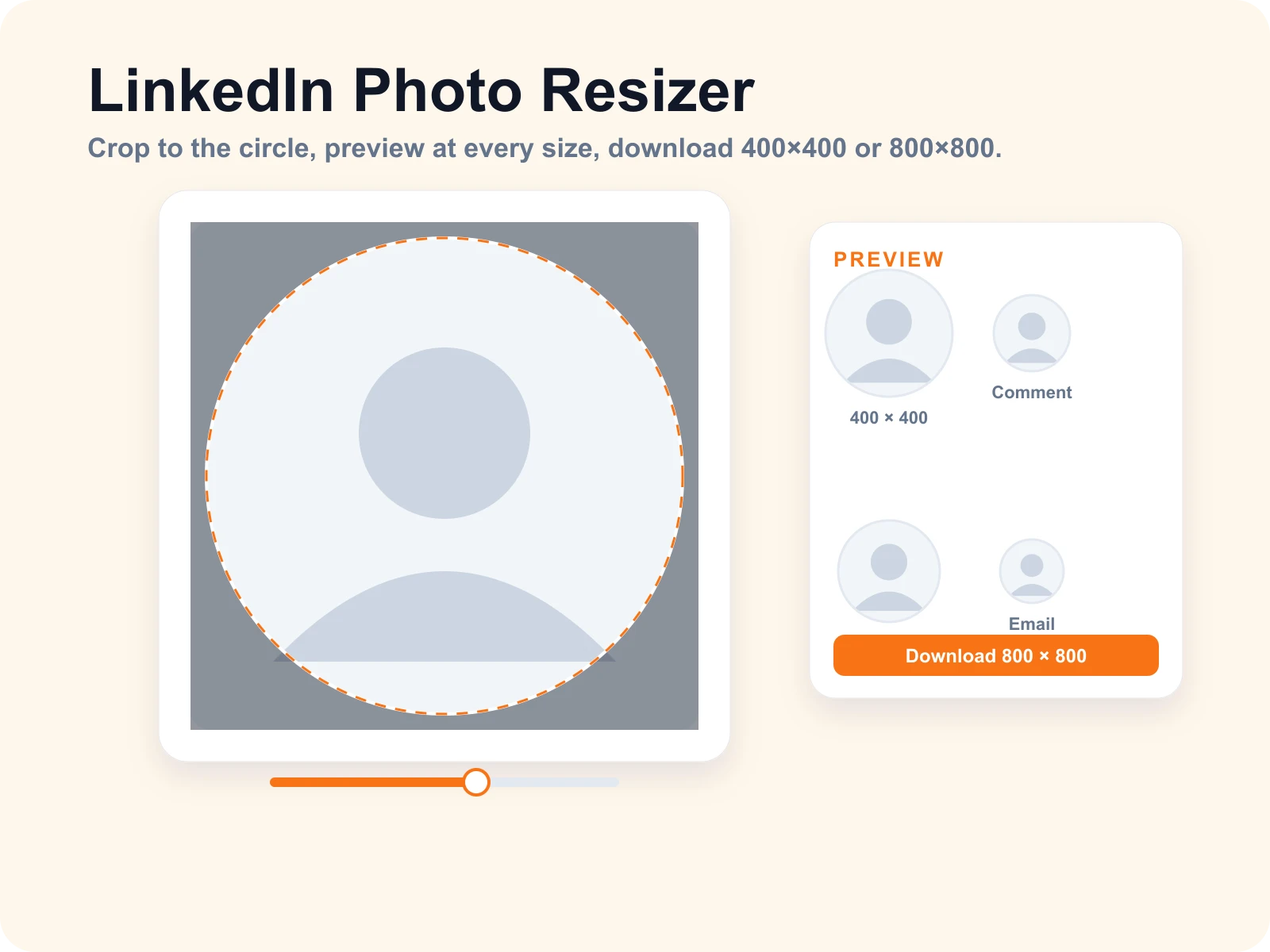
LinkedIn Photo Resizer
Drop a photo, drag it into the circle, and download it at the exact LinkedIn profile picture size. Preview how the crop reads as a comment avatar, Slack icon, and email signature before you save.
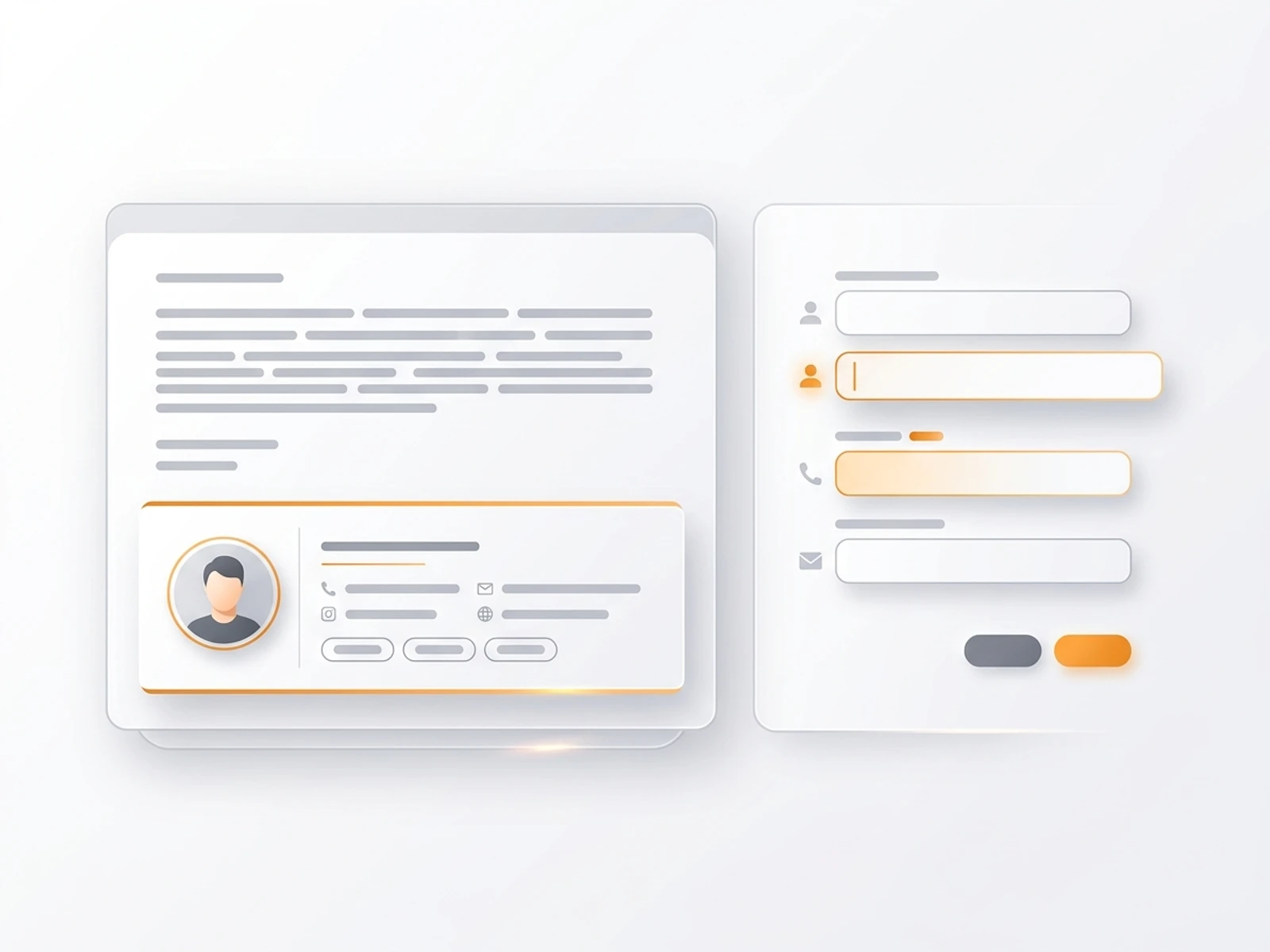
Email Signature Generator
Build a professional email signature template with your contact details, links, and optional headshot, then copy HTML or plain text.


Join 50,000+ professionals
Upload a few selfies. Get 40–100 polished headshots in 15–30 minutes. No appointments, no studio, no awkward poses.