AI Headshots vs Professional Photographer: Which Should You Choose?
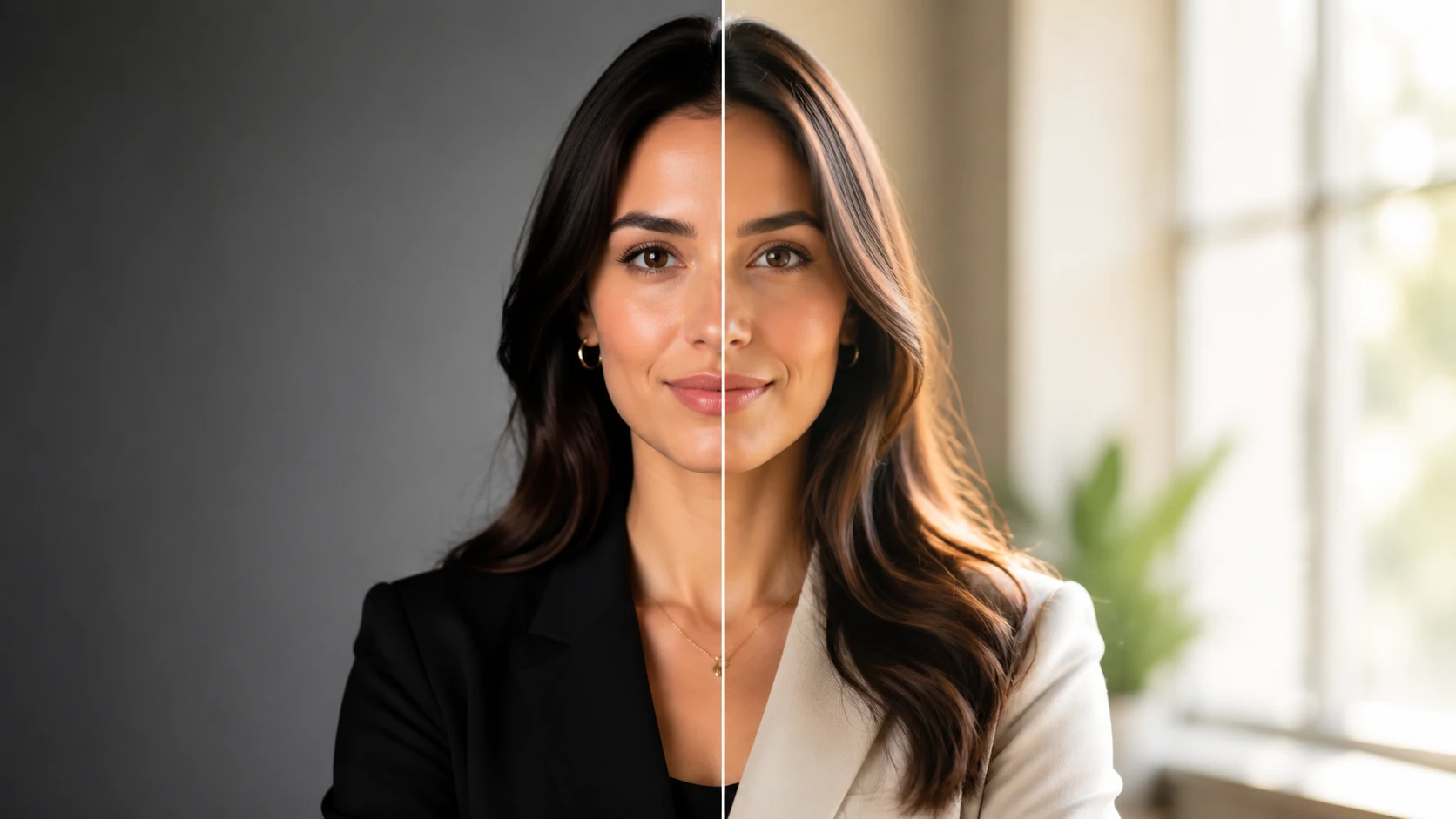
If you are weighing AI headshots vs photographer options, the short answer is this: AI headshots win on cost, speed, and consistency across a team, while a professional photographer wins on live direction, careful styling, and one-of-a-kind artistry. Neither is universally better. The right choice depends on your budget, timeline, and how much hands-on control you want over the shoot.
This guide gives you a clear decision framework instead of a sales pitch. You will find a side-by-side table, an honest look at each option, the key tradeoffs, and conditional recommendations so you can decide what fits your situation. Whether you need a single LinkedIn portrait or matching headshots for a remote team, the goal is to help you present a polished, credible image without overspending or overthinking it.
Quick Comparison Table
Before the deep dive, here is how the two options compare across the factors that matter most when you are choosing between a studio session and an AI-generated set. Use this table as a fast filter, then read the sections below for the reasoning behind each row.
| Factor | AI Headshots | Professional Photographer |
|---|---|---|
| Typical cost | Low, one-time fee | Higher, often per session or per edited image |
| Turnaround | Minutes to a few hours | Days to weeks, including editing |
| Consistency across a team | High and easy to standardize | Variable unless all shot in one session |
| Live direction | None during generation | Real-time posing and expression coaching |
| Privacy | Depends on the provider's data policy | You meet the photographer in person |
| Retouching | Built into the output | Custom, hands-on editing |
| Team use | Scales easily | Requires coordinated scheduling |
| Best fit | Speed, budget, and consistency | Premium, fully directed portraits |
AI Headshots: In-Depth Look

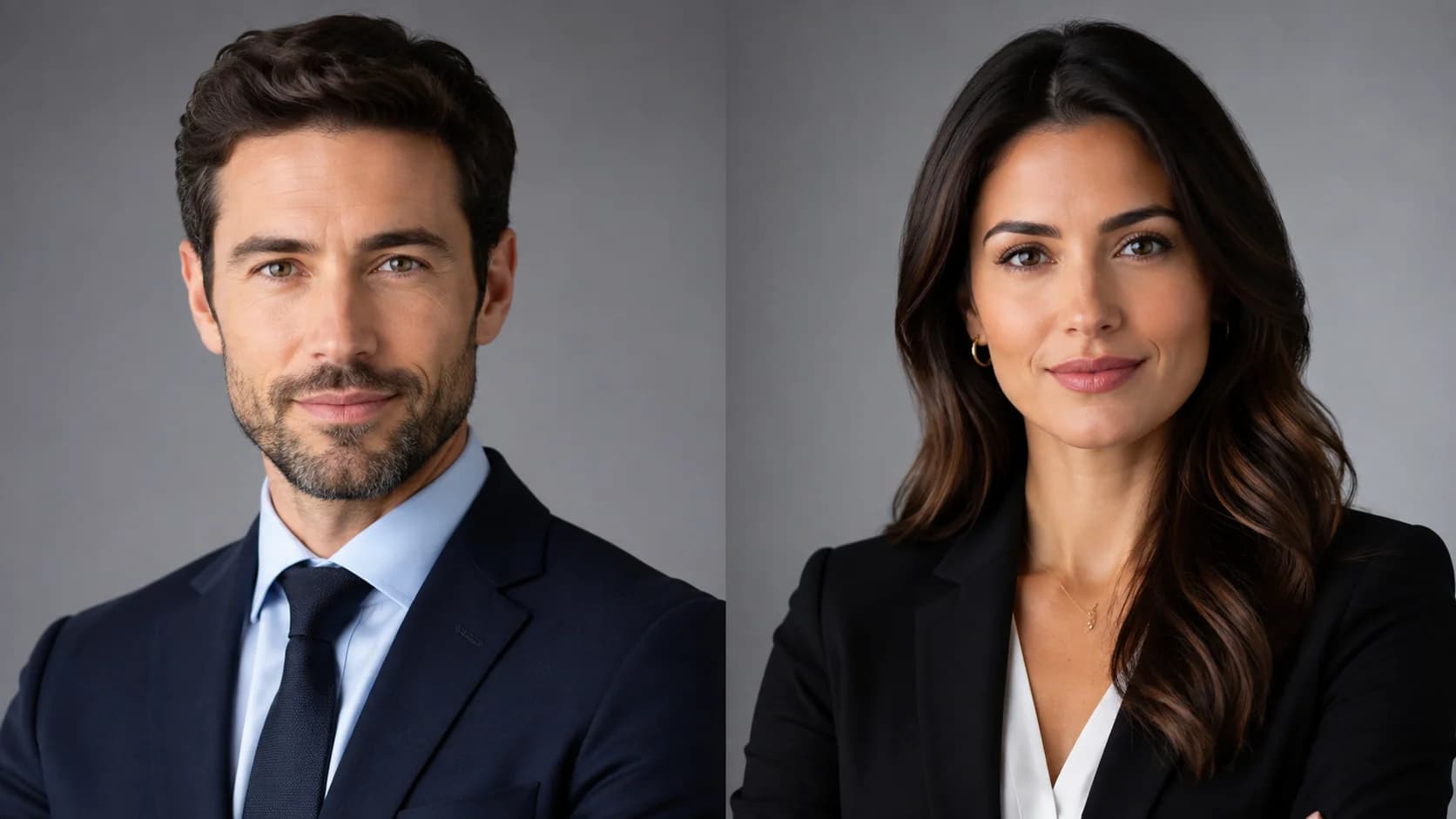
AI headshots work by training a model on a small set of your everyday photos, then generating dozens of polished portraits in different outfits, backgrounds, and lighting setups. You upload source images, wait a short time, and download a batch of results. The appeal is obvious: low cost, fast delivery, and no scheduling.
The biggest practical advantage is consistency. If you need ten people on a company page to look like they belong on the same site, AI makes it easy to apply the same background and lighting style across everyone. That is hard to replicate when team members book separate sessions with different photographers. For a closer look at how this plays out for distributed groups, see our guide to corporate headshots for teams.
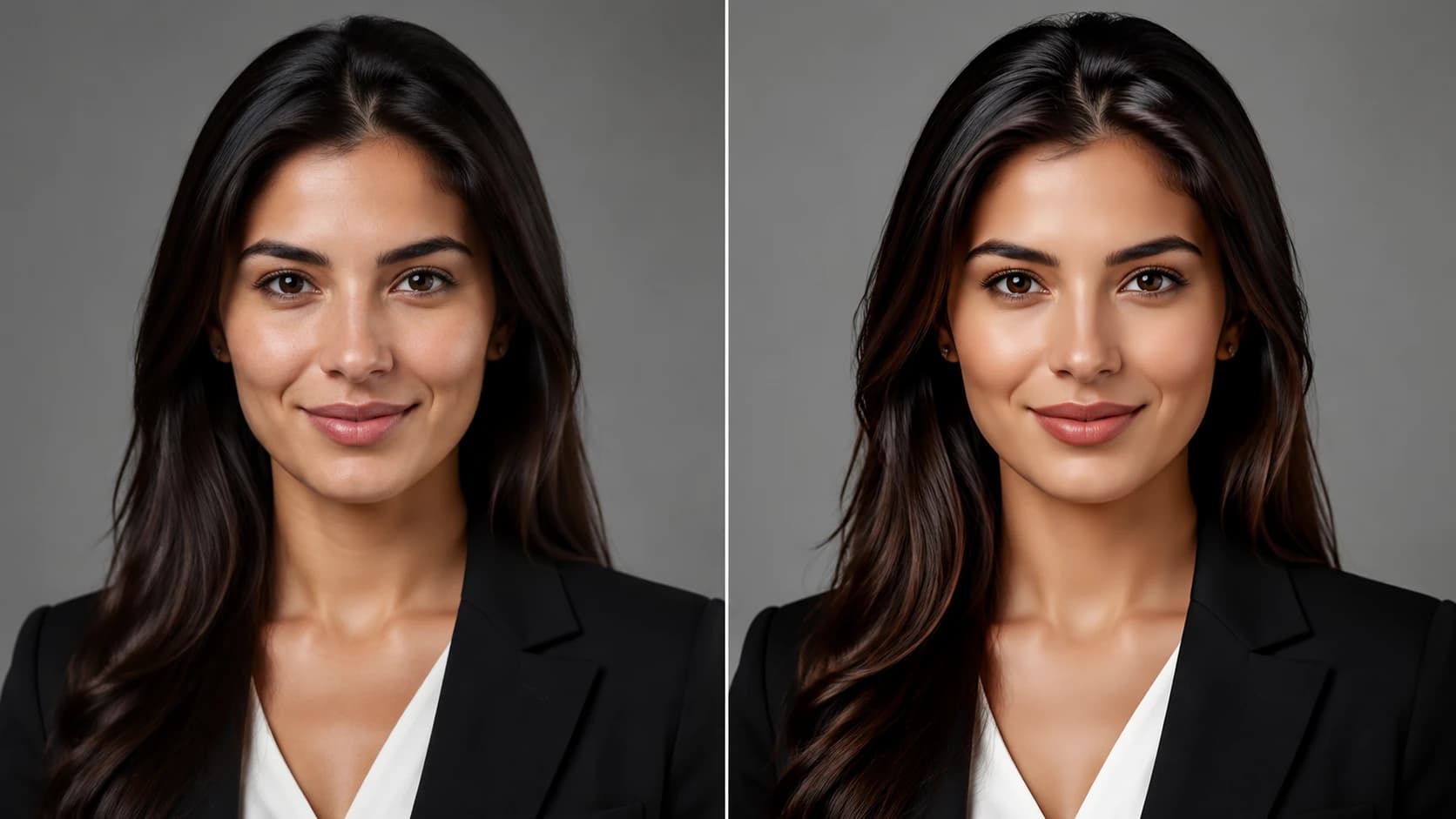
Quality has improved sharply, but it is not guaranteed. Results depend heavily on your source photos. Blurry, heavily filtered, or poorly lit inputs lead to weaker outputs, and some generated images can look slightly off around the eyes, teeth, or hairline. The fix is usually better inputs rather than more generations, which is why a careful approach to your source photos at home matters so much.
Who should avoid AI headshots: if you need a single signature portrait with very specific creative direction, distinctive lighting, or a complex environmental setting, AI may not capture exactly what you have in mind on the first try. People who want a human to coach their expression in real time will also feel the gap.
Create Professional Headshots in Minutes
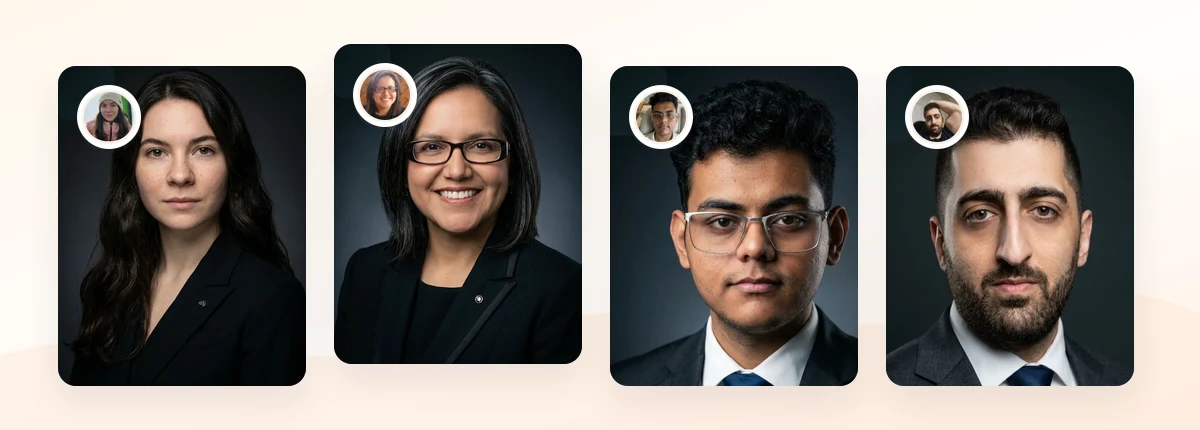
Upload 5-20 everyday photos and get 40-100 polished AI headshots for LinkedIn, resumes, company pages, and executive bios.
15-30 minute delivery • Full commercial rights • One-time payment
Get My Headshots →Professional Photographer: In-Depth Look

A professional photographer gives you something AI cannot: a person in the room. They direct your posture, adjust your expression between frames, control physical lighting, and react to what is actually happening on your face. For people who freeze up in front of a camera, that coaching can be the difference between a stiff photo and a warm, credible one.
Photographers also handle complex setups well. If you want a specific environmental background, dramatic studio lighting, or a portrait that doubles as editorial or press material, a skilled human still leads here. The retouching is bespoke too, tuned to your features rather than applied as a general style.
The tradeoffs are cost and time. Studio headshot sessions commonly run from roughly one hundred to several hundred dollars or more depending on your market, experience level, and how many edited images you receive, according to consumer pricing data from services like Thumbtack. You also need to book, travel, shoot, and wait for edits, which can stretch the full process across days or weeks. For a fuller breakdown of what you might pay either way, read our 2026 headshot cost guide.
Who should avoid a photographer: if you are on a tight budget, need images today, or have to outfit an entire distributed team with a unified look, a single studio session rarely solves that efficiently.
Key Differences
The core tradeoff in AI headshots vs photographer decisions comes down to control versus convenience. A photographer gives you human judgment in the moment; AI gives you volume, speed, and repeatability. Most other differences follow from that one split.
Cost and turnaround favor AI clearly. You pay once and receive results quickly, with no scheduling. A photographer involves a session fee, travel, and an editing window. For one person this gap is modest, but it grows fast when you multiply it across a team.
Privacy deserves attention on both sides. With a photographer, your images stay between you and a known person. With AI, your photos are processed by a service, so you should check how a provider stores, uses, and deletes uploaded data and whether your images are used to train models. Reviewing a provider's data handling, in line with general guidance from authorities like the U.S. Federal Trade Commission on consumer data, is a reasonable step before uploading.
Finally, your headshot's destination sets the standard. A polished, well-lit AI portrait is usually more than enough for a professional profile, and many platforms simply expect a clear, recent, real-looking photo of you, consistent with LinkedIn's profile photo guidance.
When to Choose Each Option
Use these conditional rules to match the option to your situation rather than guessing.
Choose AI headshots when:
- You need results fast, often the same day, for a profile update or job search.
- Budget matters and you want many usable variations from one fee.
- You are standardizing a remote or distributed team and consistency is the priority.
- You are comfortable selecting strong source photos and reviewing a provider's privacy policy.
Choose a professional photographer when:
- You want live direction because you find being photographed difficult.
- You need a single, highly specific signature portrait or editorial-grade imagery.
- You have a complex creative vision involving particular lighting or environments.
- Time and budget are flexible and the in-person experience matters to you.
If you are still on the fence, browse the different headshot types to see which style and use case fits your role before committing either way. Matching the format to its destination, whether that is a resume, a company page, or an executive bio, usually clarifies the decision quickly.
Our Recommendation
For most professionals updating a LinkedIn profile, resume, or company page, AI headshots are the practical first choice. They are fast, affordable, and consistent, and modern results look polished enough for nearly every standard business context. The tradeoff you accept is the loss of in-person direction, which most people do not need for a routine profile photo.
Reserve a professional photographer for the cases where human direction genuinely pays off: premium personal branding, press and editorial use, complex creative setups, or simply preferring a guided in-studio experience. The deciding factor is not which technology is newer, but how much creative control and live coaching your specific headshot actually requires.
Create Professional Headshots in Minutes
Upload 5-20 everyday photos and get 40-100 polished AI headshots for LinkedIn, resumes, company pages, and executive bios.
15-30 minute delivery • Full commercial rights • One-time payment
Get My Headshots →Conclusion
The AI headshots vs photographer question has no single winner, only a best fit. AI delivers speed, value, and consistency that scales across people and platforms, while a photographer offers live direction and custom artistry for premium or highly specific needs. Map the option to your budget, timeline, and the level of creative control you want, and the choice becomes clear.
Start by gathering a small set of clear, well-lit source photos and deciding where the headshot will live, whether that is a profile, resume, or team page. Choose the style that fits the channel, and keep the final step simple by using the CTA below when you are ready to create your set.
Related guides: For next steps, use Executive Headshots: How Leaders Should Look in 2026, JCPenney Headshots Cost vs AI Headshots: Which Is Better for Work Profiles?, Lawyer Headshots: How Attorneys Should Balance Authority and Approachability, and Photographers for Professional Headshots: Cost, and When AI Is Enough to connect this advice with the rest of your professional headshot plan.
FAQ
Common questions about choosing between AI headshots and a professional photographer.
Are AI headshots worth it compared to a photographer?
For most professional profiles, AI headshots are worth it because they deliver polished, consistent results quickly and affordably. A photographer is worth the premium when you need live direction, editorial-grade imagery, or a complex custom setup.
Do AI headshots look real and professional?
Modern AI headshots can look natural and professional, but the quality depends heavily on your source photos. Clear, well-lit, unfiltered inputs produce the most convincing and credible results.
Is a professional headshot photographer alternative cheaper?
Yes, AI headshots are typically a more affordable professional headshot photographer alternative, usually charging one flat fee for many images instead of a per-session or per-edit rate.
Are AI headshots private and safe to use?
It depends on the provider. Before uploading, review how the service stores, uses, and deletes your photos, and whether your images are used to train models. A clear, transparent data policy is a good sign.
Can AI headshots keep a whole team consistent?
Yes. AI makes it easy to apply the same background and lighting style across many people, which is one of its strongest advantages over coordinating separate studio sessions for a distributed team.