LinkedIn Headshots: Complete 2026 Guide for Professionals
·10 min read
Introduction
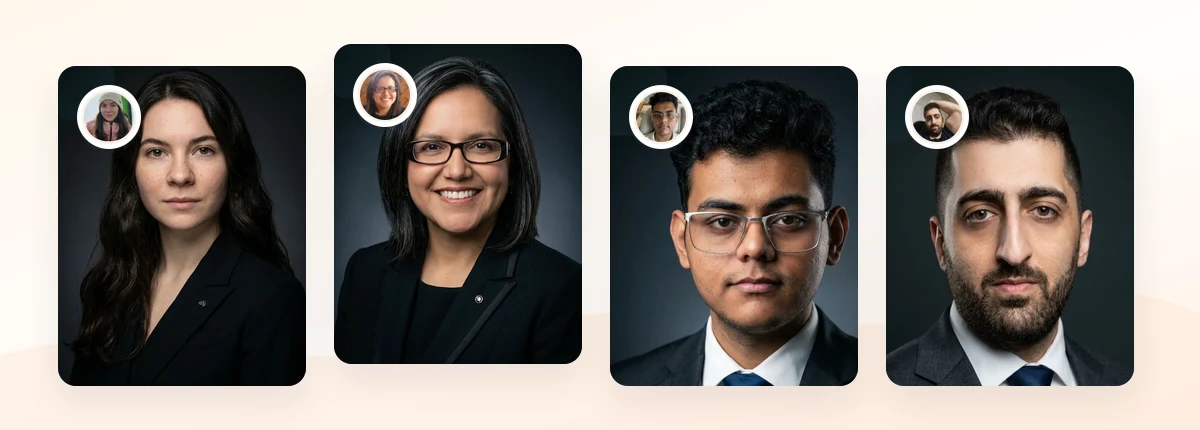
Your LinkedIn headshot is the first thing a recruiter, client, or hiring manager sees, often before they read a single line of your profile. Strong LinkedIn headshots look like you on a good day: clear face, steady eye contact, clean background, and attire that matches your field. That is the short answer. The rest of this guide shows you how to get there.
LinkedIn itself treats your profile photo as a core part of how you present professionally, and the platform recommends a clear, recent image where you are recognizable (LinkedIn Help: profile photo guidance). The hard part is the practical detail: how tight to crop, what to wear, which background reads as credible, and whether to book a studio or generate AI headshots.
This 2026 guide covers profile photo expectations, framing, wardrobe, backgrounds, real examples, and a clear decision rule for AI versus studio so you can upgrade your professional LinkedIn photo without guesswork.
Disclosure: This guide is published by ProfessionalHeadshot.io and features our own AI headshot service, which we link to below. We may earn revenue if you choose to use it.
Key Takeaways
Crop tight, not extreme. Head-and-shoulders framing with your face filling most of the circular crop reads best at LinkedIn's small display size.
Match attire to your field. Dress one notch above your daily work norm so the photo signals credibility without looking staged.
Keep backgrounds calm. Neutral gray, soft office tones, or gentle outdoor blur keep attention on your face.
Choose AI or studio by need. AI headshots win on speed, cost, and consistency; a studio shoot wins when you want live direction or a very specific creative look.
LinkedIn Headshot Requirements
LinkedIn displays your profile photo as a circle, and that single design choice changes everything. A photo that looks balanced as a rectangle can crop awkwardly once the corners disappear. Your face needs to sit comfortably inside the circle with a little breathing room above your head and at your shoulders.
LinkedIn recommends uploading a photo of at least 400 x 400 pixels, with support for larger square images up to 7680 x 4320 pixels, so resolution is rarely the limiting factor (LinkedIn photo size guidelines). The real constraints are framing and clarity at thumbnail scale.
Here is what a strong LinkedIn profile picture needs to do at a glance:
Requirement
What it means in practice
Recognizable face
You should be identifiable to someone meeting you in person; avoid heavy filters or extreme angles.
Head-and-shoulders crop
Top of the head near the frame edge, cut around mid-chest, face centered in the circle.
Even, flattering light
Soft front or window light; no harsh shadows across the face.
Calm background
Neutral or softly blurred so nothing competes with your expression.
Current and consistent
Reflects how you look now and matches your resume and company bio.
If your photo meets these five points, you are already ahead of most profiles. The next sections show how to hit each one deliberately.
AI Headshot Strategy for LinkedIn
AI professional headshots have become a practical way to refresh a LinkedIn photo because they solve the two problems most people face: time and consistency. Instead of booking a session, you upload a set of everyday photos and receive polished, studio-style results in a range of looks. For a single, dependable profile picture, that workflow removes most of the friction.
The strategy that works best is to treat AI generation like a controlled shoot rather than a lottery. Start by deciding your target look before you generate anything: business-casual for a consultant, suited for finance or law, approachable smart-casual for tech or design. When you know the outcome you want, you can pick source photos and select results that match instead of hoping something usable appears.
If you want to see how different LinkedIn-ready styles compare side by side, review the examples and style options in this LinkedIn headshot examples overview before you start. Seeing finished looks makes it far easier to judge your own outputs against a credible standard.
Source photo quality drives everything. Five to twenty clear, well-lit photos of your real face, from a few mild angles, give an AI model enough to work with. Avoid sunglasses, heavy shadows, group shots, and duplicate poses. If you need help capturing usable source images, our guide on professional headshots at home walks through lighting and framing with just a phone.
Finally, generate a few variations rather than one. Keep the result that looks most like you on a confident, relaxed day, not the most heavily retouched one. Recruiters and clients respond to authenticity, and a headshot that no longer resembles the person who shows up to the meeting undermines the trust the photo was meant to build.
Create Professional Headshots in Minutes
Upload 5-20 everyday photos and get 40-100 polished AI headshots for LinkedIn, resumes, company pages, and executive bios.
15-30 minute delivery • Full commercial rights • One-time payment
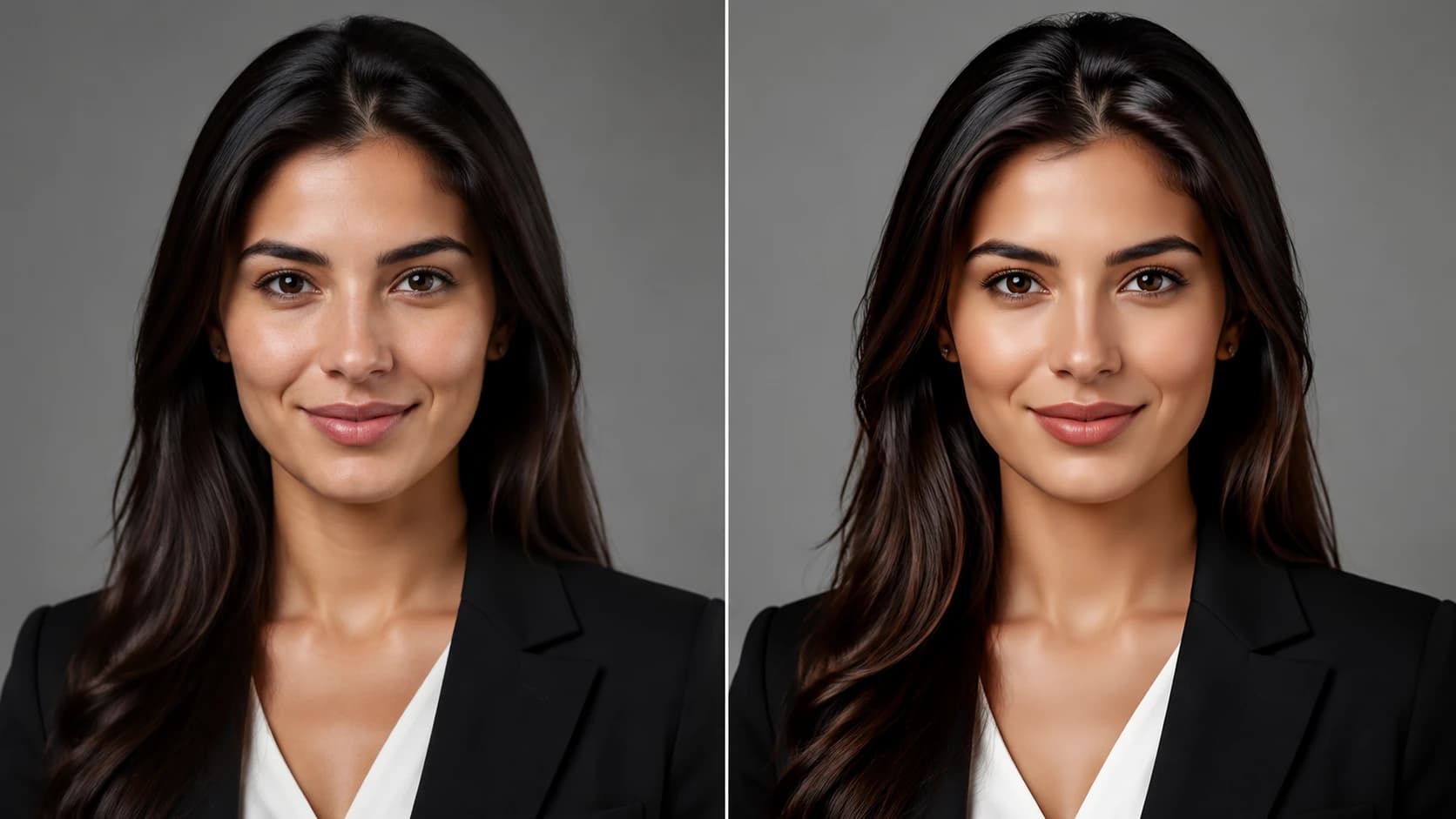
Get My Headshots →A clean head-and-shoulders crop with even light reads well even at LinkedIn's small display size.
What Works for LinkedIn Headshots
Effective LinkedIn headshots share a few reliable traits. Research on how people read profile photos suggests that perceived competence, likability, and trustworthiness all rise with a genuine expression and clear eyes (PhotoFeeler photo perception tips). In plain terms: look like someone people would want to work with.
Use this quick reference to match your look to your professional context:
Field
Attire
Background
Expression
Finance, law, consulting
Suit or blazer, structured
Neutral gray or dark
Composed, slight smile
Tech, startups
Smart-casual, collared shirt or blazer
Soft office or light gray
Warm, approachable
Creative, marketing
Polished but expressive
Subtle color or textured
Confident, engaged
Healthcare, education
Clean, professional, understated
Light neutral
Calm, reassuring
Beyond the table, a few things consistently help. Eye contact with the camera builds connection. A real, relaxed expression beats a forced grin, and a soft smile that reaches the eyes reads as genuine. Good lighting on the face does more than any wardrobe choice, so prioritize even, flattering light over a clever pose. For wardrobe specifics across roles, see our breakdown of what to wear for professional headshots.
What to Avoid for LinkedIn Headshots
Most weak LinkedIn profile pictures fail for predictable reasons. Avoiding these mistakes is often more important than chasing a perfect look.
Cropped group photos. A visible arm or stray shoulder signals low effort and distracts in the circular frame.
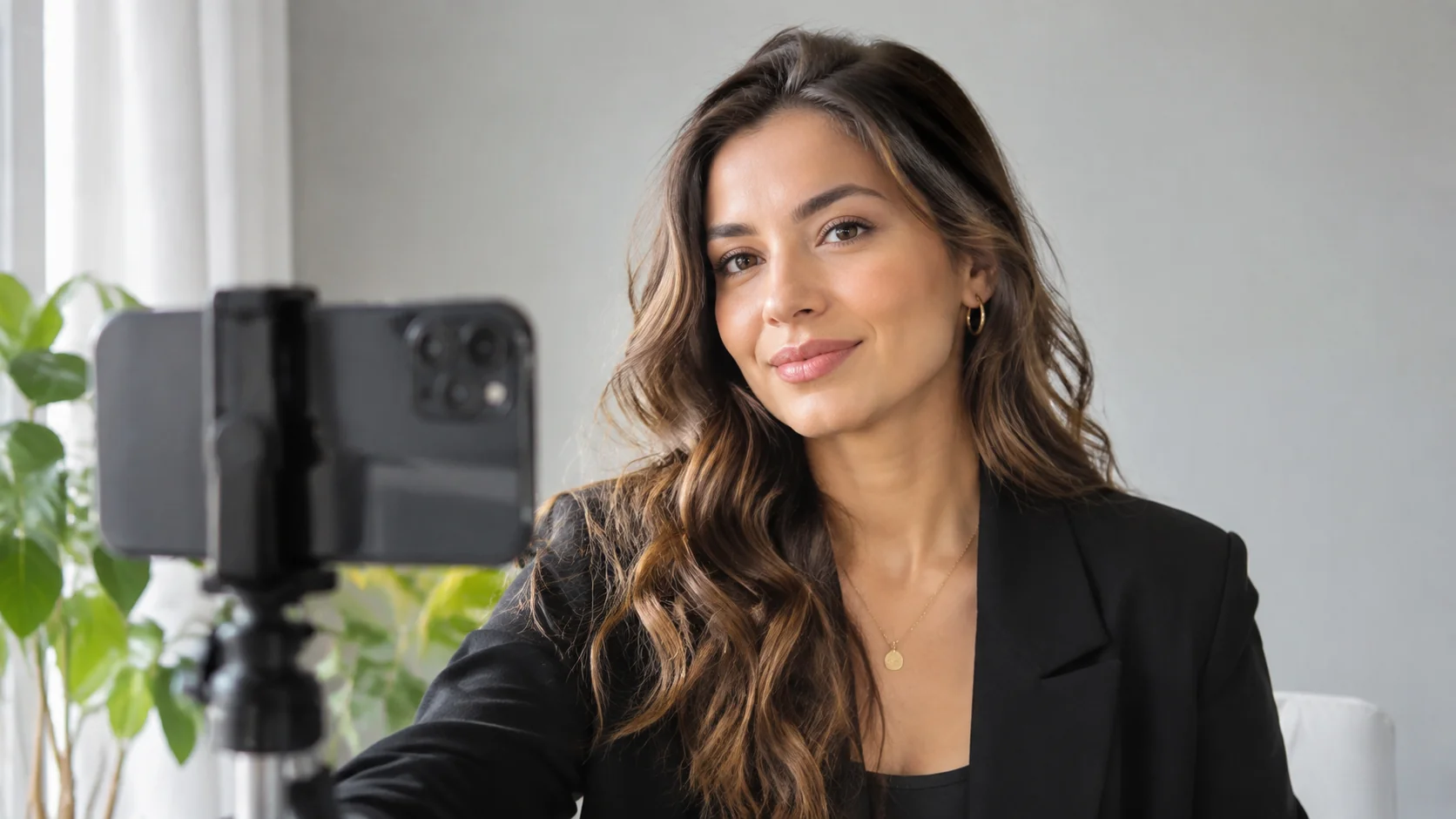
Selfies and casual snapshots. Phone-arm angles, bathroom mirrors, and party lighting undercut a professional impression.
Heavy filters or over-retouching. Smoothed skin and altered features make you less recognizable and can erode trust when you meet in person.
Busy or distracting backgrounds. Bookshelves, logos, doorways, and crowds pull attention away from your face.
Sunglasses, hats, or extreme angles. Anything that hides your eyes or face weakens connection.
Outdated photos. A picture from a decade ago creates a small but real credibility gap when expectations meet reality.
One subtler trap is mismatched tone. A heavily stylized creative portrait can be excellent for an artist's portfolio yet feel off-key for a compliance officer. Match the photo to the audience you are trying to reach, not to a generic idea of "professional."
Step-by-Step: Optimizing Your LinkedIn Headshot
Prerequisites: a clear idea of your field's norms, a phone or set of recent photos, and 20-30 minutes.
Define your target look. Decide on attire level and tone (suited, business-casual, smart-casual) based on your industry and seniority. Write it down so every later choice supports it.
Gather or capture source photos. Use even, indirect light such as a window. Shoot head-and-shoulders, eyes to camera, a few mild angles, plain background. Aim for clear, varied, recognizable images.
Choose your production path. Generate AI headshots for speed and a range of options, or book a studio if you want live direction. Either way, target the look you defined in step one.
Select the strongest result. Pick the image where you look like yourself on a confident day, with even light, a relaxed expression, and a calm background. Resist the most retouched option.
Crop for the circle. Frame head-and-shoulders so your face fills most of the square, with light space above your head. Preview at thumbnail size to confirm it stays clear.
Upload and align your profile. Add the photo at 400 x 400 pixels or larger, then make sure your resume and company bio use a consistent image so people recognize you across channels.
Common mistakes: skipping the thumbnail preview, choosing a result that looks too polished to match real life, and forgetting to update your photo everywhere it appears.
Expected outcome: a clear, current, recognizable LinkedIn headshot that reads as credible and approachable at any size.
Strong LinkedIn headshots come down to a few deliberate choices: a tight head-and-shoulders crop, attire that fits your field, even light, a calm background, and an expression that looks genuinely like you. Get those right and your professional LinkedIn photo will build recruiter and client trust before anyone reads your headline.
Start with a small set of clear source photos, decide on the look that fits your industry and seniority, and then choose between AI generation and a studio session based on how much speed, consistency, and direction you need. The goal is a photo that still feels accurate when you walk into the room.
When you are ready to refresh your LinkedIn headshots, prepare your source photos and let the final conversion happen in the CTA block below.
Create Professional Headshots in Minutes
Upload 5-20 everyday photos and get 40-100 polished AI headshots for LinkedIn, resumes, company pages, and executive bios.
15-30 minute delivery • Full commercial rights • One-time payment
A good LinkedIn headshot is recent, recognizable, and clearly lit, with a head-and-shoulders crop, a calm background, and attire that matches your field. A genuine, relaxed expression and direct eye contact help it read as credible and approachable.
What should I wear for a LinkedIn profile picture?
Dress about one notch above your daily work norm. Finance, law, and consulting suit blazers or suits; tech and creative roles can use polished smart-casual. Choose solid, non-distracting colors that keep attention on your face.
Are AI headshots good enough for LinkedIn?
Yes, when used carefully. AI professional headshots can produce clear, studio-style images quickly and consistently. The key is using good source photos and selecting a result that still looks like you, rather than an over-retouched version.
How should I crop my LinkedIn photo?
Use a head-and-shoulders crop where your face fills most of the square frame, with a little space above your head. Because LinkedIn displays photos as a circle, preview the image at thumbnail size before saving.
How often should I update my LinkedIn headshot?
Update it whenever your appearance changes noticeably or every few years, so the photo still matches how you look in person. Keeping it consistent with your resume and company bio reinforces recognition and trust.