Business Headshots: Examples, Use Cases, and AI Workflow
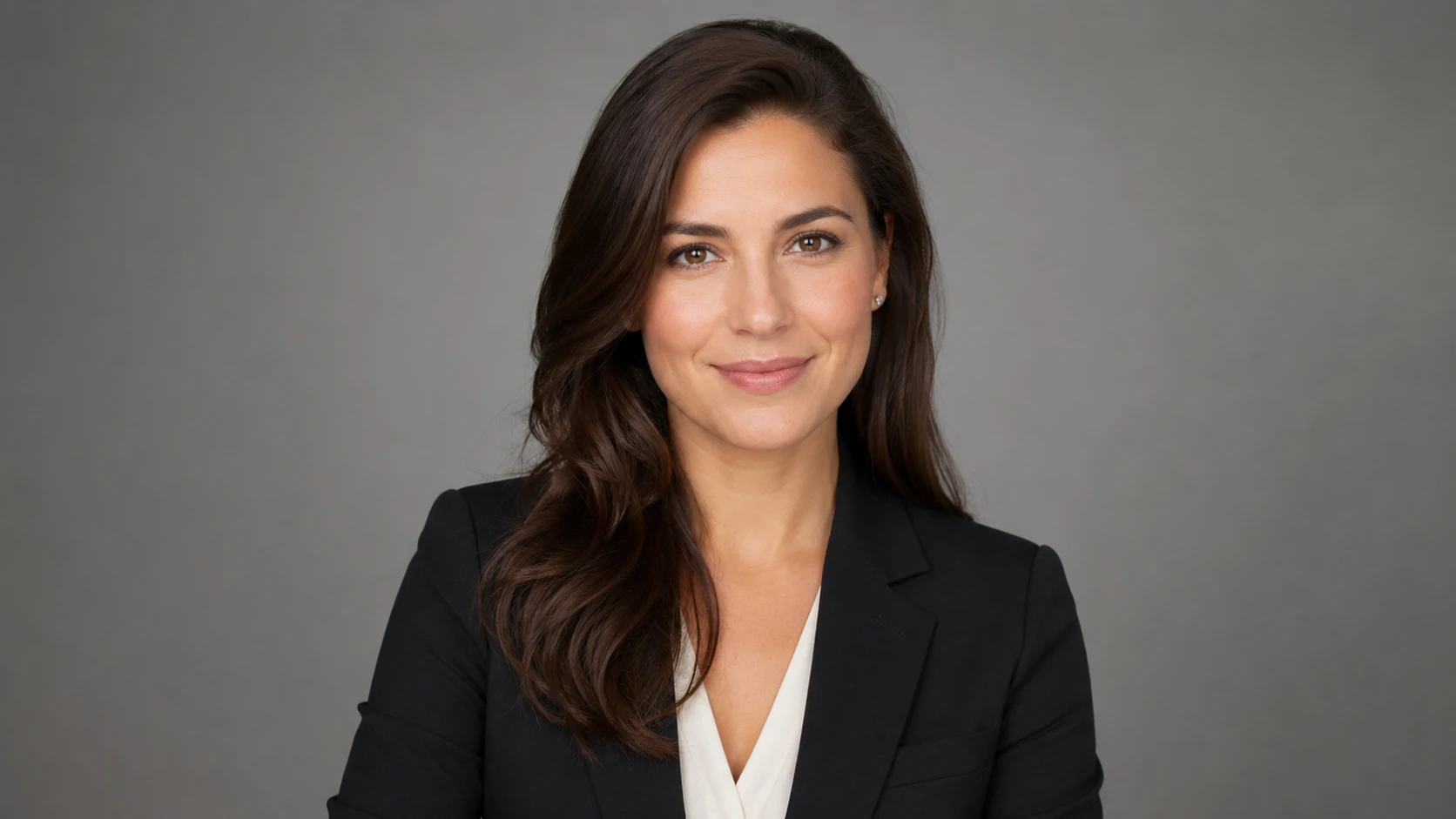
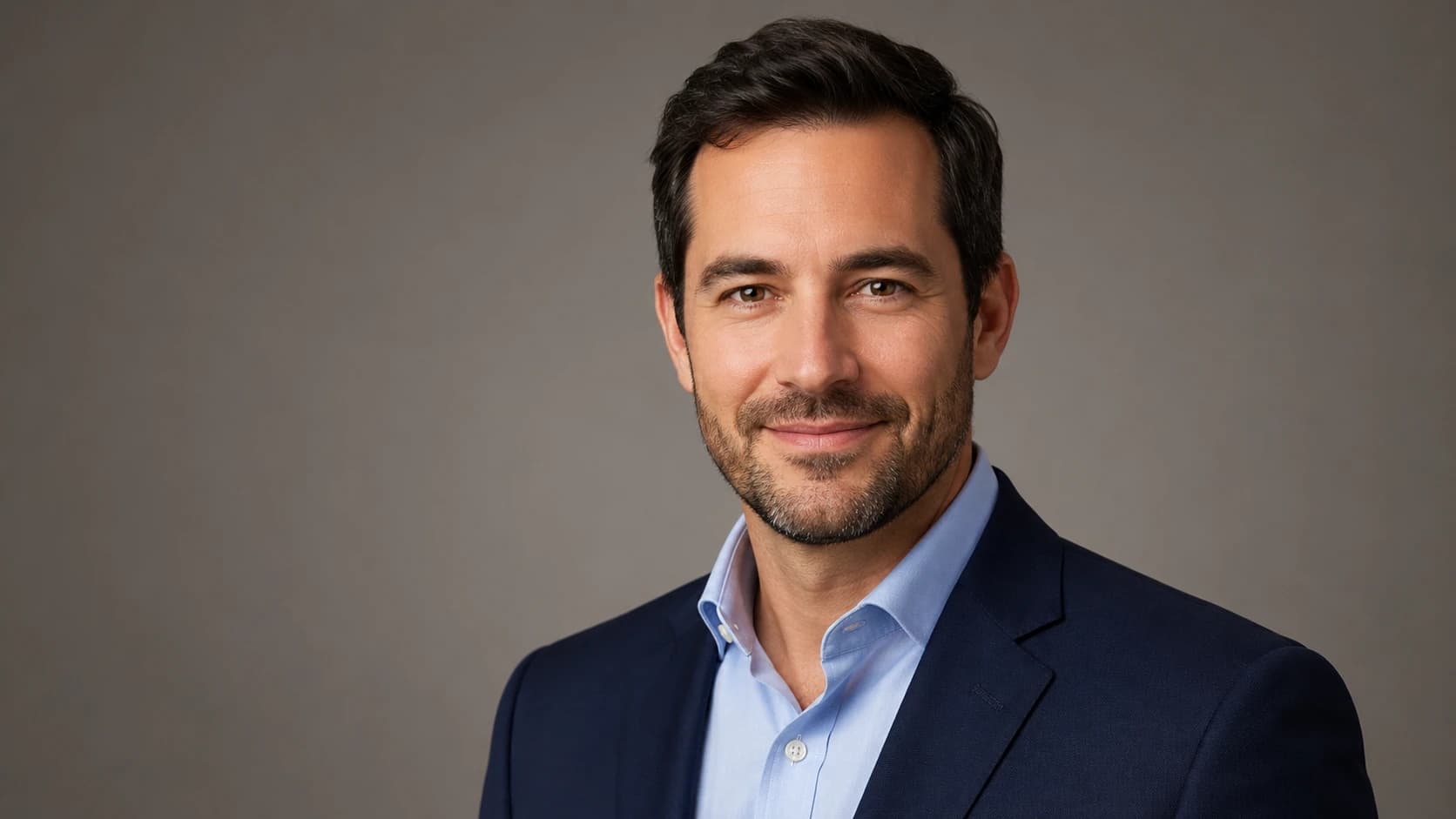
Your business headshot is the one professional photo you'll end up reusing everywhere: LinkedIn, your email signature, a company bio, a press kit, a speaker profile. The job it has to do is simple but important—give people one credible, natural-looking image that signals your role and approachability before they've read a single word about you. This guide walks through business headshot examples by use case, explains why the right photo shifts from one channel to the next, and shows you an AI workflow that gets you there without ever booking a studio.
If you take away just one thing: a strong business profile photo is consistent, current, and framed for the smallest place it'll show up—which is usually a tiny circular avatar. Everything below is about hitting that bar on purpose rather than by accident.
Introduction
Most professionals don't need a dozen different portraits. They need one professional business photo that holds up everywhere they show up online. The catch is that a photo looking perfectly fine in a full-size company bio can come across as cramped or amateurish when it's shrunk to a 100-pixel LinkedIn thumbnail.
That mismatch is exactly why people sense their headshot is "off" without being able to say why. According to LinkedIn's own profile photo guidance, a clear, recent face shot helps people recognize and trust you—and that same logic carries over to every other business channel. So this article treats your headshot as what it really is: a small, reusable asset worth getting right once.
Key Takeaways
- One image, many uses: A good business headshot should work on LinkedIn, in email, in a company bio, in a press kit, and on a speaker page—no re-shoot required.
- Frame for the smallest view: Most channels crop to a small circle or square, so let your face fill the frame with just a little breathing room.
- Consistency builds recognition: Using the same photo across channels makes you easier to remember and trust.
- AI makes iteration cheap: An AI workflow lets you produce and test several polished variations from everyday photos in minutes.
Business Headshot Requirements

A business headshot isn't a portrait for its own sake. It's a functional image that has to perform across very different layouts—and what counts as "good" shifts depending on where it lands.
Here are the most common business use cases and what each one asks of your photo. Use it as a quick reference when you're weighing your options.
| Use Case | Typical Crop | What It Needs |
|---|---|---|
| LinkedIn profile | Small circle | Face fills frame, friendly expression, clean background |
| Email signature | Tiny square | High contrast, recognizable at a glance |
| Company bio page | Square or 4:3 | Consistent with teammates' style and background |
| Press kit / media | High-res, flexible crop | Sharp detail, neutral or branded background |
| Speaker / event profile | Square or landscape | Confident, approachable, slightly more personality |
The pattern is hard to miss: the more public the channel, the more your photo needs to look deliberate. A casual cropped selfie might survive a private chat tool, but it actively undercuts a press kit or a conference speaker page. So aim for one image that satisfies the strictest use on your list.
AI Headshot Strategy for Business Professionals
The traditional route is a studio session: schedule it, pay for it, walk away with a handful of edited frames, and hope one works everywhere. That still produces excellent results—but it's slow, and you usually can't easily test different looks. An AI workflow flips that tradeoff. You supply everyday photos and get back a range of polished variations to choose from.
The approach that works best for business profile photos is straightforward: start broad, then narrow. Generate several styles, pick the one that fits the most demanding channel on your list, and reuse it everywhere for consistency.
Here's how to think about it depending on your goal:
- Need recruiter and client trust? Go with a clean, neutral look that reads well as a small thumbnail. You can compare options built for exactly this in our business headshot options overview before you settle on a style.
- Building a personal brand? Pick a background and wardrobe that quietly hint at your field while staying professional.
- Updating a team page? Match the lighting and background so everyone looks like part of the same organization instead of a random pile of photos.
One real advantage of going the AI route is how little each iteration costs. Because generating a new variation is fast and cheap, you can actually test which expression and background look right in a tiny avatar instead of guessing. And if you want platform-specific styling, our LinkedIn headshot guide breaks down what performs best in that exact crop.
Create Professional Headshots in Minutes
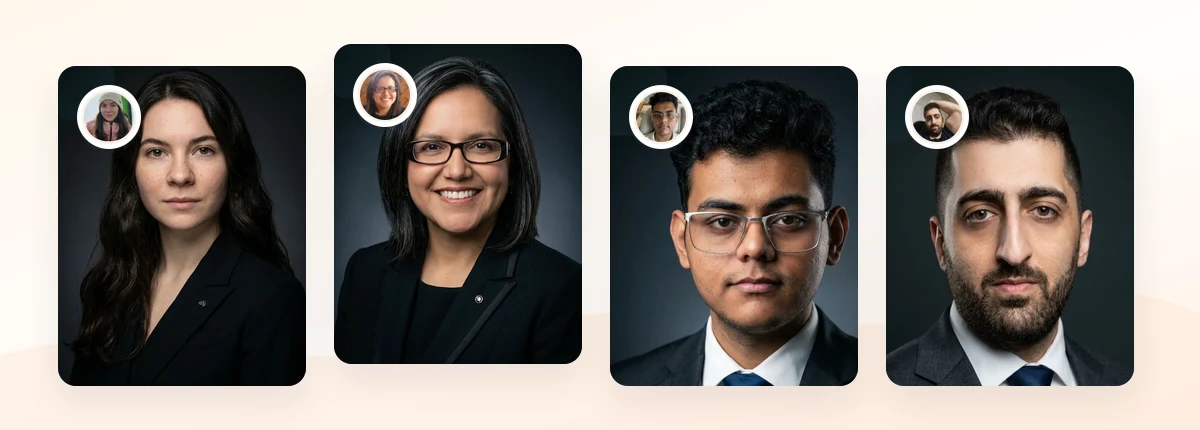
Upload 5-20 everyday photos and get 40-100 polished AI headshots for LinkedIn, resumes, company pages, and executive bios.
15-30 minute delivery • Full commercial rights • One-time payment
Get My Headshots →What Works for Business Headshots
Across every business use case, a handful of choices reliably produce a credible, approachable result. These hold true whether you're refreshing a LinkedIn photo or pulling together a press kit.
Tight, balanced framing. Your head and the top of your shoulders should fill most of the frame, with a small margin above your head. This survives aggressive circular cropping far better than a wide shot ever will.
A clean, uncluttered background. Neutral gray, soft office tones, or a simple blurred environment keeps the attention on your face. Busy backgrounds compete with you—and they only look worse as the image gets smaller.
Even, flattering light. Soft front light avoids harsh shadows and makes you look approachable. It's one of the easiest things to get right, and also one of the most common things people get wrong.
An expression that matches your field. A warm, closed-mouth smile or a relaxed, confident look works for most business contexts. Match the energy to your audience—client services skews warmer, while legal and finance often skew calmer.
Wardrobe one notch above your daily norm. Solid, muted colors photograph best. For a full breakdown by gender and team, see our guide on what to wear for professional headshots.
What to Avoid for Business Headshots
Most weak business headshots fail for the same predictable reasons. Steering clear of these matters more than chasing any single "perfect" look.
- Cropped group photos and casual selfies. A photo where you've obviously cut out a friend, or shot at arm's length, reads as unprofessional—even when the smile is great.
- Outdated images. A photo that no longer looks like you opens a small but real credibility gap the moment you meet someone in person.
- Heavy filters or over-editing. Skin that looks plastic or unnatural quietly erodes trust. You're going for polished, not artificial.
- Distracting backgrounds. Bookshelves, doorways, and busy rooms pull focus and look cluttered once they're shrunk to a thumbnail.
- Sunglasses, hats, or extreme angles. Anything that hides or distorts your face works against recognition.
- Inconsistent photos across channels. A different image on every platform makes you harder to recognize and weakens your presence overall.
If your current photo trips any of these, it's worth replacing—even a clean, simple update usually beats a flawed but "interesting" image.
Step-by-Step: Optimizing Your Business Headshot

Use this workflow to go from everyday photos to one reusable business profile photo.
- Define where it will appear. List your channels—LinkedIn, email, company bio, press kit, speaker page. Note the strictest crop (usually a small circle) and design for that.
- Gather strong source photos. Choose recent, well-lit images that clearly show your face from different angles. That variety helps an AI workflow learn your features accurately; our guide on professional headshots at home covers how to capture good source shots.
- Pick a style for the channel. Start with a neutral, professional look. You can always generate a second, more branded variation later.
- Generate and compare variations. Review your options at thumbnail size, not just full size. The winner is the one that still reads clearly when it's small.
- Check expression and background. Make sure the smile feels natural and the background is clean and consistent with your context.
- Export the right sizes. Keep a high-resolution version for press and bio pages, plus a properly cropped square for avatars.
- Update every channel at once. Swap your photo everywhere in a single pass so your presence stays consistent.
This is also where cost comes into the picture. Traditional studio sessions commonly run anywhere from roughly $100 to several hundred dollars per session, depending on your market and the photographer, based on widely reported headshot pricing ranges. The main draw of an AI workflow is producing many options for a fraction of that cost and time—just be sure to verify the commercial usage rights for wherever you plan to publish.
Related guides: For next steps, use Headshot Backgrounds: White, Gray, Office, or Outdoor?, Consultant Headshots: Build Trust Before the First Call, and Instagram Headshots: Profile Photos That Work Across Social to connect this advice with the rest of your professional headshot plan.
Final Thoughts
A strong business headshot does one job well: it tells people your role, your credibility, and your approachability before they read anything else. By framing for the smallest crop, keeping the background clean, and using one consistent professional business photo across every channel, you turn a small image into a dependable first impression.
Start with a handful of clear, recent source photos, choose a style that fits the most demanding place your business headshots will appear, and generate a few variations so you can compare them at thumbnail size. When you're ready to create your own polished options, the CTA below will take you straight there.
Create Professional Headshots in Minutes
Upload 5-20 everyday photos and get 40-100 polished AI headshots for LinkedIn, resumes, company pages, and executive bios.
15-30 minute delivery • Full commercial rights • One-time payment
Get My Headshots →FAQ
Common questions about business headshots and how to create one that works across channels.
What is a business headshot?
A business headshot is a professional photo of your face and shoulders that you reuse across business channels like LinkedIn, email signatures, company bios, press kits, and speaker profiles. It's designed to look credible and approachable even at small sizes.
Can I use the same business headshot everywhere?
Yes—and in most cases you should. Using one consistent business profile photo across channels makes you easier to recognize and trust. Just keep a high-resolution version for press and bio pages, and a properly cropped square for avatars.
How are AI business headshots different from a studio session?
A studio session gives you live direction and a few edited frames, but it costs more and takes longer to schedule. An AI workflow takes everyday photos and produces many polished variations quickly, so you can compare looks before committing to one.
What should I wear for a business headshot?
Go with solid, muted colors and dress one notch above your daily norm. Avoid busy patterns and logos that distract at small sizes. The right choice depends on your field, so match the formality to your audience.
How often should I update my business headshot?
Update it whenever it no longer looks like you—commonly every couple of years, or sooner after a noticeable change in appearance. An outdated photo opens a small credibility gap the moment you meet people in person.