Headshot Backgrounds: White, Gray, Office, or Outdoor?

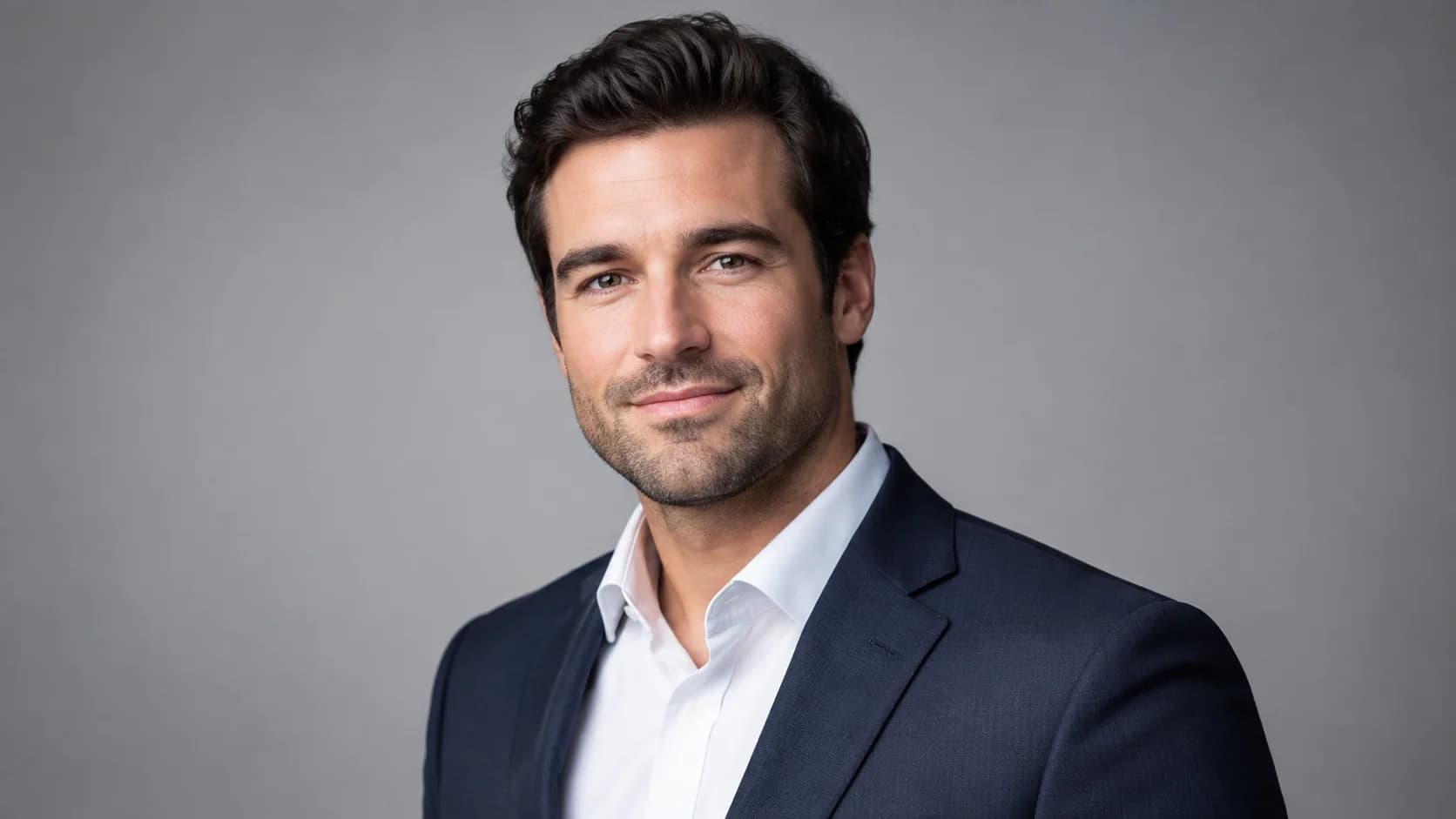
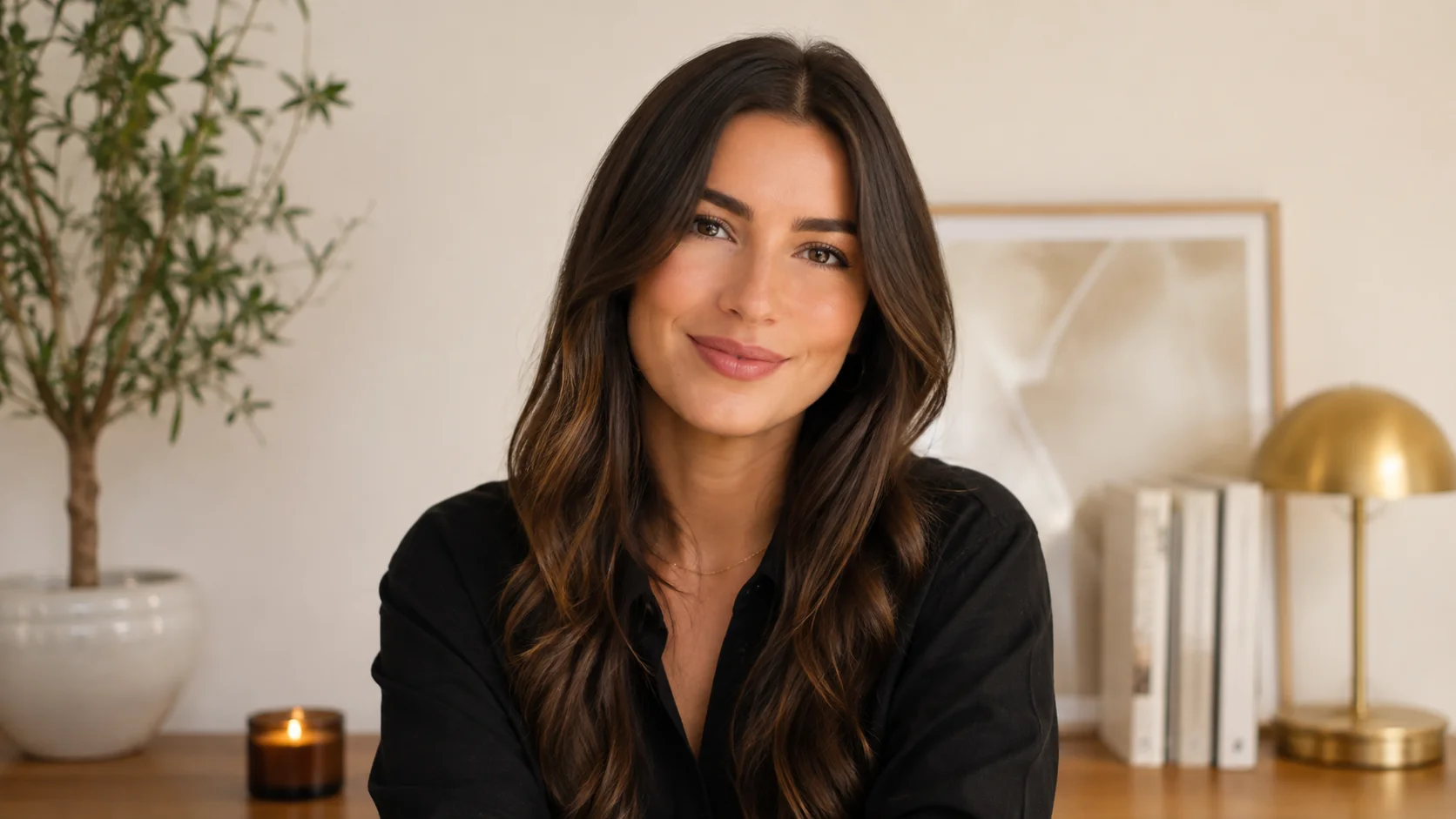
The fastest answer: for most professionals, a clean headshot background in white or light gray is the safest, most versatile choice. It keeps attention on your face, reads well on LinkedIn and resumes, and rarely looks dated. A blurred office background suits corporate and executive bios where you want to signal an established, in-the-room presence. An outdoor or natural background works when your personal brand leans approachable and creative, such as coaches, realtors, and founders.
That said, the right call depends on where the photo will live and the impression you want to set. This guide breaks down each background type by best use case, the risk it carries, and concrete examples, so you can decide before you ever shoot or generate a single image. By the end, you will have a simple rule you can apply to any channel.
Key Takeaways
- White or light gray is the most versatile professional headshot background and the safest default for LinkedIn, resumes, and directories.
- Blurred office backgrounds add credibility and context for executives, consultants, and corporate teams.
- Outdoor or natural backgrounds feel warm and personable but can look casual if the lighting or styling is off.
- Consistency matters more than the exact color when you photograph a team or update multiple profiles.
- Match the background to the channel and audience, not to a trend, and keep the focus on a sharp, well-lit face.
What Is a Headshot Background?
A headshot background is the visible space behind your head and shoulders in a professional portrait. It can be a solid color (white, gray, navy), a softly blurred environment (an office, a window, a bookshelf), or an outdoor scene (greenery, an urban wall, natural light). The background sets the tone of the image before anyone reads your name or title.
In practical terms, the background does three jobs. It separates you from the surroundings so your face stands out, it signals context such as formal, corporate, or creative, and it keeps the image clean enough to scale down to a small profile circle without becoming busy. A strong professional headshot background does all three without competing for attention.
There is also a technical side. Solid backgrounds are easy to light evenly and reproduce consistently, which is why studios and AI headshot tools favor them. Environmental backgrounds add depth and storytelling but require careful focus and lighting so the scene supports you rather than distracts. That tradeoff drives every decision below.
Why Your Headshot Background Matters
Your headshot is often the first thing a recruiter, client, or colleague sees, and the background shapes that first impression in a fraction of a second. LinkedIn notes that profiles with a clear, professional photo tend to get noticeably more engagement than those without one, which makes the surrounding frame worth getting right. (LinkedIn Help: profile photo guidance)
A cluttered or poorly lit background can undercut an otherwise good photo. A messy room, a harsh shadow on a wall, or a distracting object behind your shoulder pulls focus away from your expression and can read as unpolished. On a small screen, those flaws get magnified, not hidden.
The background also communicates fit. A charcoal studio look feels formal and executive; a bright, airy office feels modern and collaborative; greenery feels relaxed and human. Career resources widely advise choosing a simple, uncluttered backdrop so attention stays on your face and professionalism. (Indeed Career Guide on professional photos) The aim is simple: match the background to the role and the audience you want to reach.
How to Choose Your Headshot Background

Start with one question: where will this photo appear most? A resume and a LinkedIn profile reward a neutral, distraction-free look. An executive bio page or a speaker profile can carry more context, and boardroom and executive backgrounds work there in a way they would not on a resume. A realtor or coach building a personal brand may benefit from warmth. Once you know the primary channel, the rest of the decision falls into place.
Use the table below to compare the main options. It maps each background type to its best use case, the main risk to watch for, and quick examples so you can match a look to your situation.
| Background | Best use case | Main risk | Examples |
|---|---|---|---|
| White / seamless | LinkedIn, resumes, directories, clean modern brands | Can look flat or clinical if lighting is uneven | Tech, healthcare, finance, job seekers |
| Light gray | Most versatile all-purpose professional look | Slightly generic if everyone uses it | Corporate profiles, consultants, teams |
| Dark gray / charcoal | Executive, authoritative, formal presence | Can feel heavy or somber if overdone | Leadership bios, law, banking, board pages |
| Blurred office | Corporate context, established credibility | Busy or recognizable clutter pulls focus | Executives, sales leaders, agencies |
| Outdoor / natural | Approachable, personable, creative brands | Inconsistent light; reads casual if styling is off | Realtors, coaches, founders, creatives |
| Branded / colored | On-brand company pages and marketing | Color can clash or distract from the face | Startups, design studios, marketing teams |
If you are still unsure, default to light gray. It flatters most skin tones, photographs consistently, and never looks out of place. For a deeper look at where each style fits across roles and channels, browse the full range of professional headshot types and match a background to the impression you need.
A simple decision rule helps: the more conservative the industry or the smaller the display size, the more neutral the background should be. The more your personal brand depends on warmth and relatability, the more you can lean toward an office or outdoor setting, as long as it stays clean and well lit.
Create Professional Headshots in Minutes
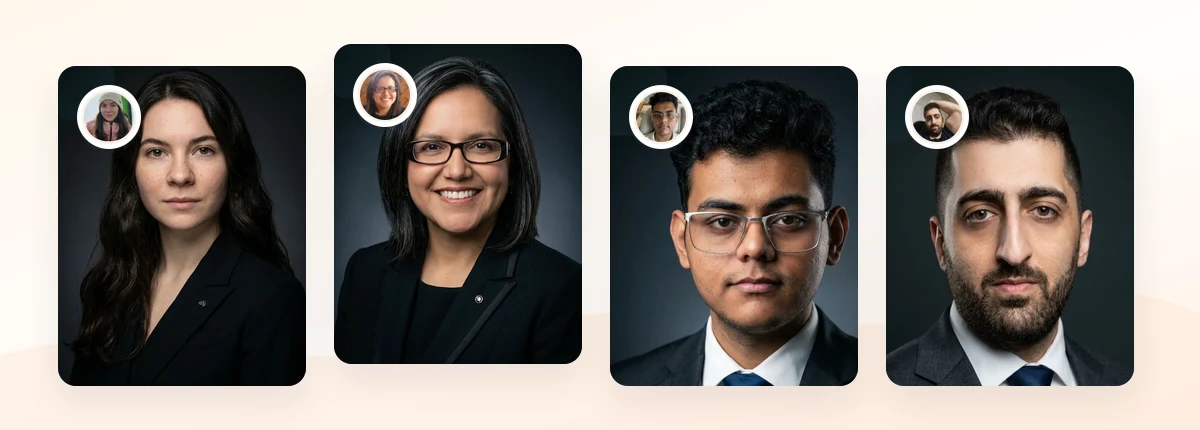
Upload 5-20 everyday photos and get 40-100 polished AI headshots for LinkedIn, resumes, company pages, and executive bios.
15-30 minute delivery • Full commercial rights • One-time payment
Get My Headshots →Best Practices for a Polished Background

Once you have chosen a background type, a few habits keep the result professional. These apply whether you shoot in a studio, photograph at home, or generate AI headshots from your own photos.
Keep contrast in mind
Your background should contrast gently with your hair and clothing so you do not blend in. Dark hair pops on a light gray background; lighter hair often looks better against a medium or darker tone. If you wear a white shirt, avoid a pure white background that can wash you out.
Prioritize even, soft lighting
A clean color only looks clean when it is lit evenly. Patchy shadows turn a simple white wall into a distraction. Soft, diffused light on both you and the background produces the studio-quality look people associate with credibility.
Match the background to the channel
For LinkedIn specifically, a neutral background keeps your face the focal point inside a small circular crop. If you want examples tuned to that platform, the complete LinkedIn headshots guide walks through framing, expression, and background choices that perform well in feeds and search results.
Build consistency across a team
When several people need portraits, a single background standard makes a company page or about section look intentional. Even if individuals were photographed separately, matching the background ties the set together. Our walkthrough on corporate headshots for teams covers how to keep that consistency without scheduling a group photoshoot.
Plan your source photos
If you are using an AI workflow, the background you upload matters less than the lighting and clarity of your face, since the tool can replace the backdrop. Still, clean, well-lit source photos produce the most natural results. See how to get source photos right at home before you start.
Common Background Mistakes to Avoid
Most background problems come from a handful of repeatable mistakes. Avoiding them puts you ahead of most profiles.
- Choosing a busy or cluttered scene. Bookshelves, doorways, and household objects compete with your face, especially at thumbnail size.
- Standing too close to a wall. This creates a hard shadow behind you. A little distance keeps the background soft and clean.
- Using a trendy color you will regret. Bold backgrounds date quickly and may clash with future branding. Neutral ages better.
- Mixing inconsistent backgrounds across a team. A patchwork of styles makes a company page look improvised.
- Letting the background outshine you. If people notice the backdrop first, it is too strong. The face should always lead.
When in doubt, simplify. A slightly plain background is almost always better than a distracting one, because it lets your expression and professionalism do the work.
Related guide: For a more focused next step, read Real Estate Headshots: What Works for Zillow, MLS, and Personal Branding and connect this advice to your wider professional headshot plan.
Final Thoughts
A professional headshot background should make your role, credibility, and approachability clear in a single glance. White and light gray are the safest, most versatile defaults; charcoal and blurred office settings add formality and context; outdoor and branded looks bring warmth and personality when your brand calls for it. The right choice depends on where the photo lives and the impression you want to set, not on a passing trend.
Start by deciding your primary channel, pick a background that contrasts gently with your hair and clothing, and keep the lighting even and clean. If you are updating several profiles or a whole team, lock in one consistent background standard. When you are ready to create polished, channel-ready portraits, prepare a small set of clear source photos and let the conversion happen in the CTA below.
Create Professional Headshots in Minutes
Upload 5-20 everyday photos and get 40-100 polished AI headshots for LinkedIn, resumes, company pages, and executive bios.
15-30 minute delivery • Full commercial rights • One-time payment
Get My Headshots →Frequently Asked Questions
What is the best background color for a professional headshot?
Light gray is the most versatile and forgiving choice for most professionals because it flatters a wide range of skin tones and clothing, photographs consistently, and works across LinkedIn, resumes, and company directories. White is a strong second when you want a crisp, modern look.
What background should I use for a LinkedIn headshot?
A neutral, distraction-free background such as light gray or white works best for LinkedIn because your photo appears in a small circular crop where the face needs to lead. Keeping the backdrop simple keeps you as the focal point in feeds and search results.
Are outdoor headshot backgrounds unprofessional?
No. Outdoor backgrounds can look polished and approachable when the lighting is soft and even and the scene stays uncluttered. They suit personal brands such as realtors, coaches, and founders, but they read as casual if the styling or lighting is inconsistent.
Should a whole team use the same headshot background?
Yes, consistency helps. A single background standard makes a company page or about section look intentional and cohesive, even if people were photographed at different times. Matching the background ties the set together and reinforces a professional brand impression.
Can I change my headshot background after the photo is taken?
Often yes. Many editing and AI headshot tools can replace or clean up a background, which is why clear, well-lit source photos matter more than the original backdrop. Focus on sharp focus and even light on your face for the most natural-looking result.