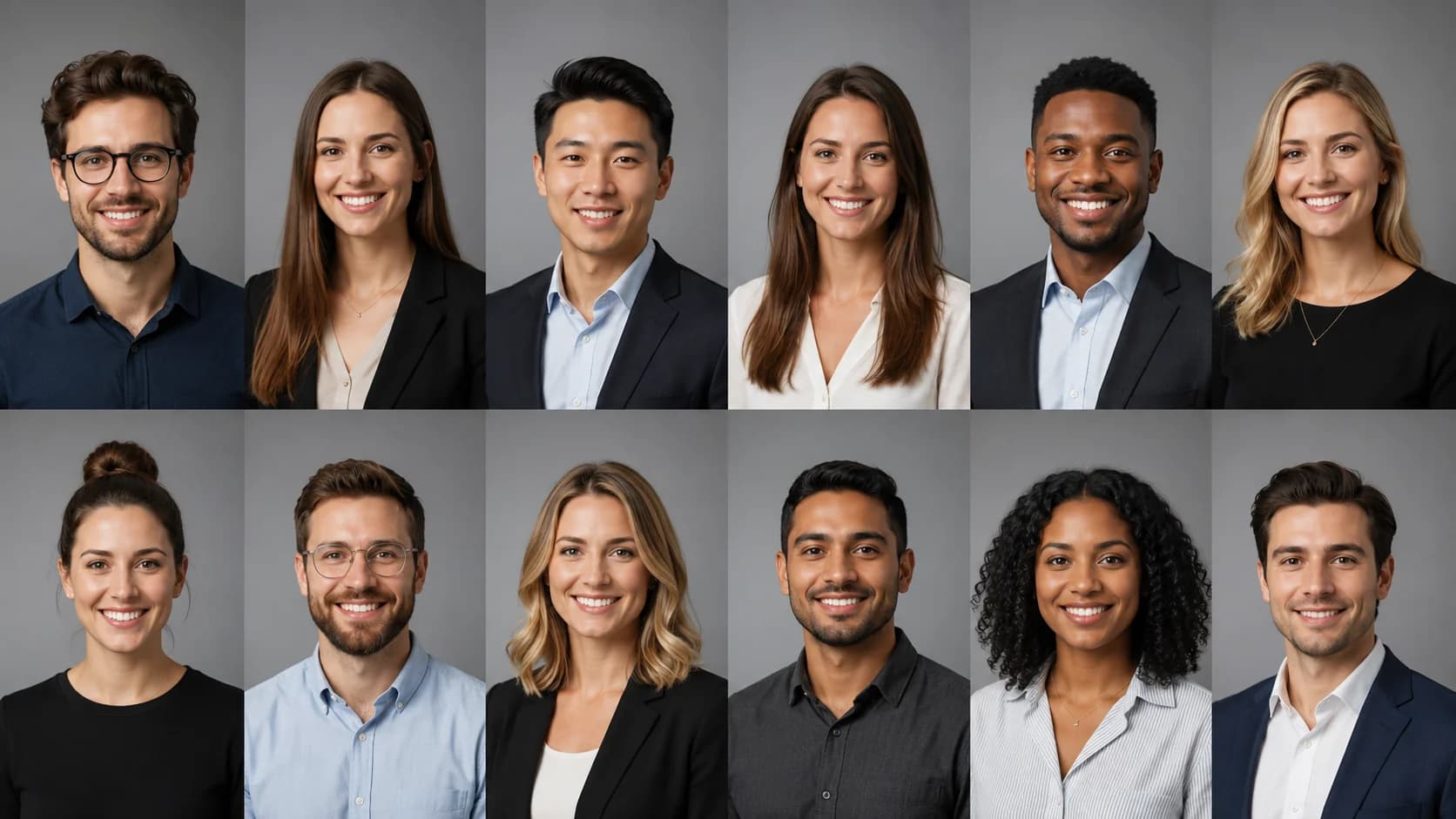
Corporate Headshots for Teams Without Scheduling a Photoshoot

Introduction
Your team's corporate headshots are often the first thing a client, candidate, or investor notices on your website, LinkedIn company page, or pitch deck. When every photo looks different, with mismatched lighting, random backgrounds, and inconsistent crops, your company can read as less established than it actually is. The hard part has never been the photos themselves. It's the logistics of getting everyone in front of the same camera.
Scheduling a studio session means coordinating calendars, booking a photographer, and somehow including remote and hybrid employees who may live in different time zones. For a distributed team, that single afternoon shoot can stretch into weeks of follow-ups. This guide shows you how to produce consistent corporate headshots across an entire team, without scheduling a photoshoot, by combining clear brand standards, a simple source-photo process, and an AI workflow built for consistency at scale.
Key Takeaways
- Consistency beats artistry for teams. A unified background, lighting, and crop across every employee matters more than one stunning portrait.
- Logistics are the real bottleneck. Remote and hybrid staff are the hardest to photograph in a traditional studio model, and AI removes that scheduling problem.
- Define brand standards first. Lock background color, framing, and wardrobe guidance before anyone submits photos.
- Build a lightweight approval workflow. One reviewer, one checklist, and a clear re-do path keeps a 10- or 100-person rollout from stalling.
Corporate Headshot Requirements for Teams
Team headshots have a different job than a personal portrait. An individual headshot only needs to flatter one person. Corporate headshots need to look like they belong to the same company, even when they're scattered across an About page, a sales deck, and dozens of LinkedIn profiles.
That means a few requirements rise to the top:
- Visual consistency: the same background treatment, similar lighting direction, and a matching crop ratio for every person.
- Brand alignment: backgrounds and tones that fit your brand, whether that's clean white or light gray for a polished corporate look, or a soft office setting for a warmer, approachable feel.
- Scalability: a process that works the same whether you're onboarding 8 founders or refreshing 120 employees.
- Inclusivity: a system that treats every role and location equally, so the new hire in another country looks just as polished as the executive in the headquarters.
Where company headshots most often break down is the office website team grid. One person used a vacation selfie, another submitted a corporate photo from three jobs ago, and a third has a busy conference-room background. Individually they're fine. Together, they undercut the credibility the page is supposed to build. Solving that requires standards applied evenly, something a repeatable workflow handles far better than a one-off shoot.
AI Headshot Strategy for Distributed Teams

The reason AI fits team headshots so well is that the team problem is mostly a consistency-and-logistics problem, not an artistry problem. A skilled photographer is excellent at directing a single subject live. But replicating that exact setup for 60 remote employees across time zones is expensive, slow, and hard to standardize. An AI workflow flips the model: everyone submits everyday photos on their own schedule, and the output is generated against the same defined style.
A practical strategy looks like this. First, you define one house style for background, lighting, crop, and wardrobe guidance. Then each employee uploads a small set of clear source photos from wherever they are. The system generates polished, on-brand corporate headshots that share a consistent look, and a designated reviewer approves or requests a quick re-do. No travel, no calendar Tetris, no studio rental.
If you want to see the full set of background, framing, and style options before you commit to a house look, it helps to compare corporate headshots for remote teams and pick the variation that matches your brand. Standardizing on one option up front is what keeps a 50-person rollout from drifting into 50 slightly different looks.
The quality of your output depends heavily on the source photos people submit, so it's worth giving employees a short briefing. Our guide on getting source photos right at home covers lighting, distance, and framing in plain language you can paste straight into a rollout email. Pairing clear instructions with an AI workflow is what turns a chaotic team request into a predictable, on-brand result.
Create Professional Headshots in Minutes
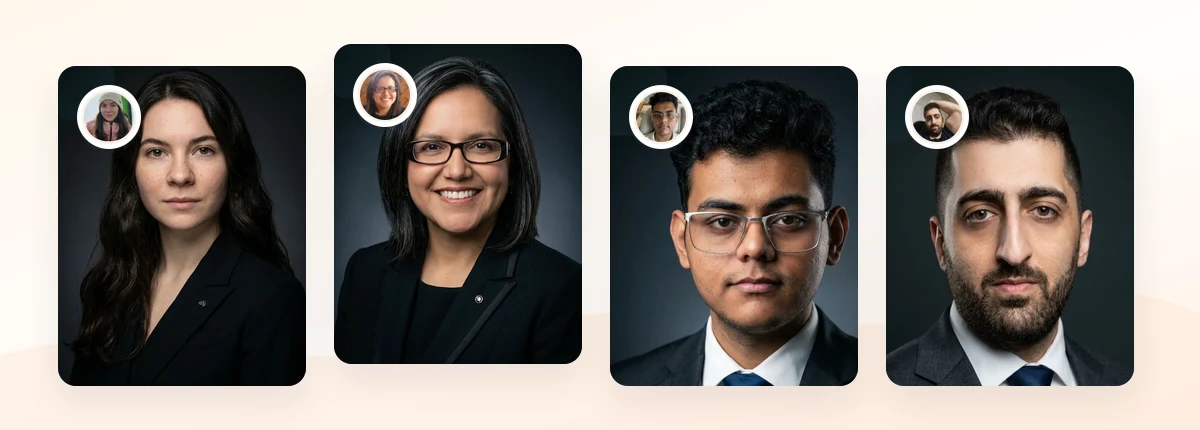
Upload 5-20 everyday photos and get 40-100 polished AI headshots for LinkedIn, resumes, company pages, and executive bios.
15-30 minute delivery • Full commercial rights • One-time payment
Get My Headshots →What Works for Team Headshots

When you're producing corporate headshots at scale, a handful of choices reliably make a team grid look cohesive and credible.
A single, neutral background. Solid white, light gray, or a softly blurred office tone are the safest team choices because they read as professional across every profile and never compete with the subject. Pick one and apply it to everyone.
Consistent crop and framing. A head-and-shoulders crop with the eyes positioned in the upper third looks balanced on a website grid and inside the circular avatar frames used on platforms like LinkedIn. LinkedIn's own profile photo guidance recommends a clear, recent image where your face fills most of the frame, advice that scales cleanly to a whole team.
Coordinated, not identical, wardrobe. You don't need a uniform. Solid colors and simple necklines photograph well and keep the focus on faces. A short wardrobe note in your rollout email goes a long way, and our breakdown of what to wear for professional headshots works as a ready-made reference for men, women, and mixed teams.
Here's a quick reference for matching style to your team's context:
| Team context | Recommended background | Tone |
|---|---|---|
| SaaS / tech company site | White or light gray | Clean, modern |
| Professional services / consulting | Soft office blur | Credible, warm |
| Agency / creative team | Subtle brand-color tint | Approachable, distinctive |
| Leadership / investor deck | Neutral dark or gray | Authoritative |
What to Avoid for Team Headshots
A few common mistakes quietly erode the polish you're trying to build across a team page.
Mixed backgrounds. The single fastest way to make a company look disorganized is a grid where each person sits in a different setting. Even strong individual photos clash when the backgrounds don't match.
Letting people self-select wildly different styles. Without guidance, you'll get a mix of cropped group photos, heavy filters, and outdated images. Standards give everyone the same starting line rather than impose control.
Over-retouched, unnatural results. Headshots that look airbrushed or artificial undermine trust, which is the opposite of what a corporate portrait is for. Aim for natural-looking and credible, not flawless and uncanny. If a generated image looks off, treat that as a re-do, not a final.
Ignoring remote employees until the end. If your process only really works for people in the office, your distributed team members end up with mismatched photos. Design the workflow around the hardest case, remote staff, and everyone else fits in easily.
Skipping commercial-usage clarity. Before you publish team photos on a company site or marketing materials, confirm you have the rights to use them commercially. This is a frequent gap with ad-hoc photo sourcing and worth verifying up front.
Step-by-Step: Rolling Out Team Headshots Without a Photoshoot
Here's a repeatable process you can run for a team of any size.
- Define your house style. Decide on one background, one crop ratio, and basic wardrobe guidance. Write it down in two or three sentences so it's easy to share.
- Write a short rollout brief. Tell employees how many source photos to submit, what lighting works (face a window, avoid harsh overhead light), and what to wear. Link your wardrobe and source-photo references so people aren't guessing.
- Collect source photos asynchronously. Let people submit on their own time from wherever they are. This is the step that removes the calendar coordination entirely.
- Generate against the locked style. Run every submission through the same defined background, lighting, and crop so the output is consistent by design rather than by luck.
- Review with one owner and one checklist. Assign a single reviewer, usually someone in marketing, HR, or operations, to approve images against the standard. A clear yes/re-do decision keeps momentum.
- Handle re-dos quickly. If a result looks off or a source photo was too dark, request a quick resubmission. Because there's no studio to rebook, re-dos cost minutes, not days.
- Publish and document. Update the website grid, LinkedIn profiles, and decks. Save your house-style note so new hires follow the same standard on day one.
The key insight is that the approval workflow, not the photography, is what makes or breaks a team rollout. One owner, one checklist, and an easy re-do path will carry you through a 100-person refresh far more reliably than the best camera in the world.
Create Professional Headshots in Minutes
Upload 5-20 everyday photos and get 40-100 polished AI headshots for LinkedIn, resumes, company pages, and executive bios.
15-30 minute delivery • Full commercial rights • One-time payment
Get My Headshots →Related guides: For next steps, use Remote Team Headshots: How to Keep Everyone Consistent, Company Website Headshots: A Practical Style Guide, and Company Headshots: How to Organize Team Photos That Match to connect this advice with the rest of your professional headshot plan.
Final Thoughts
Consistent corporate headshots make your team look established, credible, and ready for business before anyone reads a word of copy. The challenge was never producing one good photo. It was producing matching photos across an entire team, including the remote employees who never make it to the studio. By defining a house style up front, briefing people on clear source photos, and running a simple one-owner approval workflow, you can get consistent company headshots without scheduling a photoshoot at all.
Start by locking your background and crop, write a short rollout brief your team can follow asynchronously, and refresh your website grid and LinkedIn profiles in one coordinated pass. When you're ready to generate the actual images, keep the conversion step in the CTA block below.
Create Professional Headshots in Minutes
Upload 5-20 everyday photos and get 40-100 polished AI headshots for LinkedIn, resumes, company pages, and executive bios.
15-30 minute delivery • Full commercial rights • One-time payment
Get My Headshots →Frequently Asked Questions
How do you keep corporate headshots consistent across a whole team?
Lock one house style before anyone submits a photo: a single background color, one crop ratio, and basic wardrobe guidance. Then apply that same standard to every employee and use one reviewer to approve images against a checklist. Consistency comes from standardizing the style first, not from trying to match photos after the fact.
Can remote and hybrid employees get matching headshots without traveling?
Yes. With an AI workflow, remote staff submit everyday source photos from wherever they are, and the images are generated against the same defined style as everyone else. This removes the scheduling and travel that make distributed teams the hardest part of a traditional studio shoot.
What background works best for company website headshots?
Solid white or light gray are the safest team choices because they look professional across a website grid and inside platform avatar frames. A softly blurred office background works for a warmer, more approachable brand. Pick one and use it for everyone so the team grid reads as cohesive.
How many source photos does each employee need to submit?
A small set of clear, well-lit photos, typically around 5 to 20, is enough to generate polished results. Brief employees to face a window for soft light, avoid heavy filters, and keep their face clearly visible. Better source photos lead to better, more natural-looking output.
Can we use AI-generated team headshots on our company website and marketing?
You can, provided your provider grants commercial usage rights. ProfessionalHeadshot.io includes full commercial rights, so the images are cleared for company sites, decks, and marketing. Always confirm usage terms before publishing team photos to avoid licensing gaps common with ad-hoc photo sourcing.