How AI Headshots Work: Training, Generation, and Quality Checks
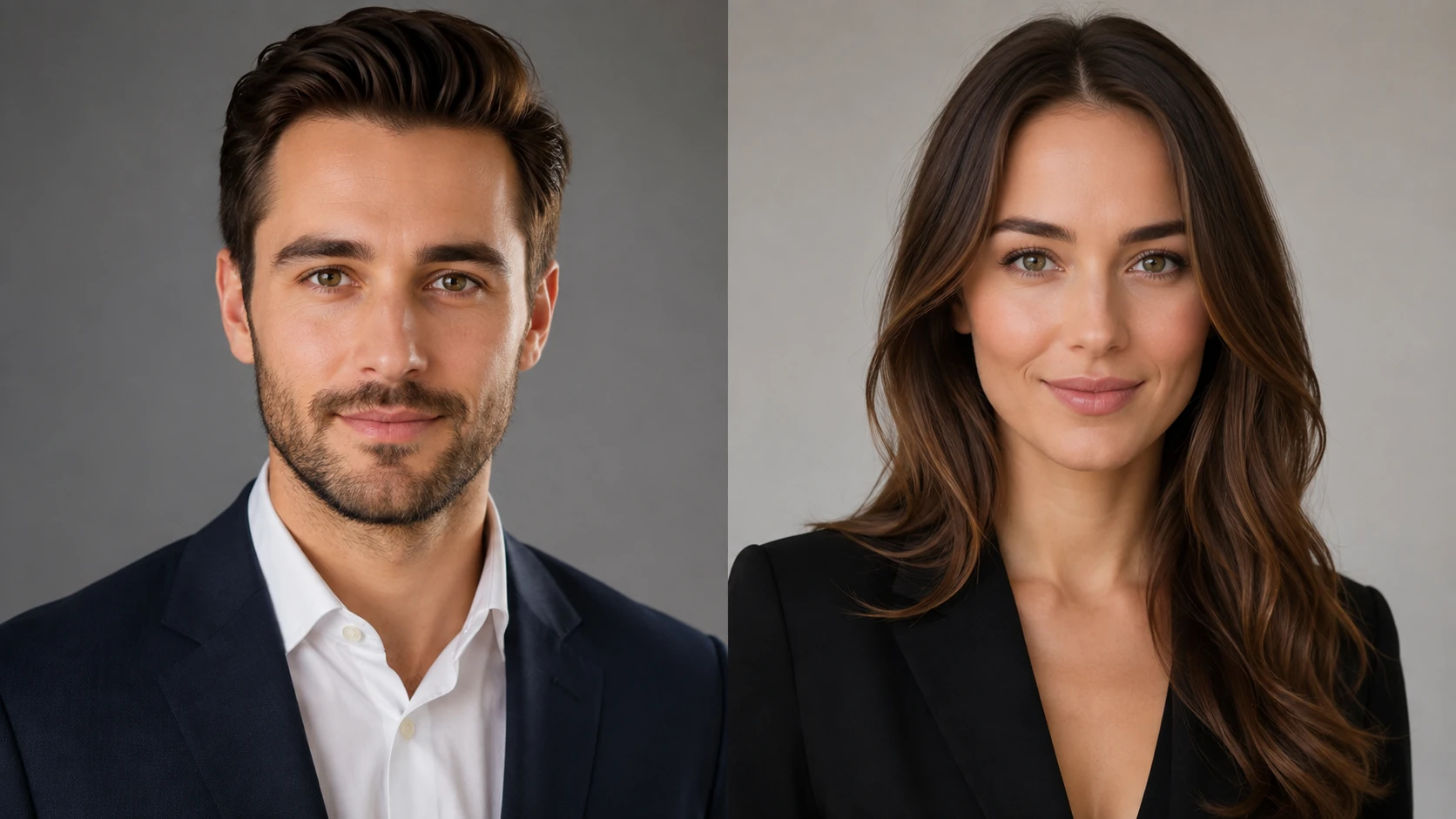
If you are wondering how AI headshots work before you upload personal photos, here is the short answer: an AI headshot generator studies a small set of your real images, learns what you look like from several angles, and then creates new portraits that place that likeness into clean professional lighting and settings. You stay recognizable, and the studio setup is simulated.
That process runs in three stages worth understanding: training on your source photos, generating new images, and quality checks that filter out weak results. Knowing each stage helps you judge whether AI professional headshots will actually look like you, protect your data, and hold up on LinkedIn, a resume, or a company page.
This guide walks through each stage in plain language, without dense model jargon. By the end, you will know what happens to your photos, why some results look natural while others look off, and how to give the system what it needs for a credible, professional result.
Key Takeaways
- Three stages: AI headshots come from training on your photos, generating new portraits, and running quality checks before you see the final set.
- Your input matters most: Clear, varied source photos are the single biggest driver of likeness and quality.
- Likeness is learned, not copied: The system builds a model of your features, then generates fresh images rather than pasting your face onto a template.
- Quality checks filter results: Weak, distorted, or off-likeness images are meant to be screened out before delivery.
- Privacy is a real question: Understand how your photos are stored, used, and deleted before you upload.
What Are AI Headshots?
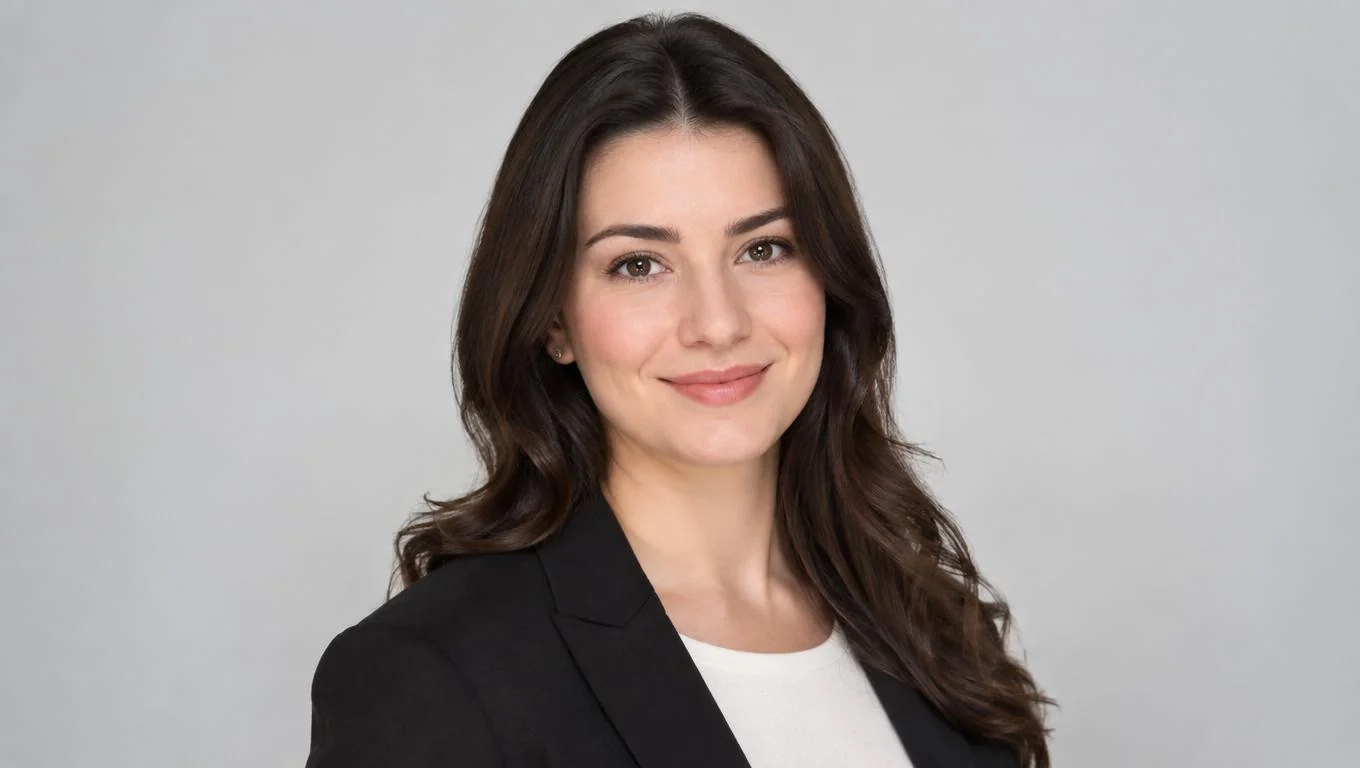
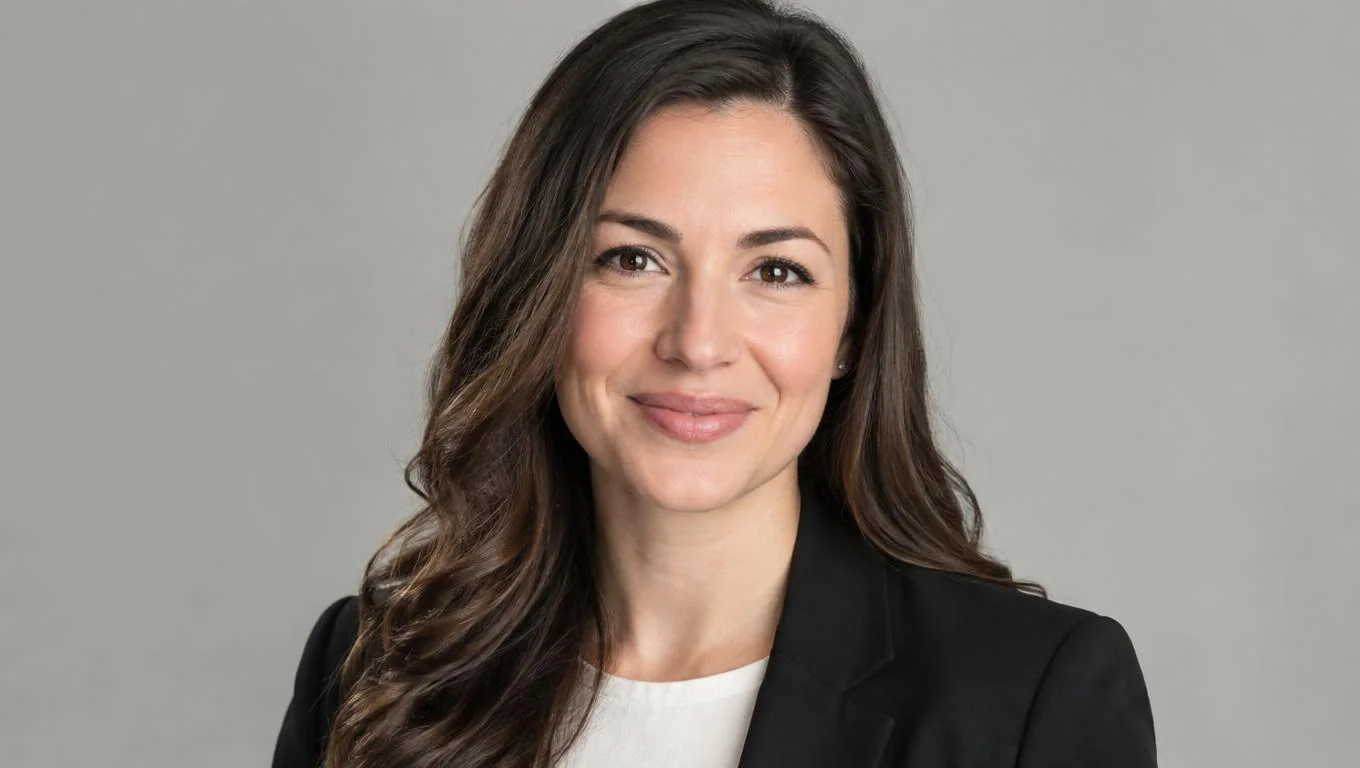
AI headshots are professional-style portraits created by a generative image model instead of a camera in a studio. You upload everyday photos of yourself, an AI headshot generator learns your facial features, and it produces new images that show you in polished lighting, professional attire, and clean backgrounds.
The key difference from a filter or a simple edit is that the output is genuinely new. A photo filter changes an existing image. AI professional headshots generate portraits that never existed, guided by what the model learned about your face. That is why you can get dozens of angles, expressions, and backgrounds from one upload session.
Most modern systems rely on diffusion models, a family of generative AI that starts from visual noise and gradually refines it into a coherent image. General explainers on generative image models, such as IBM's overview of generative AI, describe this same denoising approach that powers today's image tools.
For a professional headshot, the model is steered toward specific outcomes: a centered face, natural skin texture, business-appropriate clothing, and lighting that reads as studio-quality. The goal is a portrait that looks like a real photo of you on your best day, not an obviously synthetic image.
Why Understanding the Process Matters
Your headshot sets the tone before anyone reads a single line of your profile. Understanding how the image is made helps you set realistic expectations and avoid disappointment when a result looks slightly off.
It also helps you make better decisions. When you know that likeness depends on your source photos, you invest a few extra minutes gathering good input instead of blaming the tool later. When you know quality checks exist, you learn to review your set critically rather than accepting the first image you see.
The stakes are practical. Platforms like LinkedIn treat your profile photo as a core part of your presence, and their own profile photo guidance emphasizes a clear, recent, professional headshot. A portrait that looks polished but no longer resembles you can create friction in interviews, client meetings, or team pages.
Understanding the process also helps you weigh privacy. You are uploading your face, and knowing how that data is handled lets you choose a provider with confidence instead of guesswork.
How AI Headshots Work: Training and Generation
The workflow has two active phases you influence: training and generation. Here is what happens in each.
Step 1: You provide source photos

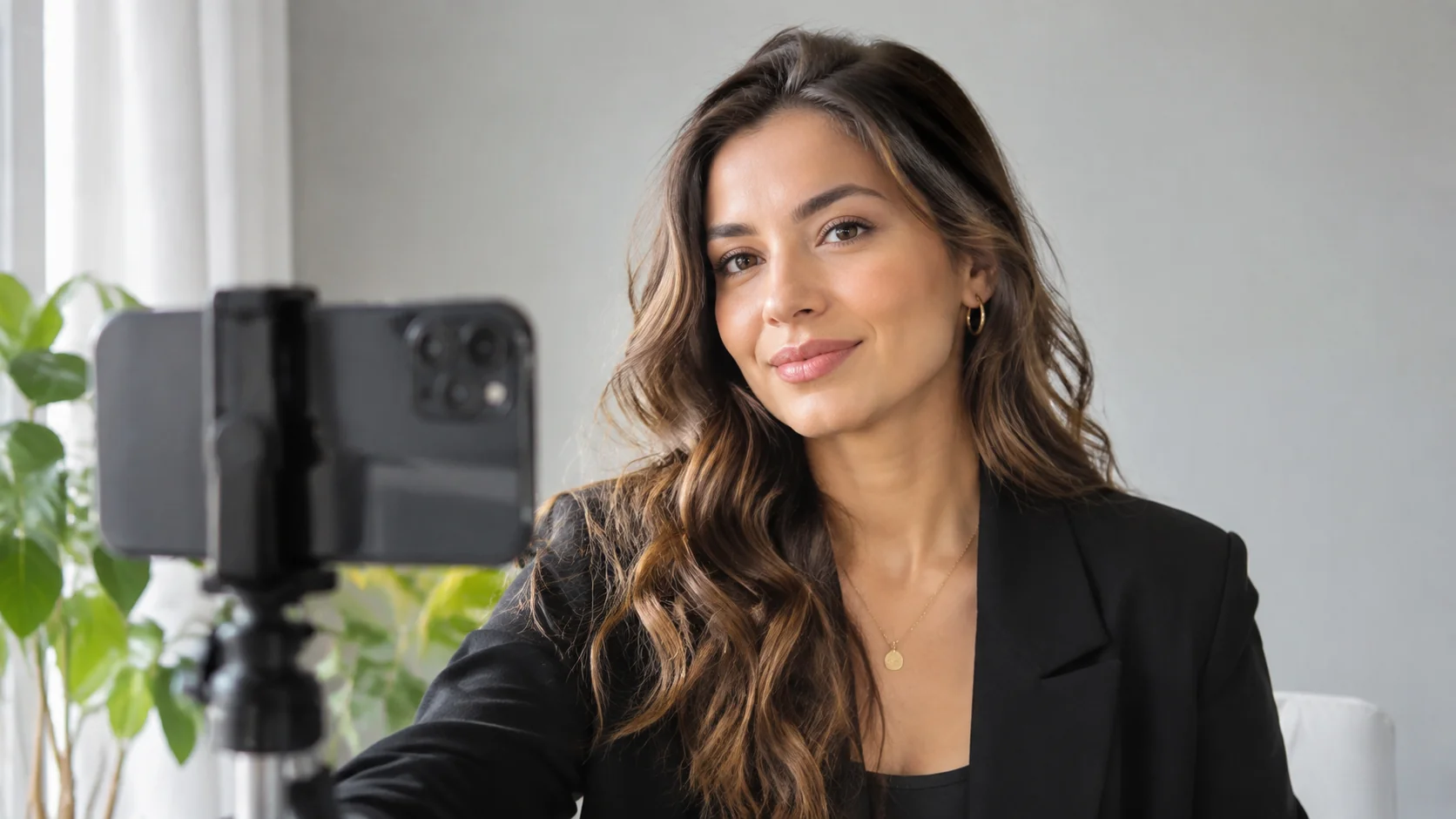
You upload a small set of images, often 5 to 20 photos. These should show your face clearly from different angles, in different lighting, with varied expressions. Selfies, casual photos, and past portraits all work, as long as your face is visible and in focus.
This step matters more than any other. If your inputs are blurry, heavily filtered, or all from the same angle, the model has less to learn from, and results suffer. For a practical checklist on capturing good input, our guide to professional headshots at home covers lighting, angles, and framing.
Step 2: The model trains on your likeness
During training, the system studies your photos to build an internal understanding of your features: face shape, eyes, hairline, skin tone, and how these change across angles and lighting. It is learning a pattern, not storing a single copy to paste later.
This is why more varied photos help. The wider the range of inputs, the more accurately the model can reproduce you in new poses that were never in your original set.
Step 3: Generation creates new portraits
Once trained, the generator produces new images guided by prompts that describe the target look: business attire, studio lighting, neutral background, confident expression. The diffusion process refines noise into a finished portrait that reflects both your learned likeness and the professional styling.
The output is usually a large batch, from which you select favorites. Different styles suit different channels, so it helps to browse the full range of professional headshot types and pick images that match where you will use them, whether that is LinkedIn, a resume, or a company bio.
Create Professional Headshots in Minutes
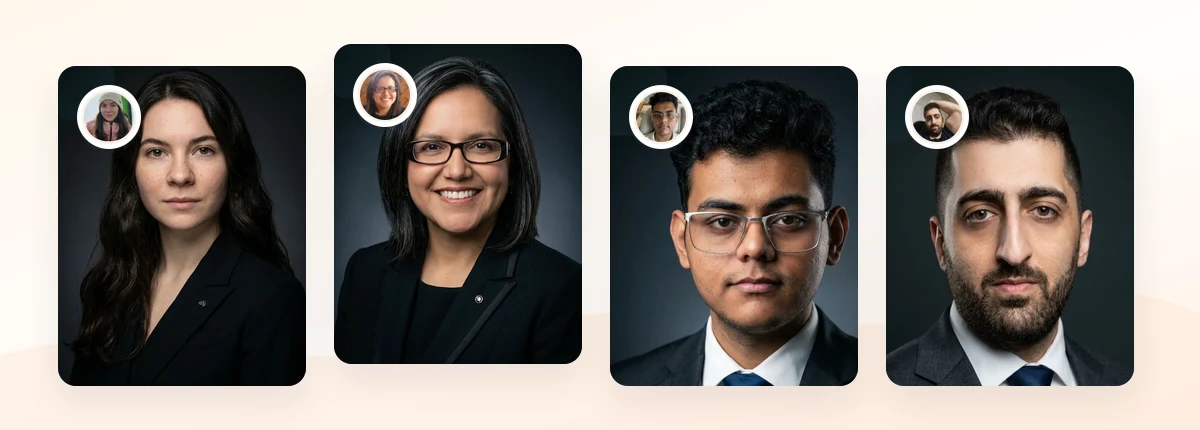
Upload 5-20 everyday photos and get 40-100 polished AI headshots for LinkedIn, resumes, company pages, and executive bios.
15-30 minute delivery • Full commercial rights • One-time payment
Get My Headshots →Quality Checks: How Good Results Are Filtered

Generation is not the final step. A well-run AI headshot service adds quality checks that screen the raw output before you ever see it, because generative models sometimes produce distorted hands, uneven eyes, warped backgrounds, or images that drift away from your real likeness.
Quality checks typically look at a few things:
| Check | What it catches |
|---|---|
| Likeness match | Portraits that no longer resemble your source photos |
| Facial artifacts | Distorted eyes, teeth, ears, or asymmetry |
| Composition | Bad cropping, tilted framing, or cluttered backgrounds |
| Skin realism | Over-smoothed, plastic-looking skin |
| Professional fit | Attire and lighting appropriate for a work profile |
Some systems automate this with scoring models; others combine automation with human review. Either way, the purpose is the same: deliver a usable set rather than a flood of hit-or-miss images.
You should still review your final set critically. Zoom in on the eyes and edges, confirm the person in the image reads as you, and compare a few options against your real photos. If a portrait looks polished but subtly unfamiliar, skip it. A slightly less dramatic image that clearly resembles you works better in a real interview or client call.
If you are weighing this hands-on process against booking a studio, our comparison of AI headshots vs a professional photographer breaks down the tradeoffs in speed, cost, and control.
Common Mistakes to Avoid
Most disappointing results trace back to a few avoidable errors.
- Uploading low-quality inputs. Blurry, dark, or heavily filtered photos give the model little to learn from. Clear, well-lit images are the fastest way to improve output.
- Using photos that all look the same. Ten near-identical selfies limit variety. Mix angles, expressions, and lighting.
- Including group photos or obstructed faces. Sunglasses, hats, and other people confuse the training. Stick to solo shots with a visible face.
- Choosing style over likeness. A dramatic portrait that does not look like you can backfire when you meet someone in person.
- Ignoring privacy terms. Before uploading, check how your photos and trained model are stored and deleted. Regulators such as the U.S. Federal Trade Commission have flagged the risks of mishandled biometric data, so it is worth reading the policy.
Avoiding these mistakes costs a few extra minutes and sharply improves your odds of a headshot you are proud to use.
Related guide: For a more focused next step, read AI Headshot Privacy: What Professionals Should Check Before Uploading and connect this advice to your wider professional headshot plan.
Final Thoughts
Once you understand how AI headshots work, the process is less of a black box. Your photos train a model to learn your likeness, the generator creates new professional portraits, and quality checks filter the set so you receive usable images rather than random attempts. Each stage builds on the one before it, and your source photos shape everything downstream.
For the best result, start with a small set of clear, varied photos, choose a style that fits where the headshot will live, and review your final images against your real face before publishing. Understanding the process is also the best way to judge privacy and pick a provider you trust.
When you are ready to create professional headshots that stay recognizable and credible, the CTA below walks you through the upload in a few minutes.
Create Professional Headshots in Minutes
Upload 5-20 everyday photos and get 40-100 polished AI headshots for LinkedIn, resumes, company pages, and executive bios.
15-30 minute delivery • Full commercial rights • One-time payment
Get My Headshots →Frequently Asked Questions
Do AI headshots actually look like me?
Yes, when your source photos are clear and varied. The model learns your features from your uploads, so the more accurately your inputs represent you from different angles, the more your generated headshots will resemble the real you.
How many photos do I need to upload?
Most AI headshot generators ask for roughly 5 to 20 photos. What matters more than the exact count is variety: different angles, expressions, and lighting give the model enough to learn from for realistic results.
Are AI professional headshots good enough for LinkedIn?
They can be, as long as the final image clearly looks like you and reads as professional. Choose a natural, well-lit portrait with a clean background and appropriate attire, then confirm it resembles your real appearance before publishing.
What happens to my photos after I upload them?
That depends on the provider. Reputable services explain how your images and trained model are stored and deleted. Always review the privacy policy before uploading, since you are sharing biometric data, and pick a provider with clear data-handling terms.
Why do some AI headshots look distorted or fake?
Distortion usually comes from weak input photos or generated images that were not filtered out. Quality checks are meant to catch artifacts like uneven eyes or plastic-looking skin, so always review your final set and skip any portrait that looks off.