Best AI Headshot Generators in 2026: We Tested 8 Tools

Introduction
The short answer: the best AI headshot generator for most professionals is the one that returns a large batch of usable, natural-looking photos fast, gives you commercial rights, and tells you plainly what happens to your uploads. Volume, speed, rights, and a clear data policy matter far more than any single sample image on a marketing page.
We ran the same evaluation across eight tools that professionals shortlist most often, including ProfessionalHeadshot.io, HeadshotPro, Aragon AI, BetterPic, Secta Labs, Try It On AI, InstaHeadshots, and Remini. Each one was judged on four practical criteria: how the faces hold up at LinkedIn crop size, how many keepers you get per batch, how long delivery takes, and how the provider handles uploaded photos. Prices and features move quickly in this category, so treat every number below as a starting point to verify on the vendor's own pricing page.
Key Takeaways
- Keeper rate beats sample galleries. A tool that returns 60 images where 8 are usable beats one that returns 20 flattering-but-generic shots.
- Turnaround ranges from minutes to hours. If you need a photo before an interview tomorrow, check delivery windows before you pay.
- Privacy terms differ sharply. Look for stated retention periods and deletion controls, not just a reassuring headline.
- Your source photos set the ceiling. Blurry, heavily filtered, or single-angle uploads will limit results on every platform in this list.
Quick Comparison: 8 AI Headshot Generators

Use this table to narrow eight options down to two or three, then read the individual notes below. Pricing reflects publicly listed entry tiers at the time of writing and can change without notice.
| Tool | Typical entry price | Photos per batch | Stated turnaround | Best for |
|---|---|---|---|---|
| ProfessionalHeadshot.io | One-time, entry tier | 40-100 | 15-30 minutes | LinkedIn, resumes, company pages |
| HeadshotPro | Mid-range one-time | Dozens per pack | A few hours | Team and company rollouts |
| Aragon AI | Mid-range one-time | Dozens per pack | Under two hours | Style variety in one order |
| BetterPic | Mid-range one-time | Curated smaller set | One to two hours | High-resolution retouched output |
| Secta Labs | Higher one-time | Large batch | Same day | Softer, less "studio" look |
| Try It On AI | Low-cost entry | Small to medium set | Hours | Budget-first buyers |
| InstaHeadshots | Low-cost entry | Medium set | Hours | Cheap first experiment |
| Remini | App subscription | Single-image edits | Minutes | Enhancing one existing photo |
If you also want to weigh these tools against a studio session, our breakdown of professional headshot costs in 2026 puts both routes on the same scale.
The Complete List
1. ProfessionalHeadshot.io: best overall for work profiles
Why it matters: Most people don't need one perfect portrait. They need a set that covers LinkedIn, a resume, a company bio page, and a conference profile without a re-shoot each time. ProfessionalHeadshot.io is built around that batch logic: upload 5-20 everyday photos, receive 40-100 headshots in roughly 15-30 minutes, with full commercial rights on a one-time payment.
How to apply it: Pick one channel first, then browse headshot types by use case so the background and wardrobe match where the photo will live. A partner-track consultant and a startup engineer should not order the same style.
Honest limitations: There is no live photographer directing your expression, so if you dislike your own resting face on camera, you'll need to upload more varied source shots. Very heavy glasses glare and unusual hairstyles still need extra source coverage.
2. HeadshotPro: strongest for team rollouts
Why it matters: HR and People Ops teams care less about one flattering photo and more about 30 employees looking like they work at the same company. HeadshotPro markets team ordering and shared style presets, which cuts the coordination overhead of chasing individual submissions.
Honest limitations: Turnaround is typically measured in hours rather than minutes, and per-seat costs add up quickly for larger headcounts. Review the output at small crop sizes before rolling it across an entire About page, since minor face-shape drift is more visible when portraits sit side by side.
Best for: distributed teams standardizing website portraits in one pass.
3. Aragon AI: best for style variety in one order
Why it matters: Some buyers want options: a suit shot, a shirt-sleeves shot, an outdoor look, and a plain backdrop. Aragon AI leans into variety, which helps when you're building a personal brand kit rather than replacing one profile photo.
Honest limitations: Variety cuts both ways. Wider style ranges produce more misses per batch, so budget time to cull. Some backgrounds read as clearly composited when the edge lighting on hair doesn't match the scene.
Concrete example: a fractional CMO who needs a formal photo for board decks and a warmer one for a newsletter can pull both from a single order.
4. BetterPic: best for high-resolution polish
Why it matters: Print, conference programs, and large hero images expose softness that a 400px LinkedIn circle hides. BetterPic emphasizes higher-resolution, retouched output over raw batch volume, which suits speakers and executives whose photos get printed.
Honest limitations: Retouching tuned for polish can push skin toward a plastic look. If your results feel over-smoothed, our guide on how to fix AI headshots that look too glossy covers what to change in the source set. Smaller curated batches also mean fewer fallback options if the expression isn't right.
5. Secta Labs: best for a softer, less corporate look
Why it matters: Not every profile should look like a bank brochure. Secta Labs output tends toward natural light and relaxed framing, which fits creative agencies, coaches, and founders who want approachability over authority.
Honest limitations: That softer aesthetic is a poor match for conservative industries like law, finance, or medicine, where a neutral backdrop and formal wardrobe still set expectations. Entry pricing also sits at the higher end of this list, so it's a weaker pick for a first experiment.
6. Try It On AI: best low-cost entry point
Why it matters: If you've never used an AI headshot generator and want to see how your face renders before spending more, a cheap tier is a reasonable test. Try It On AI sits in that bracket.
Honest limitations: Lower tiers usually mean fewer images, fewer styles, and slower queues. Expect a lower keeper rate, and read the license terms carefully. Commercial use rights are not universal across budget tools, which matters if the photo will appear on a company website or paid ad.
7. InstaHeadshots: cheap, with policy caveats to read
Why it matters: InstaHeadshots is frequently shortlisted on price alone, and for a single LinkedIn refresh it can be enough. Our detailed InstaHeadshots review covering price, timing, and policy gaps walks through what the checkout page doesn't spell out.
Honest limitations: The main issues we found were clarity rather than raw image quality. Retention language, refund conditions, and delivery windows all deserve a close read before you upload. If a provider won't state how long training photos are kept, treat that as a cost, not a detail.
8. Remini: useful enhancer, not a headshot generator
Why it matters: Remini is widely used to sharpen or restyle an existing photo on your phone in minutes. If you already have one decent portrait and only need better clarity, that's a legitimate shortcut.
Honest limitations: It edits a single image rather than producing a coordinated professional set, and its enhancement style can exaggerate skin texture and eye detail in ways that read as filtered. For anything on a company bio page, a purpose-built headshot workflow is the safer choice.
Create Professional Headshots in Minutes
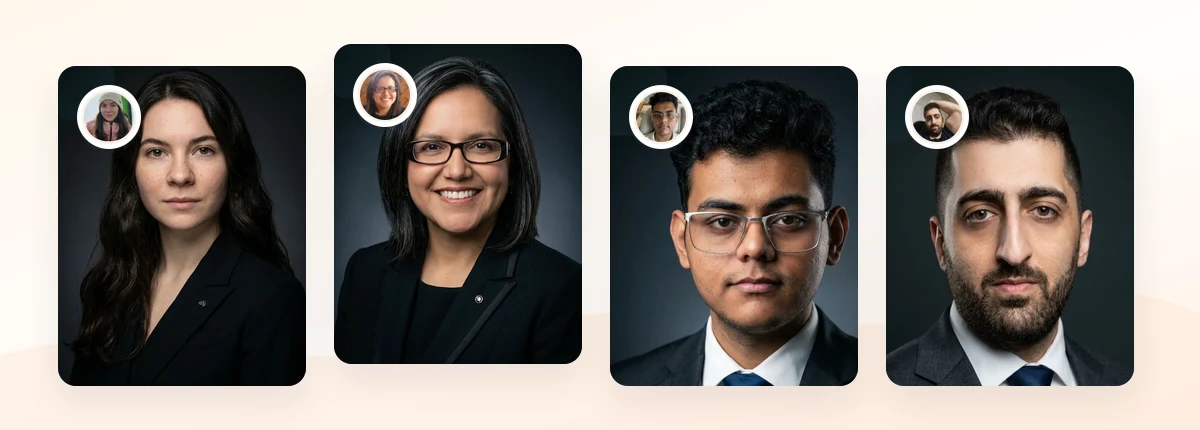
Upload 5-20 everyday photos and get 40-100 polished AI headshots for LinkedIn, resumes, company pages, and executive bios.
15-30 minute delivery • Full commercial rights • One-time payment
Get My Headshots →Bonus Tip: Check the Privacy Terms Before the Sample Gallery
Every tool in this list needs photos of your face, which means you are handing over data that regulators treat as sensitive in several jurisdictions. UK and EU guidance classifies biometric data used for recognition as a special category requiring a lawful basis and clear retention limits, as the ICO explains in its biometric data guidance.
Before you pay, look for three specifics: a stated retention window for uploads and trained models, a way to request deletion, and a clear statement about whether your images train shared models. If any of those are missing, downgrade the tool regardless of how good the samples look. Our AI headshot privacy checklist lists the exact questions to search for in a provider's terms.
How to Apply These Tips

Work through this sequence instead of buying the first tool you see recommended:
- Name the destination. LinkedIn, resume, company page, or speaker bio? For LinkedIn, see what works in LinkedIn headshots. LinkedIn's own guidance recommends a recent, clearly visible photo of you alone, and it displays at small sizes. See the platform's profile photo help article for current specs.
- Set your budget ceiling. Decide what you'd pay before comparing tiers, so upsells don't drive the decision.
- Check turnaround against your deadline. Minutes versus hours only matters if you have an interview or launch this week.
- Read the license and retention terms. Commercial rights and deletion controls are the two clauses that cause regret later.
- Prepare source photos properly. Aim for 5-20 recent images, varied angles and outfits, even lighting, no group crops, no heavy filters.
- Judge results at real size. Crop to a circle at 400px and check whether it still looks like you.
If more than two of your ten favorite results look subtly like a different person, the problem is usually the source set, not the model. Re-shoot ten quick photos in daylight and run the batch again before switching platforms.
Related guide: For a more focused next step, read ProfessionalHeadshot.io vs HeadshotPro vs Aragon: 2026 Comparison and connect this advice to your wider professional headshot plan.
Final Thoughts
The best AI headshot generator isn't the one with the glossiest sample page. It's the one that gives you enough usable images for the channels you actually use, delivers in a window that fits your deadline, grants clear commercial rights, and states plainly what happens to your uploads. On those four criteria, ProfessionalHeadshot.io leads this list for everyday work profiles, while HeadshotPro suits team rollouts, BetterPic suits print, and Remini is best treated as an enhancer rather than a generator.
Start by gathering five to twenty clear, recent photos in different outfits and lighting. That single step raises your keeper rate on every tool here. When you're ready to create a full set for LinkedIn, your resume, and your company page, the CTA below is the fastest way to run your first batch.
Create Professional Headshots in Minutes
Upload 5-20 everyday photos and get 40-100 polished AI headshots for LinkedIn, resumes, company pages, and executive bios.
15-30 minute delivery • Full commercial rights • One-time payment
Get My Headshots →FAQ
Which AI headshot generator gives the most usable photos?
Tools that deliver larger batches generally produce more keepers, because expression and framing vary across the set. ProfessionalHeadshot.io returns 40-100 images per order, which gives you more room to cull than curated 10-20 image packs. Always judge the batch at final display size rather than full resolution.
Are AI headshots acceptable for LinkedIn and resumes?
Yes, provided the photo still clearly looks like you and reflects your current appearance. LinkedIn's guidance asks for a recent photo of you alone with your face clearly visible. Avoid results that change your face shape, age, or hair in ways a colleague would notice.
How much should I expect to pay?
Most AI headshot tools sit in a one-time range well below a studio session, while entry tiers on budget platforms cost less than a takeaway lunch. Pricing changes often, so confirm current tiers on each vendor's page before comparing, and check whether commercial usage is included.
Do I get commercial rights to AI headshots?
Not automatically. Some providers grant full commercial rights, others restrict usage on lower tiers. If the photo will appear on a company website, marketing material, or paid advertising, confirm the license in writing before purchase.
What makes AI headshots look fake, and how do I avoid it?
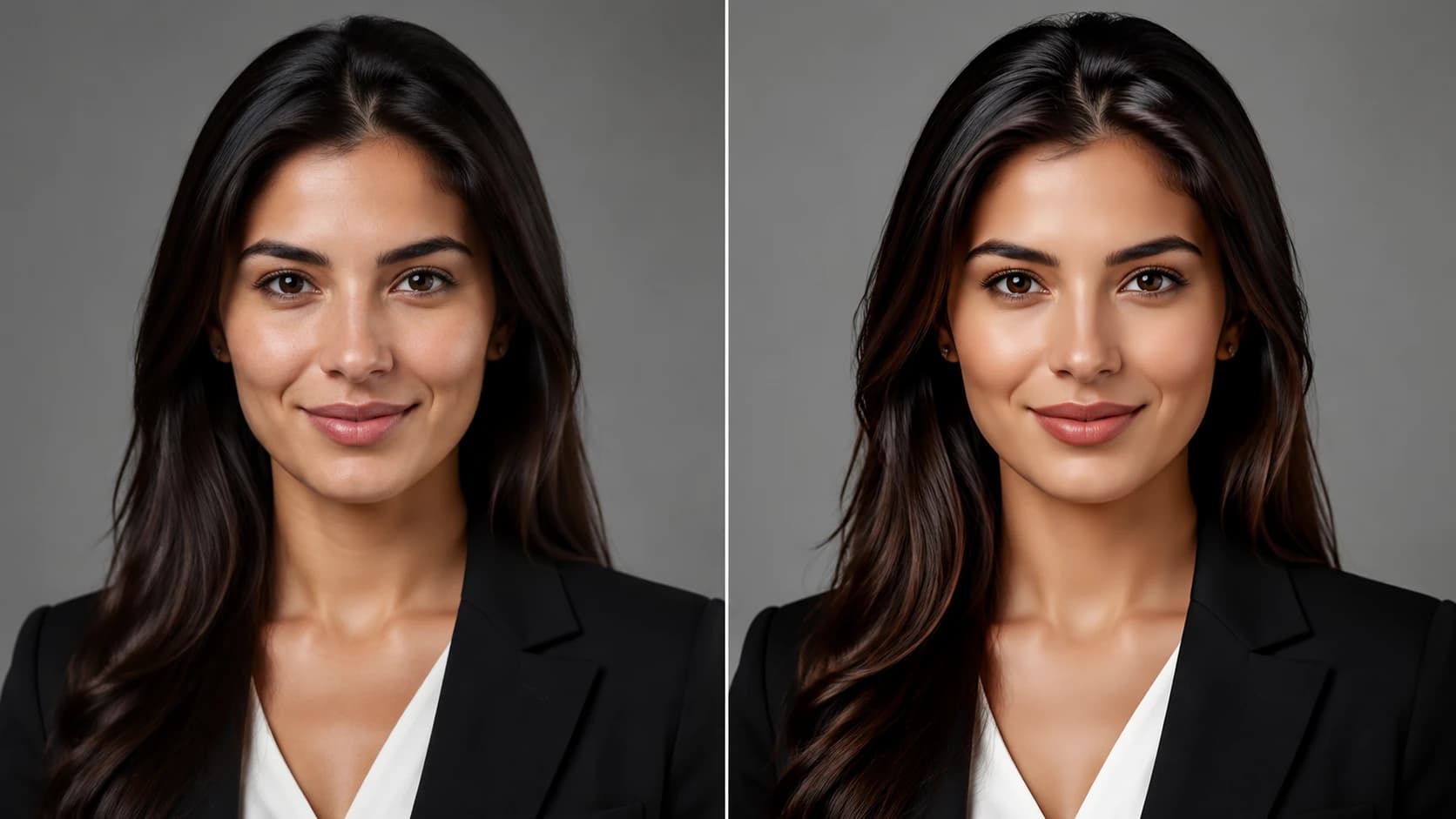
The usual causes are over-smoothed skin, mismatched lighting between subject and background, and inconsistent eye detail. Upload varied, well-lit source photos, choose a simple neutral background, and pick results with visible skin texture rather than the glossiest option.