Instagram Headshots: Profile Photos That Work Across Social

Introduction
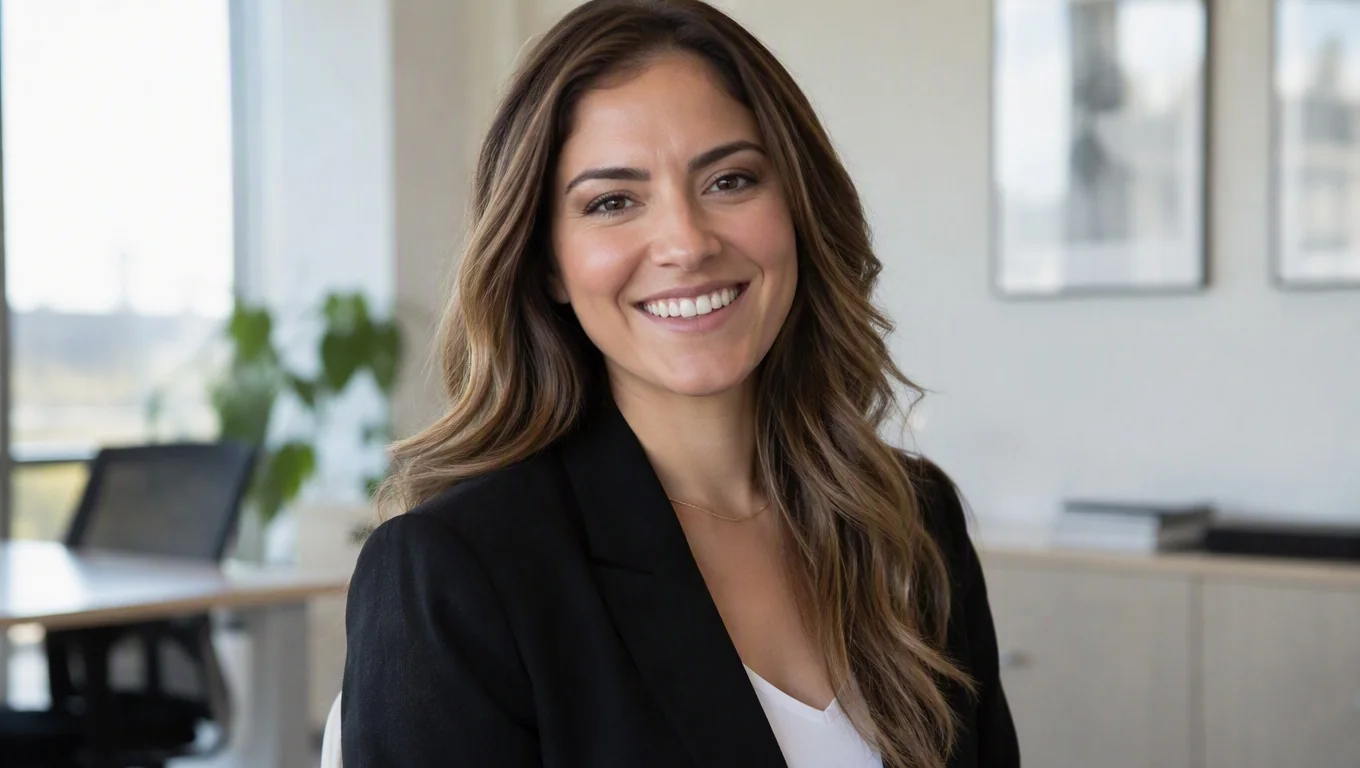
Instagram headshots are profile photos built for a small, circular, square-cropped frame that has to read clearly at thumbnail size across creator, business, and personal accounts. The short answer: shoot tight, keep the background simple, center your face, and use the same core portrait everywhere so people recognize you instantly. That single decision does more for your presence than any filter.
Unlike a resume photo, an Instagram headshot lives next to Reels, Stories, and comments, so it needs to survive heavy compression and tiny display. This guide covers how these photos differ from a LinkedIn shot, how to keep one consistent look across every platform, and how to prepare source images that convert into polished results. According to Instagram's own profile guidance, your picture is one of the first identity signals people see, which makes it worth getting right.
Key Takeaways
- Crop for a circle. Instagram displays profile photos as a small circle, so frame your face centered with breathing room and no important detail near the edges.
- Consistency beats variety. Use one recognizable headshot across Instagram, LinkedIn, X, and your website so people connect the accounts at a glance.
- Match the platform tone. Instagram tolerates warmer, more approachable, lifestyle-leaning shots than a formal corporate profile, but the face should stay clear.
- Resolution matters. Upload a high-quality square image; compression punishes soft or low-light photos hardest at thumbnail size.
- Source photos drive quality. Whether you hire a photographer or use AI, clear, well-lit input photos are what make the final headshot look natural.
What Are Instagram Headshots?
An Instagram headshot is a portrait optimized for the way Instagram shows your profile picture: a small circle cropped from a square upload. It is not a full-body lifestyle photo, and it is not a formal studio portrait shot for a business card. It sits in between, prioritizing a clear, friendly face over background scenery or props.
The technical frame shapes the creative choices. Instagram crops your uploaded image into a circle roughly 320 pixels wide on many displays and even smaller in comment threads. Anything outside a centered face gets lost. That is why insta headshots favor tight framing, simple backgrounds, and strong, even lighting on the face.
Social media headshots as a category cover the same portrait reused across platforms, but each channel has its own norm. Instagram leans approachable and personality-forward. X and TikTok reward instantly recognizable faces because feeds move fast. LinkedIn expects a more polished, professional presentation. The smart move is one strong base portrait that you adapt slightly per platform rather than five unrelated photos.
If you want a fuller menu of styles to match different profiles, review the available headshot types and pick the framing that fits where your audience actually sees you.
Why Instagram Headshots Matter
Your profile photo is the visual anchor for everything you post. Before anyone reads your bio or watches a Reel, they see a small circular face and decide, in a fraction of a second, whether you look credible, familiar, or worth following. A blurry, dark, or off-center photo quietly costs you follows and DMs you never notice losing.
Consistency compounds that effect. When a creator, coach, or founder uses the same recognizable headshot on Instagram, a podcast guest slot, a newsletter, and LinkedIn, each touchpoint reinforces the others. People start to recognize you across platforms, which builds trust faster than any single post can.
There is also a practical discovery angle. Instagram's product updates increasingly push profiles and recommended accounts into feeds, so your face appears in more places than just your own page. A clear headshot that survives thumbnail compression gives you a small but real edge every time your profile surfaces to someone new.
A strong social headshot also lowers friction when you move between personas. If you post as both a professional and a creator, one polished portrait lets you shift context without looking like a different person on every channel.
How to Get Started

Getting a strong Instagram headshot follows the same core steps whether you photograph it yourself, hire a pro, or generate it with AI. The goal is a clean, centered, well-lit face that works in a circle. Here is a practical sequence.
- Decide your core look first. Choose the expression and energy you want to lead with: warm and approachable, confident and direct, or creative and expressive. This becomes your base portrait everywhere.
- Prioritize lighting. Face a window or soft light source so your face is evenly lit with no harsh shadows. Even lighting reads far better than any filter after compression.
- Frame tight and centered. Fill the frame from roughly mid-chest to just above the head, with your face in the middle. Test the circular crop before committing.
- Simplify the background. A plain wall, soft blur, or clean neutral setting keeps focus on your face. Busy backgrounds disappear into noise at small sizes. For deeper options, see this guide to headshot backgrounds.
- Shoot multiple angles. Capture several expressions and slight head turns so you have options that flatter you and fit different platforms.
- Export at high resolution. Upload the sharpest square version you have. Instagram compresses uploads, so start with more quality than you think you need.
If you are working from a phone at home rather than a studio, the input matters more than the camera. Clear focus, soft light, and a plain wall will outperform an expensive lens used badly. Our walkthrough on taking professional headshots at home covers the setup in detail, and it applies directly to social profiles.
AI headshot tools follow the same input logic. You upload a set of everyday photos, and the model generates polished, consistent portraits you can crop for each platform. The quality of your source photos still decides the outcome, so treat them like a mini shoot rather than random selfies.
Create Professional Headshots in Minutes
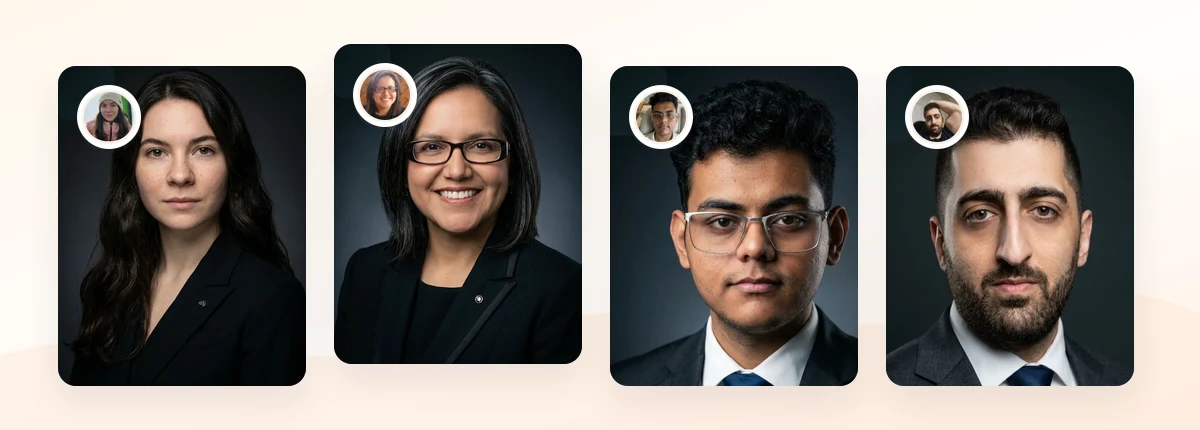
Upload 5-20 everyday photos and get 40-100 polished AI headshots for LinkedIn, resumes, company pages, and executive bios.
15-30 minute delivery • Full commercial rights • One-time payment
Get My Headshots →Best Practices for Social Media Headshots

Once you have solid source photos, a few habits separate a headshot that quietly works from one that gets overlooked. The table below compares how the same base portrait should adapt across the platforms most people manage.
| Platform | Tone | Framing | What to prioritize |
|---|---|---|---|
| Approachable, personality-forward | Tight, centered for circle crop | Warm expression, clean background | |
| Polished, professional | Head and shoulders | Credibility and neutral setting | |
| X | Instant recognition | Very tight on face | Sharp contrast at tiny size |
| Website / bio | On-brand, consistent | Matches other channels | Same portrait for recognition |
Keep the person identical across all four; only the crop and tone shift slightly. That is the whole point of cross-platform consistency.
- Lead with the eyes. Make sure eyes are sharp and roughly in the upper third of the frame. Viewers connect with eye contact before anything else.
- Keep editing honest. Light skin smoothing and color correction are fine, but avoid heavy retouching that makes you unrecognizable in person. If AI output looks too glossy, our notes on fixing unnatural AI headshots help.
- Refresh every 12-18 months. Your face changes; an outdated photo creates a small credibility gap when you meet people in real life.
- Test at thumbnail size. Shrink your photo to about 100 pixels and check that your face still reads clearly. If it turns to mush, simplify.
- Coordinate wardrobe with tone. Solid colors and simple necklines photograph cleanest; for specifics, see what to wear for professional headshots.
For profiles where career credibility matters most, it is worth matching your Instagram look to a stronger professional standard. The 2026 LinkedIn headshots guide shows how to keep one recognizable face across both casual and formal channels.
Common Mistakes to Avoid
Most weak Instagram headshots share the same few problems, and all of them are easy to fix once you know what to look for.
- Cropping too wide. A full-body or waist-up shot shrinks your face into an unrecognizable dot inside the circle. Frame tighter than feels natural.
- Ignoring the circular crop. A photo that looks great as a square can lose the top of your head or key detail once Instagram rounds the corners. Always preview the circle.
- Busy or distracting backgrounds. Cluttered scenes compete with your face and turn to visual static at thumbnail size.
- Different photos on every platform. Using unrelated pictures across accounts breaks recognition and makes you harder to follow across channels.
- Over-filtered or over-edited faces. Extreme filters and heavy smoothing read as inauthentic and clash with any professional bio you also maintain.
- Low-resolution uploads. Compression is unforgiving; a soft or dim source photo looks worse after Instagram processes it.
If you use both social and professional profiles, don't treat them as unrelated. A recognizable base portrait keeps your identity intact whether someone finds you through a Reel or a recruiter search.
Create Professional Headshots in Minutes
Upload 5-20 everyday photos and get 40-100 polished AI headshots for LinkedIn, resumes, company pages, and executive bios.
15-30 minute delivery • Full commercial rights • One-time payment
Get My Headshots →Final Thoughts
A strong Instagram headshot makes people recognize you and trust you before they read a single word of your bio. Frame tight for the circular crop, keep the background clean, prioritize even lighting, and reuse one recognizable portrait across every platform. That turns a small profile photo into a consistent identity signal that works everywhere your audience finds you.
Start with a handful of clear, well-lit source photos, choose the expression that fits how you want to come across, and adapt the crop per platform instead of shooting five unrelated pictures. Whether you photograph it yourself or generate polished social media headshots with AI, the input quality is what makes the final result look natural. When you are ready to create them, the CTA block below is the fastest way to get a full set.
Frequently Asked Questions
Common questions about Instagram headshots and social media profile photos.
Create Professional Headshots in Minutes
Upload 5-20 everyday photos and get 40-100 polished AI headshots for LinkedIn, resumes, company pages, and executive bios.
15-30 minute delivery • Full commercial rights • One-time payment
Get My Headshots →