Graduation Headshots: Senior Photos for LinkedIn and First Jobs

Introduction
Graduation headshots are the clean, professional photos you use to launch your career, not just the cap-and-gown portraits you keep for family. The distinction matters. A recruiter scanning LinkedIn or a resume wants to see an approachable young professional, not a graduation souvenir. If you are a graduating student building your first professional presence, your headshot sets the tone before anyone reads a single line of your experience.
This guide separates two things students often mix up: celebratory senior photos and a career-ready headshot built for LinkedIn and first-job applications. According to LinkedIn's own profile guidance, a clear, current photo helps your profile get noticed by recruiters and connections. Below, you will learn what a graduation headshot needs to do, how to create one without an expensive studio session, and a simple checklist to finish your first LinkedIn profile the right way.
Key Takeaways
- Cap-and-gown photos and professional headshots do different jobs. Keep the regalia shots for memories; use a clean headshot for LinkedIn, resumes, and applications.
- Dress one level above your target role. A simple blazer, collared shirt, or neat knit reads as hireable across most entry-level fields.
- Simplicity wins. A neutral background, soft light, and a natural expression beat busy campus scenery for professional use.
- One strong headshot can cover everything. The same photo works for LinkedIn, your resume, email, and university alumni directories.
Graduation Headshot Requirements

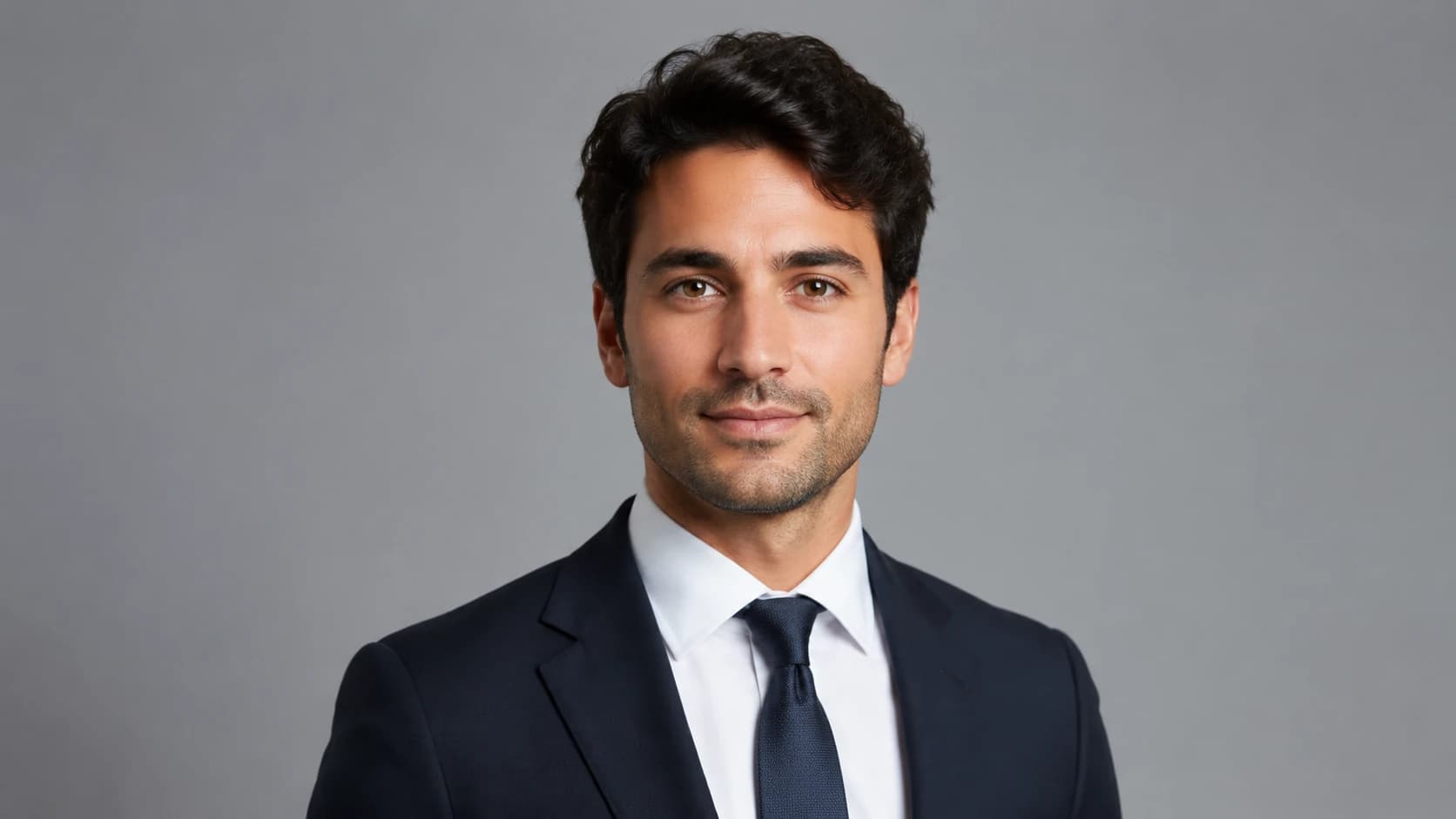
A graduation headshot has one job: help a hiring manager picture you as a credible early-career professional. That changes the requirements compared to a traditional senior photo. Senior and graduation portraits often celebrate the milestone with regalia, campus landmarks, and relaxed outdoor settings. A career headshot strips all of that away and focuses on your face, expression, and a clean, distraction-free frame.
Here is how the two compare:
| Element | Cap-and-gown / senior photo | Professional graduation headshot |
|---|---|---|
| Primary use | Family, social, keepsakes | LinkedIn, resume, job applications |
| Wardrobe | Gown, stole, cords | Blazer, collared shirt, or neat knit |
| Background | Campus, stage, outdoor landmarks | Neutral wall, soft gray, simple office tone |
| Crop | Half or full body with props | Head and shoulders, face dominant |
| Expression | Celebratory, dramatic | Warm, confident, approachable |
You can have both. The mistake is using a cap-and-gown photo as your LinkedIn picture because it is the newest nice photo you own. Recruiters at campus events and on hiring platforms respond to clarity and professionalism. For most new grads, a tightly cropped head-and-shoulders image with even lighting signals that you understand how professional spaces work. That is a quiet but real advantage when you have limited work history to show.
AI Headshot Strategy for Graduates
Most students do not have the budget for a dedicated studio session right after tuition payments. That is where an AI headshot workflow fits the graduate situation well. Instead of booking a photographer, you upload a set of everyday photos of yourself and generate a batch of polished, consistent headshots in professional wardrobe and lighting. For a first LinkedIn photo and resume image, that is usually more than enough.
The strategy for graduates is about looking current and natural, not overly corporate. You want a photo that reads as a real person who is ready to work, not an airbrushed executive portrait. When LinkedIn-specific advice matters most, compare examples in the LinkedIn headshot guide to see the framing and expression that perform well for early-career profiles.
A few decisions make the biggest difference for new grads:
- Wardrobe level: Dress one notch above your target entry-level role. For most industries, a blazer over a simple top, a collared shirt, or a clean sweater is safe. For creative fields, a tidy casual look can work.
- Background: Choose a neutral gray or soft office tone. These read as professional without the dated studio-portrait look.
- Expression: Aim for a warm, closed-mouth or light smile. Approachability matters more than looking serious when you are early in your career.
- Consistency: Generate several variations so you can use a formal version for applications and a slightly warmer version for networking.
If you want to understand what the generation process actually does with your photos, our overview of how AI headshots work explains training, generation, and quality checks in plain language. The goal is a believable, flattering image, not a filtered one. If you have never built a professional photo before, the structure of a strong profile picture is simpler than it looks once you see a few examples.
Create Professional Headshots in Minutes
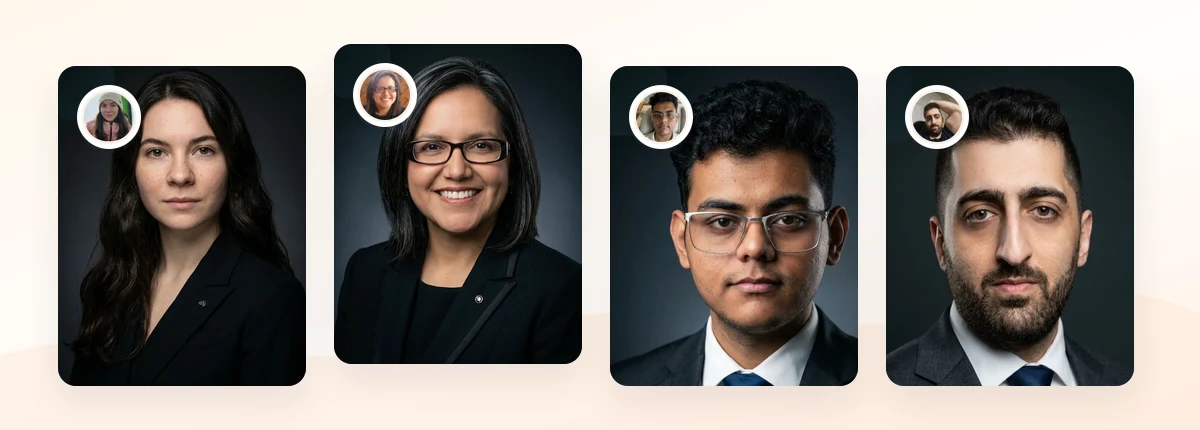
Upload 5-20 everyday photos and get 40-100 polished AI headshots for LinkedIn, resumes, company pages, and executive bios.
15-30 minute delivery • Full commercial rights • One-time payment
Get My Headshots →What Works for Graduation Headshots

When your photo is competing against hundreds of other new grads for a recruiter's attention, small choices add up. These approaches consistently read well for early-career professionals:
- Tight head-and-shoulders crop: Your face should fill a comfortable portion of the frame. On LinkedIn, your photo appears as a small circle, so a wide shot loses impact.
- Even, soft lighting: Front-facing natural light or soft studio light avoids harsh shadows and keeps you looking fresh and alert.
- A genuine, approachable expression: A relaxed light smile signals confidence without arrogance. For new grads, approachability often beats a stern "serious professional" look.
- Neutral, uncluttered backgrounds: Soft gray, muted blue, or a simple office blur keeps the attention on you. If you want to weigh options, our breakdown of LinkedIn profile picture backgrounds covers what works for professional profiles.
- Modern, simple wardrobe: One clean layer and minimal accessories. Avoid loud patterns that distort at small sizes.
University career centers reinforce this guidance. Many, including resources from Yale's Office of Career Strategy, advise students to use a current, professional headshot with a clean background and simple attire. The common thread across campus career advice is restraint: the fewer distractions in frame, the more a recruiter focuses on you. If you are deciding what to wear, our guide on what to wear for professional headshots breaks it down by situation.
What to Avoid for Graduation Headshots
The most common mistakes new grads make are easy to fix once you know them. Avoid these for anything career-facing:
- Using the cap-and-gown shot as your LinkedIn photo. It dates quickly, signals "student" rather than "candidate," and the regalia distracts from your face. Keep it for personal memories.
- Cropping yourself out of a group or party photo. Pixelation, odd lighting, and the ghost of someone's arm on your shoulder are instantly recognizable and look unprofessional.
- Heavy filters or over-editing. Social filters flatten skin and read as inauthentic to recruiters. If your AI result looks too polished, learn how to fix AI headshots that look unnatural.
- Sunglasses, hats, or busy backgrounds. Anything that hides your eyes or pulls focus works against you.
- Overly formal styling for creative or casual industries. A stiff corporate portrait can feel mismatched if you are applying to startups or creative teams. Match the energy of your target field.
- A low-resolution or outdated image. A blurry photo suggests inattention to detail. Use a sharp, recent image that genuinely looks like you.
The underlying principle is honesty plus polish. Your headshot should look like the person who shows up to the interview, just on your best, well-rested day.
Create Professional Headshots in Minutes
Upload 5-20 everyday photos and get 40-100 polished AI headshots for LinkedIn, resumes, company pages, and executive bios.
15-30 minute delivery • Full commercial rights • One-time payment
Get My Headshots →Step-by-Step: Optimizing Your Graduation Headshot
Here is a practical workflow to go from no professional photo to a complete first LinkedIn profile.
- Gather clear source photos. If you plan to use AI generation, collect 5-20 recent photos with good lighting, varied angles, and your face clearly visible. Avoid group shots and heavy filters. Our guide on getting professional headshots at home explains how to capture usable source images with just a phone.
- Choose your wardrobe and tone. Decide whether your target field leans corporate, business casual, or creative, and select a simple outfit that fits one level above the role.
- Generate or shoot your headshot. Produce several variations with a neutral background and soft light. Pick one formal version and one slightly warmer version.
- Pick your primary image. Choose the shot where your eyes are clear, your expression is natural, and the crop is tight on head and shoulders.
- Check it at small size. View the photo as a small circle, the way it appears on LinkedIn. If your face is hard to read, crop tighter.
- Complete your first LinkedIn profile. Use these essentials to finish:
- Professional headshot as your profile photo
- A clear headline (see LinkedIn headline examples for ideas)
- A background banner that reflects your field
- An "About" section with your focus, skills, and goals
- Education, internships, projects, and relevant coursework
- Reuse the image everywhere. Add it to your resume if appropriate for your region, your email signature, and alumni directories. For a deeper playbook, the LinkedIn headshots guide covers profile optimization in detail.
Expected outcome: One consistent, professional image that works across every platform, paired with a complete profile that gives recruiters a reason to click.
Final Thoughts
Graduation headshots are the bridge between finishing school and starting your career. The key insight is simple: keep your cap-and-gown photos for celebration, and build a separate, clean headshot for LinkedIn, resumes, and job applications. By choosing a neutral background, simple wardrobe, and a warm, natural expression, you present yourself as an early-career professional who is ready to contribute.
Start by gathering a few clear source photos, pick a style that matches your target field, and finish your first LinkedIn profile with a headline, banner, and complete experience section. Whether a region expects a resume photo is worth checking first in our guide on whether to put a photo on your resume. When you are ready to create your professional graduation headshot, the CTA below walks you through it in minutes.
Create Professional Headshots in Minutes
Upload 5-20 everyday photos and get 40-100 polished AI headshots for LinkedIn, resumes, company pages, and executive bios.
15-30 minute delivery • Full commercial rights • One-time payment
Get My Headshots →Frequently Asked Questions
Can I use my cap-and-gown photo on LinkedIn?
It is not recommended as your main profile photo. Cap-and-gown portraits signal "student" and date quickly, and the regalia distracts from your face. Use a clean head-and-shoulders professional headshot for LinkedIn and keep the graduation photos for personal memories.
What should a graduating student wear for a professional headshot?
Dress one level above your target entry-level role. For most fields, a blazer over a simple top, a collared shirt, or a neat sweater works well. Avoid loud patterns and heavy accessories, which distort at the small sizes used on LinkedIn and resumes.
Do I need a professional photographer, or will AI headshots work for a first job?
For a first LinkedIn photo and resume image, AI headshots are usually enough and far more affordable. You upload everyday photos and get polished, consistent results. The key is choosing a natural, believable result rather than an over-edited one.
Should I put a photo on my resume as a new graduate?
It depends on your region. In the US, Canada, and UK, resume photos are generally discouraged due to hiring bias concerns, while many European and Asian markets expect them. Check local norms before adding your headshot to a resume.
How do I complete my first LinkedIn profile besides the headshot?
Add a clear headline, a background banner that fits your field, an "About" section describing your focus and goals, and your education, internships, projects, and relevant coursework. A complete profile paired with a professional photo gives recruiters a reason to engage.