Professional Headshot Examples: 20 Good (and Bad) Examples Explained

Introduction
When you search for examples of professional headshots, you usually have a specific problem: your current photo does not fit your role, your platform, or the audience you are trying to reach. A great headshot for a startup founder can look wrong on a hospital directory, and a polished executive portrait can feel stiff on an actor's casting profile. Context is everything.
This guide walks through good and bad headshot patterns by profession and explains the reason behind each verdict, so you can diagnose your own photo. Instead of the usual "smile and use good lighting" advice, you will see what recruiters, clients, and colleagues actually respond to on LinkedIn, resumes, company sites, executive bios, healthcare profiles, real estate listings, and legal pages. Use it as a reference checklist before you update your profile.
Key Takeaways
- Match the headshot to the channel. The same face needs different framing, wardrobe, and background for LinkedIn versus a hospital directory or an acting reel.
- Good examples share three traits: sharp focus on the eyes, a clean and uncluttered background, and an expression that reads as approachable and credible.
- Bad examples usually fail on context, not camera quality: a cropped party photo, heavy filters, or a background that clashes with the profession.
- Consistency matters for teams. Company pages look more trustworthy when everyone uses similar lighting, framing, and background.
What Makes a Professional Headshot Work by Role
A professional headshot is not one fixed look. It is a set of choices about framing, wardrobe, background, and expression that should shift with the audience viewing it. The fastest way to judge any sample is to ask one question: does this photo help the intended viewer trust the person quickly?
Recruiters scanning LinkedIn want to see a confident, approachable professional in seconds. Patients checking a medical directory want calm competence. Buyers browsing real estate listings want warmth and local credibility. When you put examples of professional headshots side by side, the strongest ones are not always the most expensive or the most retouched. They are the ones that fit their context without friction.
Below is a quick reference for how the core choices change across common professional settings.
| Role / Channel | Ideal Expression | Background | Wardrobe |
|---|---|---|---|
| LinkedIn / job search | Warm, confident smile | Neutral gray or soft office blur | Business casual to business |
| Executive / board bio | Composed, calm authority | Dark or clean studio | Tailored suit or blazer |
| Doctor / healthcare | Reassuring, steady | White or clinical neutral | White coat or scrubs |
| Real estate | Approachable, friendly | Bright, light, or local | Polished business casual |
| Actor / model | Natural, expressive | Simple, non-distracting | Minimal, true-to-type |
How to Read Good and Bad Examples Across Professions
Rather than collecting stock portraits, score each example against the same short rubric. Once you can name why a photo works, you can reproduce that result whether you book a photographer or generate a set of AI professional headshots from your own photos.
LinkedIn and job search
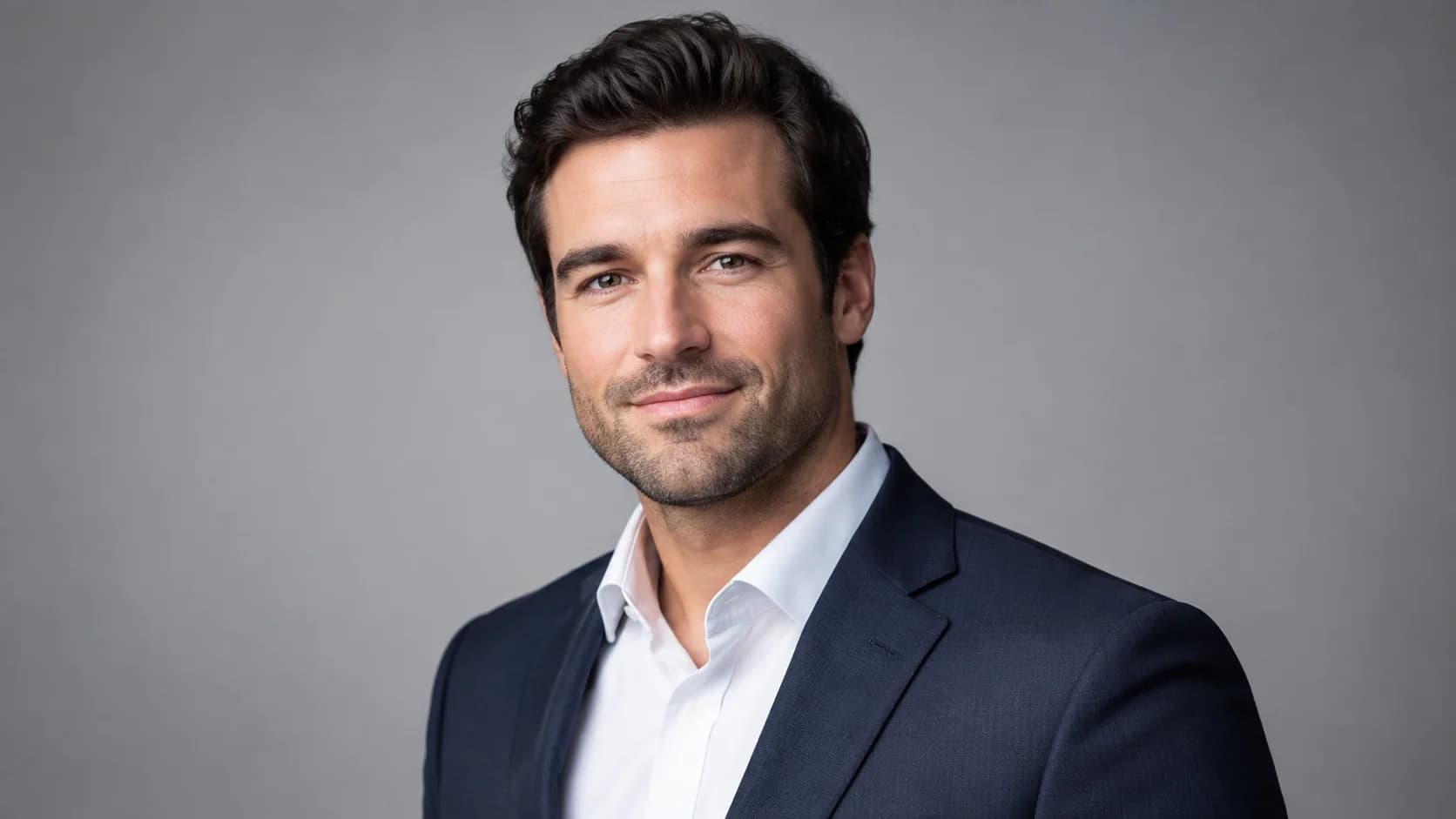
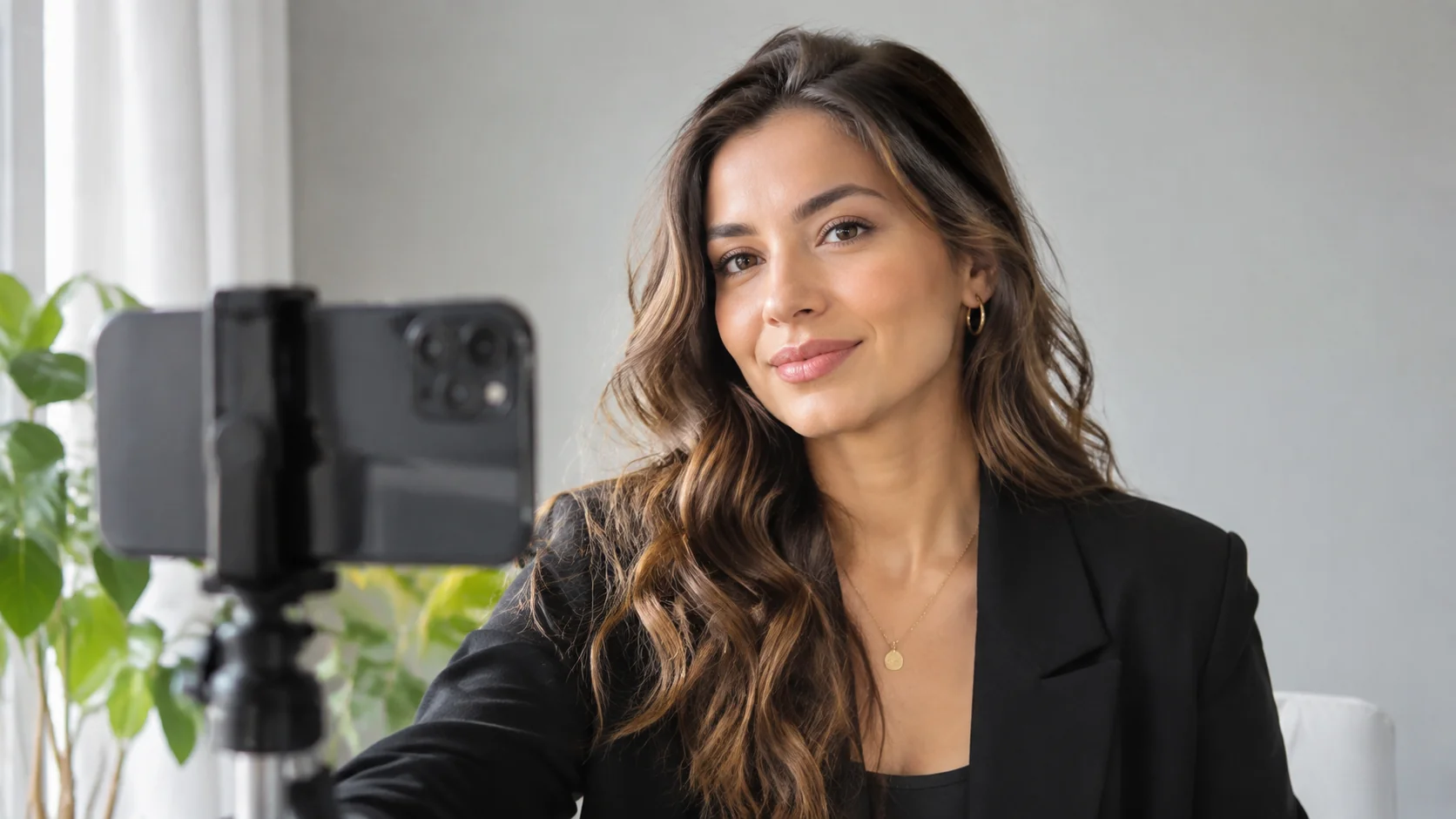
Good: a head-and-shoulders crop, eyes to camera, a genuine smile, and a softly blurred neutral background. This reads as approachable and current. Bad: a cropped group photo where a stranger's arm still hangs on your shoulder, or a dim selfie with harsh phone flash. LinkedIn's own guidance encourages a clear, recent photo where your face fills most of the frame, which is why tight, well-lit crops perform best. You can compare more patterns in our LinkedIn headshots guide and browse annotated examples of professional headshots for other roles.
Executive and leadership
Good: a composed expression, a darker or clean studio background, and a tailored jacket that signals authority without stiffness. Bad: an over-retouched portrait that erases skin texture and lands in "uncanny" territory, or a casual vacation shot used on a board bio. Leaders are judged on steadiness, so calm beats forced intensity. See our executive headshot examples for framing details.
Healthcare
Good: a reassuring, steady expression, a clean neutral or white background, and clinical wardrobe like a white coat. Bad: a moody, low-key portrait that feels more like an album cover than a patient-facing profile. Patients want calm competence, not drama.
Create Professional Headshots in Minutes
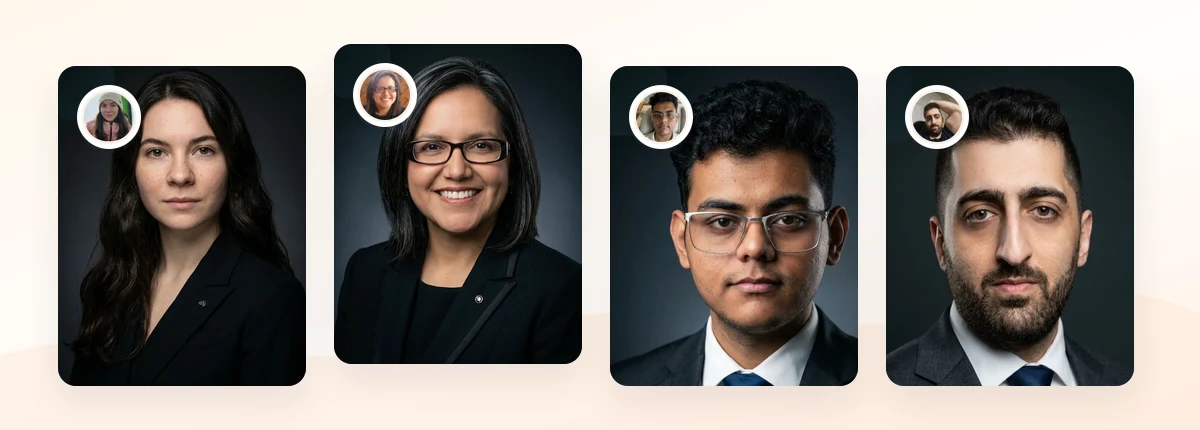
Upload 5-20 everyday photos and get 40-100 polished AI headshots for LinkedIn, resumes, company pages, and executive bios.
10-30 minute delivery • Full commercial rights • One-time payment
Get My Headshots →What Works: Traits Shared by Strong Examples

Across every profession, the best headshots repeat the same fundamentals. If your photo checks these boxes, it will hold up on almost any professional channel.
- Sharp eyes and a natural expression. The eyes should be in focus and looking toward the camera. A relaxed half-smile reads as approachable and credible for most business audiences.
- A clean, intentional background. Neutral gray, white, or a softly blurred office adds separation without competing for attention. Choose the background to match the role, as covered in our headshot backgrounds guide.
- Flattering, even lighting. Soft light from slightly above and to the side reduces harsh shadows. Window light works well for photos taken at home.
- A tight, current crop. Head-and-shoulders framing keeps the focus on your face. Update the photo when your look changes noticeably.
- Role-appropriate wardrobe. Dress one step above your everyday work attire so you look prepared, not overdressed.
Real estate is a useful test case. Warm, bright, approachable photos tend to build local trust, which is why agents often lean friendlier than executives. Our real estate headshot examples show that balance in practice.
What to Avoid: Common Reasons Examples Fail
Most weak headshots fail for predictable reasons, and almost all of them are fixable. Watch for these patterns when you audit your own photo.
- Cropped social or group photos. Leftover arms, sunglasses on your head, or an obvious party background undermine credibility instantly.
- Heavy filters or over-retouching. Smoothed-out skin and reshaped features can drift into an unnatural, plastic look. If your AI results feel too glossy, our fix for unnatural AI headshots explains how to dial it back.
- Busy or clashing backgrounds. A cluttered bookshelf, a bathroom mirror, or a bright vacation scene pulls attention away from your face.
- Wrong tone for the role. A dramatic, moody portrait may suit an actor but will feel off on a hospital directory or a law firm bio.
- Outdated or mismatched photos. A blurry, low-resolution image, or a photo that no longer looks like you, creates a small but real trust gap.
- Extreme angles. Shots taken from far below or above distort your face. Keep the camera near eye level.
Step-by-Step: Turning a Weak Example Into a Strong One

If your current photo lands in the "bad example" column, you can usually recover in a single focused session. Here is a repeatable process.
- Define the channel first. Decide where the photo will live: LinkedIn, resume, company site, executive bio, or an industry directory. That decision drives every choice below.
- Gather clean source photos. Whether you shoot with a phone or upload to an AI tool, use recent, well-lit images with your face clearly visible. Our guide to taking source photos at home covers the setup.
- Set the lighting. Face a window or a soft light source. Avoid overhead office lights that cast shadows under your eyes.
- Choose wardrobe and background to match the role. Use the reference table above. When in doubt, a neutral background and business casual wardrobe are safe defaults.
- Frame head-and-shoulders at eye level. Leave a little space above your head and keep your eyes on the upper third of the frame.
- Review against the rubric. Sharp eyes, clean background, natural expression, current crop, role-appropriate wardrobe. If any element fails, redo that one variable.
- Test it in context. Drop the photo into the actual profile to confirm it reads well at small sizes and next to your colleagues' photos.
For teams, apply the same steps with shared settings so everyone matches. Consistent lighting and framing make a company page look more professional than a mix of one-off portraits.
Create Professional Headshots in Minutes
Upload 5-20 everyday photos and get 40-100 polished AI headshots for LinkedIn, resumes, company pages, and executive bios.
10-30 minute delivery • Full commercial rights • One-time payment
Get My Headshots →Related guide: For a more focused next step, read Poses for Headshots: 15 Poses That Read as Confident, Not Stiff and connect this advice to your wider professional headshot plan.
Final Thoughts
Strong examples of professional headshots all do the same job. They help the right viewer trust you quickly, in the specific context where the photo appears. Good photos share sharp eyes, a clean background, a natural expression, and role-appropriate wardrobe, while weak ones usually fail on context rather than camera quality. Once you can name why a sample works, you can reproduce that result for your own profile.
Start with a small set of clear, recent source photos, pick a style that fits your channel, and review the result against the rubric in this guide. Whether you book a photographer or generate AI professional headshots from your own images, the fundamentals stay the same. When you are ready to refresh yours, you can start right from the block above.
Frequently Asked Questions
Short answers to the most common questions about professional headshot examples.