Poses for Headshots: 15 Poses That Read as Confident, Not Stiff

Introduction
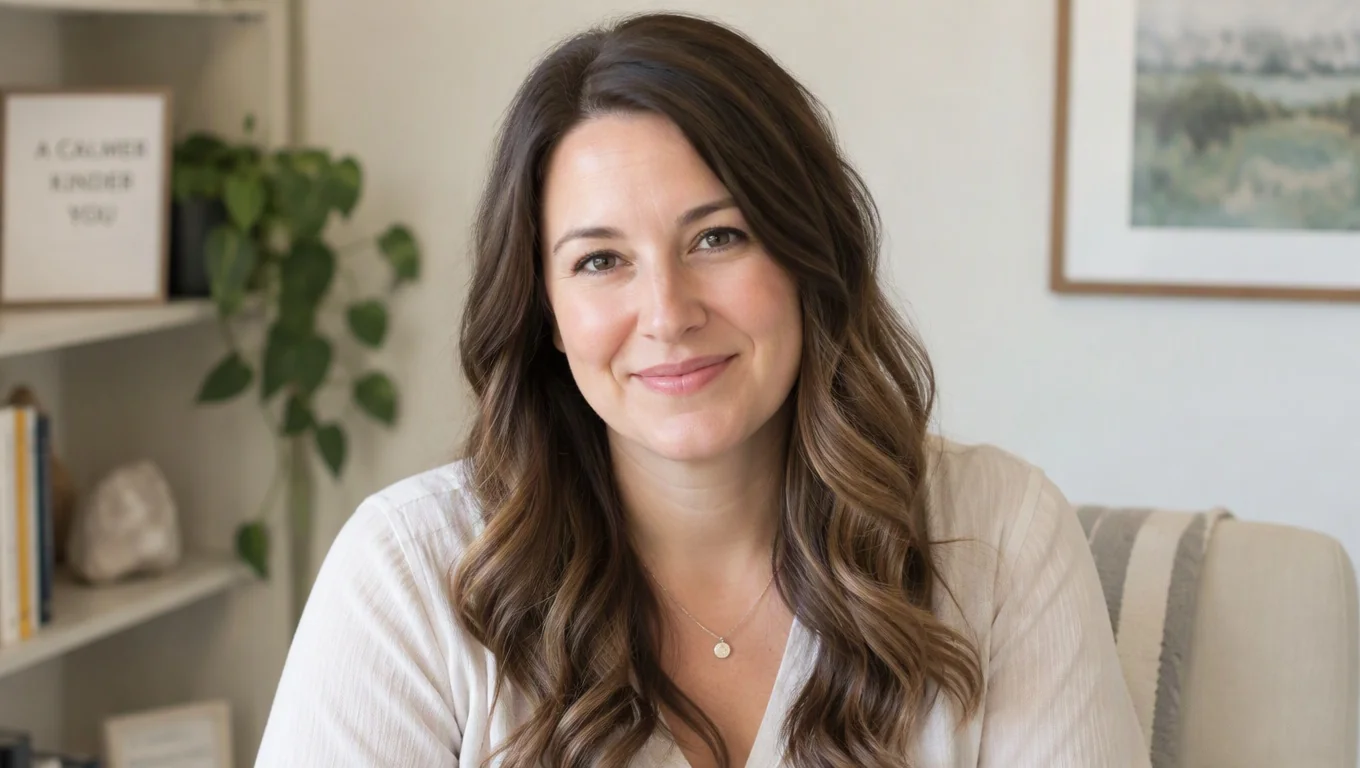
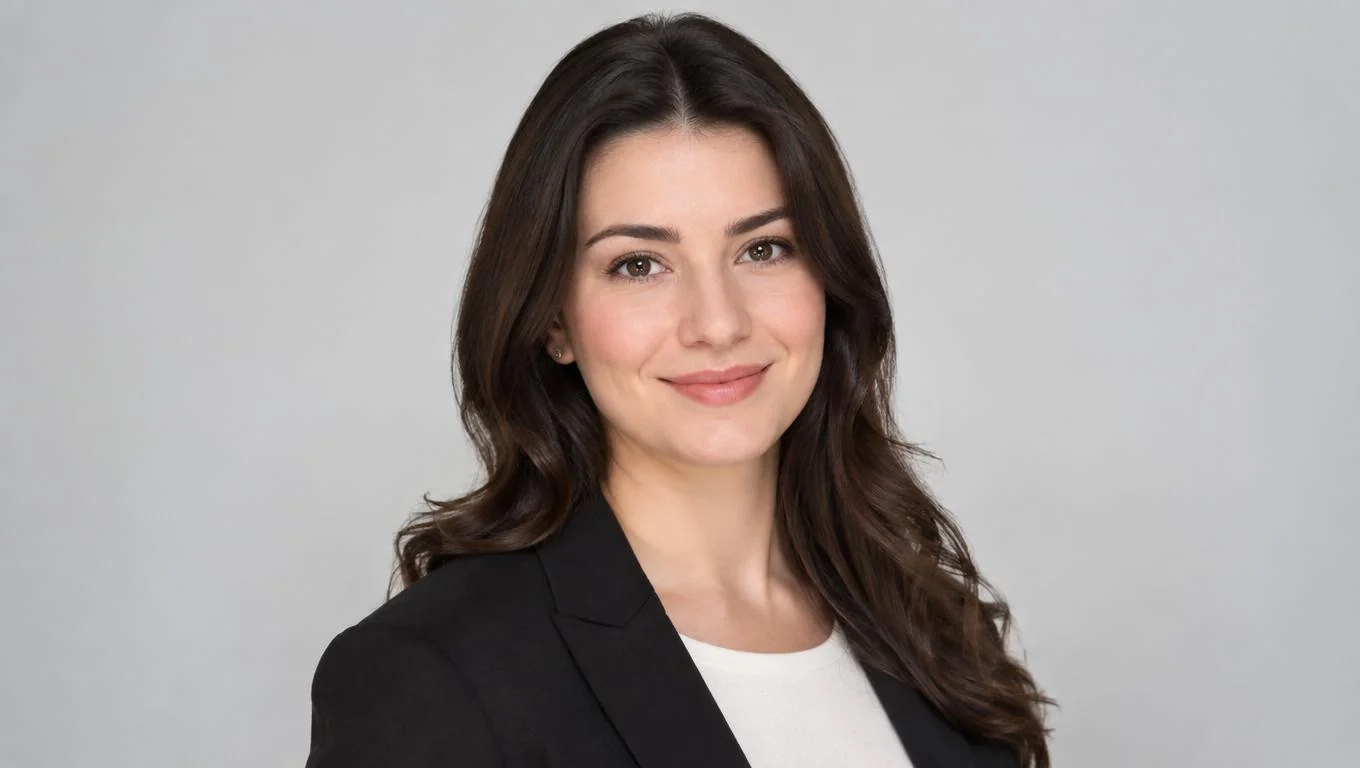
Good poses for headshots do one job: make you look confident and approachable without looking staged. The fastest fixes are a slight angle of the shoulders away from the camera, a chin pushed gently forward and down, and a relaxed jaw that lets your real expression show. Those three moves solve most of the stiffness people complain about after a shoot.
But the right pose is not universal. How you pose for headshots should shift with your role and audience. A LinkedIn photo for a job search reads differently than a board bio or a speaker page. Research on rapid first impressions shows viewers judge trustworthiness and competence from a face in a fraction of a second, so posture and expression carry real weight. This guide gives you 15 poses, plus what works and what to avoid for professional profiles.
Key Takeaways
- Angle, don't square up. Turn your shoulders 10-30 degrees off-camera to add depth and avoid a mugshot feel.
- Lead with the forehead. Pushing the chin slightly forward and down sharpens the jawline and reads as engaged, not tense.
- Match the pose to the channel. LinkedIn and resumes reward warmth; executive bios reward steady authority.
- Relax before you smile. A soft, genuine expression beats a wide forced grin every time.
- Consistency matters for teams. Pick one pose family so profiles look cohesive.
Headshot Pose Requirements by Context
Posing for headshots is not about looking like a model. It is about signaling the right professional traits to a specific audience. The pose that works for an actor's casting portrait would look off on a corporate directory, and a stiff, dead-center corporate pose can make a founder look nervous.
Before you pose, decide where the photo will live. That decision sets the tone, the crop, and how much personality you should show.
| Context | Pose goal | Best crop |
|---|---|---|
| LinkedIn / job search | Approachable and competent | Head and upper shoulders |
| Resume / CV | Clean and neutral | Tight head-and-shoulders |
| Executive / board bio | Calm authority | Head to mid-chest |
| Company directory | Consistent and friendly | Matched crop across team |
| Speaker / personal brand | Engaged and open | Slightly wider, room for gesture |
Once the destination is clear, the mechanics of the pose are easy to adjust. If you also need help with clothing choices for these contexts, our guide on what to wear for headshots pairs well with the poses below.
15 Poses That Read as Confident, Not Stiff
Whether you are shooting with a camera or generating AI professional headshots from your own photos, the same posing principles apply. These 15 poses are grouped so you can pick the family that fits your channel.
Foundation poses (safe for any profile)
- The 20-degree turn. Angle your shoulders slightly off-camera, then bring your face back toward the lens.
- Forehead forward. Lead with your forehead and lower the chin a touch to define your jaw.
- Shoulders down and back. Roll your shoulders back and drop them to open the chest.
- Weight on the back foot. Shift weight backward so you lean subtly toward the camera, which reads as interested.
- Soft eyes, then smile. Relax your eyes first, then let a natural smile follow so it reaches your eyes.
Warm poses (LinkedIn, resumes, team pages)
- The half-smile. A closed or gentle open smile that looks conversational, not staged.
- Chin toward camera. Turn the body away, rotate the face back, and you get a friendly three-quarter view.
- Relaxed jaw exhale. Exhale right before the shot to release tension around the mouth.
- Slight head tilt. A small tilt adds warmth; keep it subtle so it stays professional.
- Hands lightly crossed. For wider crops, folded arms or one hand resting can look grounded and calm.
Authority poses (executive, founder, speaker)
- Squared-but-relaxed. Face the camera more directly with loose shoulders for steady presence.
- Level chin. Keep the chin neutral, never lifted, to project confidence without arrogance.
- Direct eye line. Look straight into the lens to build trust with a viewer.
- Grounded stance. Feet shoulder-width, weight even, for a stable, leader-like silhouette.
- Subtle lean-in. Tip forward from the hips just slightly to show engagement in a bio photo.
Executives should treat posing as part of their credibility signal. A calm, direct pose that fills the frame from head to mid-chest works on board pages, keynote listings, and investor decks. If you want reference images and style rules built for leadership, review these executive headshots before you shoot or generate. Our full executive headshots guide goes deeper on wardrobe and framing for senior roles.
Create Professional Headshots in Minutes
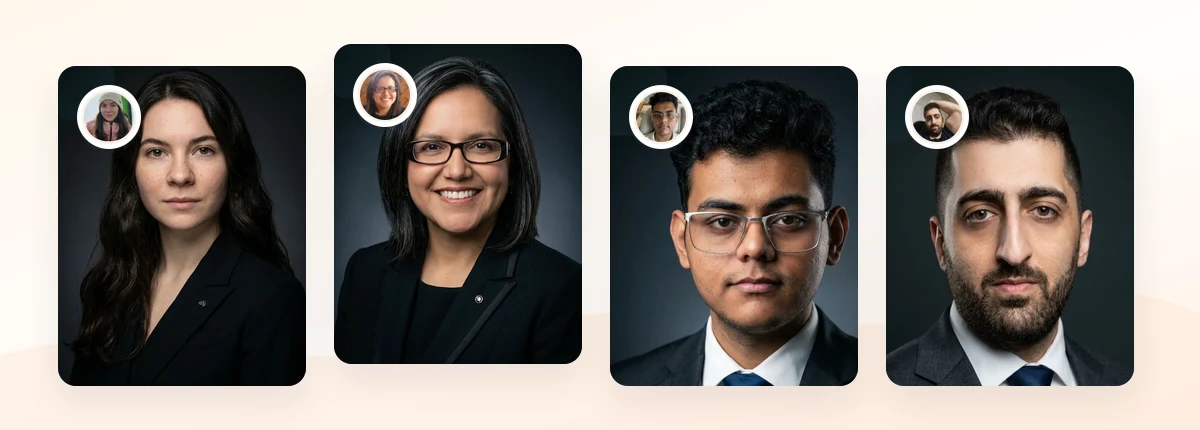
Upload 5-20 everyday photos and get 40-100 polished AI headshots for LinkedIn, resumes, company pages, and executive bios.
15-30 minute delivery • Full commercial rights • One-time payment
Get My Headshots →What Works for Professional Headshot Poses

Across every context, a few posing choices consistently make people look better. The goal is to look like the best, most relaxed version of yourself on a normal day.
- Depth over flatness. A slight body angle creates dimension and avoids the flat, ID-card look.
- Space between arms and torso. Keeping a small gap slims the silhouette and looks more intentional.
- Genuine micro-expressions. Think of someone you like right before the shot; the eyes do the work.
- Neutral posture reset. Between frames, shake out your shoulders and reset so tension doesn't build.
- Consistent framing for teams. When many people appear on one page, matching poses and crops looks organized.
Background and pose work together. A relaxed three-quarter pose against a clean backdrop reads as polished, while a busy setting can fight your posture for attention. Our overview of headshot background options explains how to keep the focus on your face. LinkedIn's own profile photo guidance makes the same point: keep the frame simple so you are the subject.
What to Avoid When Posing for Headshots
Most bad headshots share a handful of posing mistakes. Fix these and you remove the majority of "why do I look stiff?" problems.
- Squaring up dead-center. Facing the camera fully with tight shoulders reads as a mugshot.
- Lifting the chin. A raised chin looks down on the viewer and reads as arrogant or nervous.
- Forced wide grins. Holding a big smile too long creates tension around the eyes and mouth.
- Hunched shoulders. Rounded shoulders shrink your presence and make you look unsure.
- Overposing. Exaggerated tilts, crossed-arm "power" stances, or peace signs undercut credibility.
- Frozen stare. Locking your eyes wide open makes the shot look startled; blink and reset often.
If you are generating AI headshots and the results look plastic or over-smoothed rather than stiff, that is a source-photo and rendering issue, not a posing one. Our guide on how to fix AI headshots that look unnatural covers those adjustments.
Step-by-Step: Getting Your Best Headshot Pose

Use this simple sequence whether you are in front of a photographer or capturing source selfies for AI professional headshots.
- Set your feet. Stand with weight slightly on the back foot and shoulders relaxed.
- Angle the body. Rotate 10-30 degrees away from the camera, then bring your face back to the lens.
- Fix the chin. Push the forehead gently forward and drop the chin a touch to sharpen the jaw.
- Reset the shoulders. Roll them back and down; open the chest without puffing it out.
- Breathe and soften. Exhale, relax the jaw, and think of something that makes you smile naturally.
- Vary the expression. Capture a few frames: neutral, half-smile, and full smile, so you have options.
- Check the crop. Aim for head to upper chest, with a little space above your head.
Capture more frames than you think you need. Small differences in head angle and expression add up, and having variety lets you pick the pose that best fits each channel. For AI headshots specifically, feeding a range of clear, well-posed source photos improves the final results, as explained in our breakdown of how AI headshots work.
Final Thoughts
Strong poses for headshots come down to a few repeatable moves: angle the body, lead with the forehead, relax the shoulders, and let a genuine expression show. Match those mechanics to your channel, warmer for LinkedIn and resumes, steadier for executive and leadership bios, and you avoid the two most common problems: looking stiff or looking overposed.
Start by deciding where your headshot will appear, then practice the pose family that fits. Capture several clear source photos with varied expressions, keep your background simple, and save the direct conversion for the CTA below when you are ready to create polished, consistent headshots.
Create Professional Headshots in Minutes
Upload 5-20 everyday photos and get 40-100 polished AI headshots for LinkedIn, resumes, company pages, and executive bios.
15-30 minute delivery • Full commercial rights • One-time payment
Get My Headshots →Frequently Asked Questions
What is the most flattering pose for a headshot?
Angle your shoulders 10-30 degrees away from the camera, bring your face back toward the lens, and push your forehead slightly forward while dropping your chin a touch. This adds depth, sharpens the jawline, and reads as confident rather than flat.
How should I pose for a LinkedIn headshot?
Use a warm, approachable pose: a slight body angle, relaxed shoulders, and a genuine half-smile that reaches your eyes. Crop to your head and upper shoulders and keep the background simple so you remain the focus.
How do executives pose for headshots differently?
Executive and leadership poses lean toward calm authority. Face the camera more directly with relaxed shoulders, keep the chin level, hold a steady eye line, and frame from head to mid-chest for a grounded, credible presence.
Why do my headshots always look stiff?
Stiffness usually comes from squaring up dead-center, tensing your shoulders, or holding a forced smile. Angle your body slightly, roll your shoulders back and down, exhale before the shot, and capture several frames to relax into a natural expression.
Do posing rules apply to AI headshots too?
Yes. AI professional headshots learn from your source photos, so well-posed, clearly lit selfies produce better results. Vary your angle and expression across a range of source images to give the model good material to work with.