Professional Profile Picture Guide: One Photo for LinkedIn, Zoom, and Email

Introduction
The fastest way to look consistent online is to use one strong professional profile picture everywhere: LinkedIn, Zoom, your email avatar, Slack, and your company directory. When the same confident, well-lit photo follows you across every platform, recruiters, clients, and colleagues recognize you instantly and trust you faster. The alternative, a different photo on each account, quietly makes you look scattered.
This guide shows you how to pick, size, and reuse a single headshot across the tools you use every day. You will get a platform sizing table, a short list of what makes a good LinkedIn profile picture, a crop workflow that keeps your face centered on every service, and the common mistakes that make an otherwise good photo look amateur.
You do not need a studio session or a new photo for each site. You need one great frame and a repeatable process. If your current avatar is a cropped vacation shot or a years-old badge photo, this is the practical upgrade path.
Key Takeaways
- One photo, used everywhere, beats five mismatched photos. Consistency builds recognition and trust across LinkedIn, Zoom, and email.
- Shoot or select a square-friendly frame. Most platforms display circular or square avatars, so leave headroom and keep your face centered.
- Lighting and background matter more than your camera. Soft, even light and a clean, uncluttered background read as professional on any screen size.
- Export at high resolution, then crop per platform. A 1000x1000px master file downsizes cleanly for small avatars.
- Update when your look changes. If someone would not recognize you from the photo, it is time to refresh.
What Is a Professional Profile Picture?
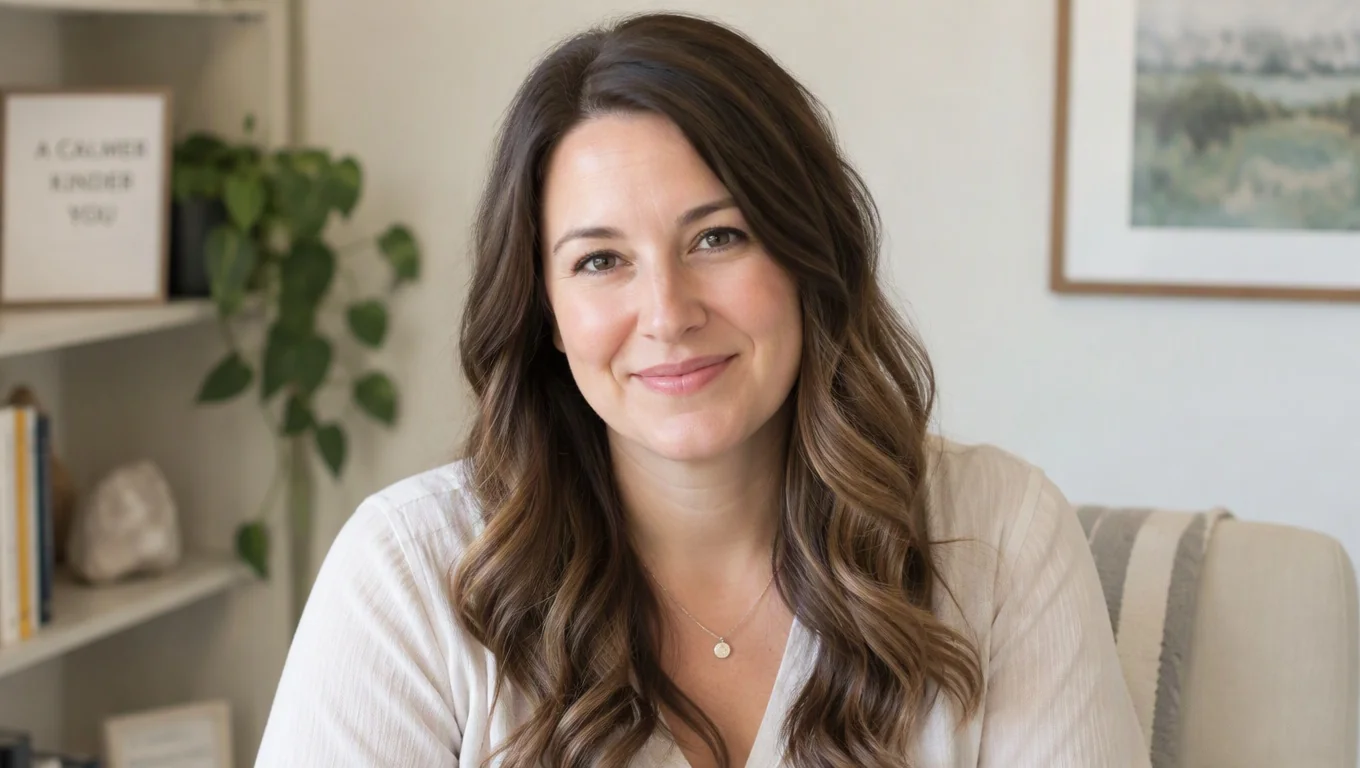
A professional profile picture is a clear, current, head-and-shoulders photo that represents you in work contexts. It is tightly framed on your face, well lit, and set against a background that does not compete for attention. Unlike a casual selfie or a group photo you cropped yourself into, it is built to look credible at small sizes, where most profile images actually appear.
The key word is context. A professional profile picture signals that you take your work presence seriously without feeling stiff or corporate. For most people that means business-casual or business attire, a neutral or softly blurred background, and an expression that reads as approachable and confident.
It is also a reusable asset. The same image should work as a round LinkedIn avatar, a square Zoom tile, a tiny email icon, and a Slack thumbnail. That is why framing matters: your face needs enough breathing room that an automatic circular crop never clips your chin or forehead.
Here is a quick mental checklist for whether a photo qualifies as professional:
- Your face fills a comfortable portion of the frame, not lost in the distance.
- Lighting is even, with no harsh shadows across your eyes or nose.
- The background is simple and does not distract.
- You are dressed the way you would show up for an important work meeting.
- You look like yourself today, not a decade ago.
If you want to see how different styles land before you commit, browsing a range of professional headshot examples is a fast way to calibrate what fits your field.
Why Your Profile Picture Matters
Your profile picture is usually the first thing people process about you, and it works faster than any sentence you write. On LinkedIn, your photo sits beside your name in search results, connection requests, posts, and comments. According to LinkedIn's own guidance, a clear professional photo helps members connect and makes your profile feel complete and trustworthy.
The stakes rise when the same face shows up everywhere. If a recruiter sees one photo on LinkedIn, then meets a different-looking you on Zoom, then gets an email from a third avatar, that small friction adds up. A single consistent image removes doubt and makes you feel organized before you say a word.
Consistency also compounds over time. Colleagues who see your photo in Slack, email threads, and video calls build a mental shortcut: that face equals you. When your profile picture is scattered or outdated, you reset that recognition every time.
Career advisors say the same. Guidance from Harvard Business Review notes that profiles with a professional photo earn more views and engagement than those without one. The photo is not vanity. It is a credibility signal that quietly shapes how people decide whether to reply, hire, or refer you.
Create Professional Headshots in Minutes
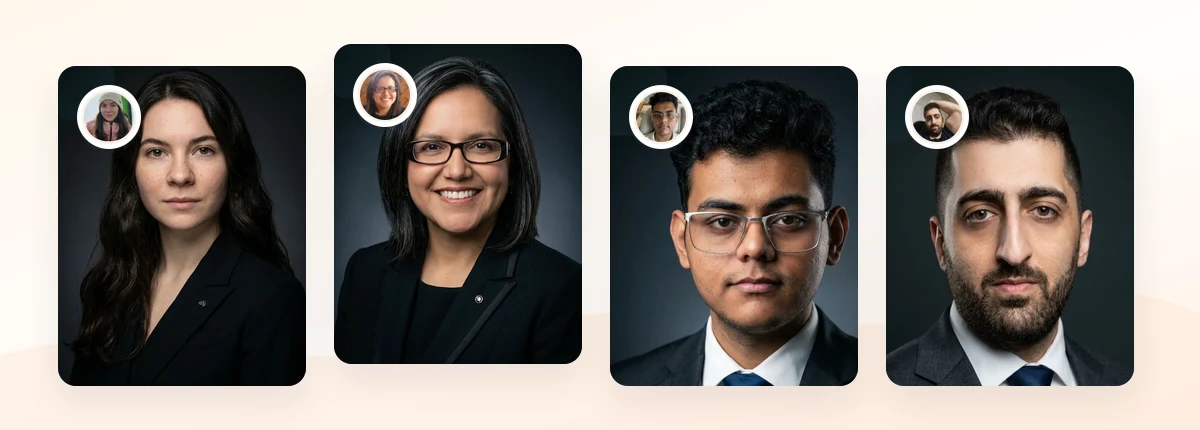
Upload 5-20 everyday photos and get 40-100 polished AI headshots for LinkedIn, resumes, company pages, and executive bios.
15-30 minute delivery • Full commercial rights • One-time payment
Get My Headshots →How to Get Started: One Photo for Every Platform

The goal is a single master image that you can crop and resize for each service without losing quality. Here is the step-by-step workflow.
Step 1: Capture or choose a square-friendly frame
Shoot or select a head-and-shoulders photo with space around your head. Most profile avatars display as a circle or square, so a tightly cropped frame risks clipping. Aim your eyes at roughly the upper third of the image and keep your shoulders level. If you are shooting at home, a phone on a tripod with window light to the side works well. For a full room-by-room setup, our guide on getting source photos right at home covers lighting and distance in detail.
Step 2: Export a high-resolution master
Save your best frame at 1000x1000px or larger. A large square master downsizes cleanly to tiny avatars, while a small file upscaled to fit a profile looks soft and pixelated. Keep this master file somewhere you can find it; you will reuse it every time you join a new platform.
Step 3: Match each platform's size
Different services display and store profile photos at different dimensions. Upload a copy that fits each one so your face is not awkwardly cropped. Use this table as a reference:
| Platform | Recommended upload size | Display shape |
|---|---|---|
| 400x400px (up to 8MB) | Circle | |
| Zoom | Square, 1024x1024px works well | Square / tile |
| Email avatar (Gmail / Outlook) | 250x250px minimum, square | Circle |
| Slack | 512x512px, square | Rounded square |
| Company directory | Follow your IT or HR spec, often 300-600px square | Varies |
LinkedIn confirms its recommended profile photo dimensions in its help documentation; always start from the largest version and scale down.
Step 4: Crop consistently
Because every platform forces a circle or square, crop so your face stays centered with equal margins. A quick way to produce correctly sized versions without guessing is a dedicated resizer, such as our LinkedIn photo resizer, which outputs a clean square crop you can reuse elsewhere. Keep the composition identical across platforms so the photo always looks like the same deliberate choice.
If LinkedIn is your highest-stakes channel, it is worth tuning the frame specifically for recruiters. Our full LinkedIn headshots guide breaks down expression, crop, and background choices in depth, and you can compare finished looks on the LinkedIn headshot examples page before you upload.
Best Practices for a Polished Profile Picture

Once you have a workable frame, these habits take it from fine to genuinely professional.
- Lead with soft, even light. Face a window or a large light source. Even lighting removes harsh shadows and makes your eyes clear, which reads as trustworthy at any size.
- Keep the background simple. A neutral wall, a softly blurred office, or a clean gradient keeps attention on your face. If you are unsure which backdrop suits you, our breakdown of LinkedIn profile picture backgrounds compares the strongest options.
- Dress for the room you want to be in. Match your attire to your industry. A consultant and a creative director can dress differently, but both should look intentional, not accidental.
- Choose an approachable expression. A relaxed, genuine smile or a calm, confident look both work. Avoid a frozen, forced grin or a flat, tense face.
- Fill the frame correctly. Your head and shoulders should occupy most of the image, with a little headroom. Faces that are too far away disappear in small avatars.
- Keep it current. Refresh your photo when your hairstyle, glasses, or overall look changes meaningfully. The photo should match the person who shows up on the call.
One more rule: once you find a version that works, do not swap in a slightly different photo on each new platform. The whole point of a professional profile picture is recognition, and that only compounds when you commit to one image everywhere, including your email signature and messaging apps.
Create Professional Headshots in Minutes
Upload 5-20 everyday photos and get 40-100 polished AI headshots for LinkedIn, resumes, company pages, and executive bios.
15-30 minute delivery • Full commercial rights • One-time payment
Get My Headshots →Common Mistakes to Avoid
Most profile picture problems are easy to fix once you know what to look for. These are the ones that undercut an otherwise solid photo:
- Using a different photo on every platform. This is the biggest miss. Mismatched avatars erode the recognition you are trying to build.
- Cropping a group photo. Zooming into a wedding or vacation shot leaves soft edges, odd lighting, and sometimes a stranger's shoulder in frame.
- Standing too far from the camera. At avatar size your face becomes a dot. Fill the frame with your head and shoulders.
- Busy or distracting backgrounds. Bookshelves, kitchens, and crowded streets pull focus away from you.
- Harsh overhead or direct flash lighting. It creates unflattering shadows and shiny spots.
- Letting it go stale. A photo from several jobs ago creates a small but real credibility gap when you meet people in person.
- Over-editing. Heavy filters or aggressive smoothing make the photo look artificial. Natural beats glossy for professional contexts.
Final Thoughts
A strong professional profile picture is one of the highest-return, lowest-effort upgrades you can make to your online presence. The strategy is simple: capture or choose one well-lit, well-framed photo, export a large square master, and reuse it across LinkedIn, Zoom, email, Slack, and your company directory so people recognize you instantly everywhere.
Start by auditing your current avatars. If they do not match, or if any of them would surprise someone meeting you today, it is time to refresh. Choose a style that fits your field, size it correctly for each platform, and keep the composition consistent.
If your existing photos are not good enough to build from, you can generate polished, consistent headshots from everyday pictures using the tool in the CTA below, then crop a single favorite for every platform you use.
Frequently Asked Questions
Quick answers to the most common questions about professional profile pictures.
Create Professional Headshots in Minutes
Upload 5-20 everyday photos and get 40-100 polished AI headshots for LinkedIn, resumes, company pages, and executive bios.
15-30 minute delivery • Full commercial rights • One-time payment
Get My Headshots →