Staff Photos for Your Website: A Practical Guide for Teams

Introduction
If you are organizing staff photos for your company website, the hard part is rarely one person's picture. It is getting every teammate to look like they belong on the same page. One person submits a polished studio portrait, another sends a cropped wedding photo, and a third hands over a webcam selfie. The result reads as disorganized before a visitor finishes scanning your team page.
This guide is for office managers and founders who need consistent employee headshots across a whole team without booking a studio day for everyone. You will learn what makes staff photos work on a modern website, where traditional photoshoots break down for distributed teams, and how an AI batch workflow keeps lighting, framing, and background consistent. We will keep the focus practical: requirements, a clear decision framework, and a step-by-step process you can run this week.
Key Takeaways
- Consistency beats perfection. A team page where every photo shares the same background, crop, and lighting looks more credible than a mix of high-end portraits.
- Scheduling is the real cost. Coordinating a studio shoot for a remote or hybrid team often costs more in logistics than in camera time.
- Define a visual standard first. Background color, framing, and attire guidelines matter more than which tool you use.
- AI batch workflows fit distributed teams. Each person uploads their own source photos and you still get a matched set for the website.
Staff Photo Requirements for a Company Website

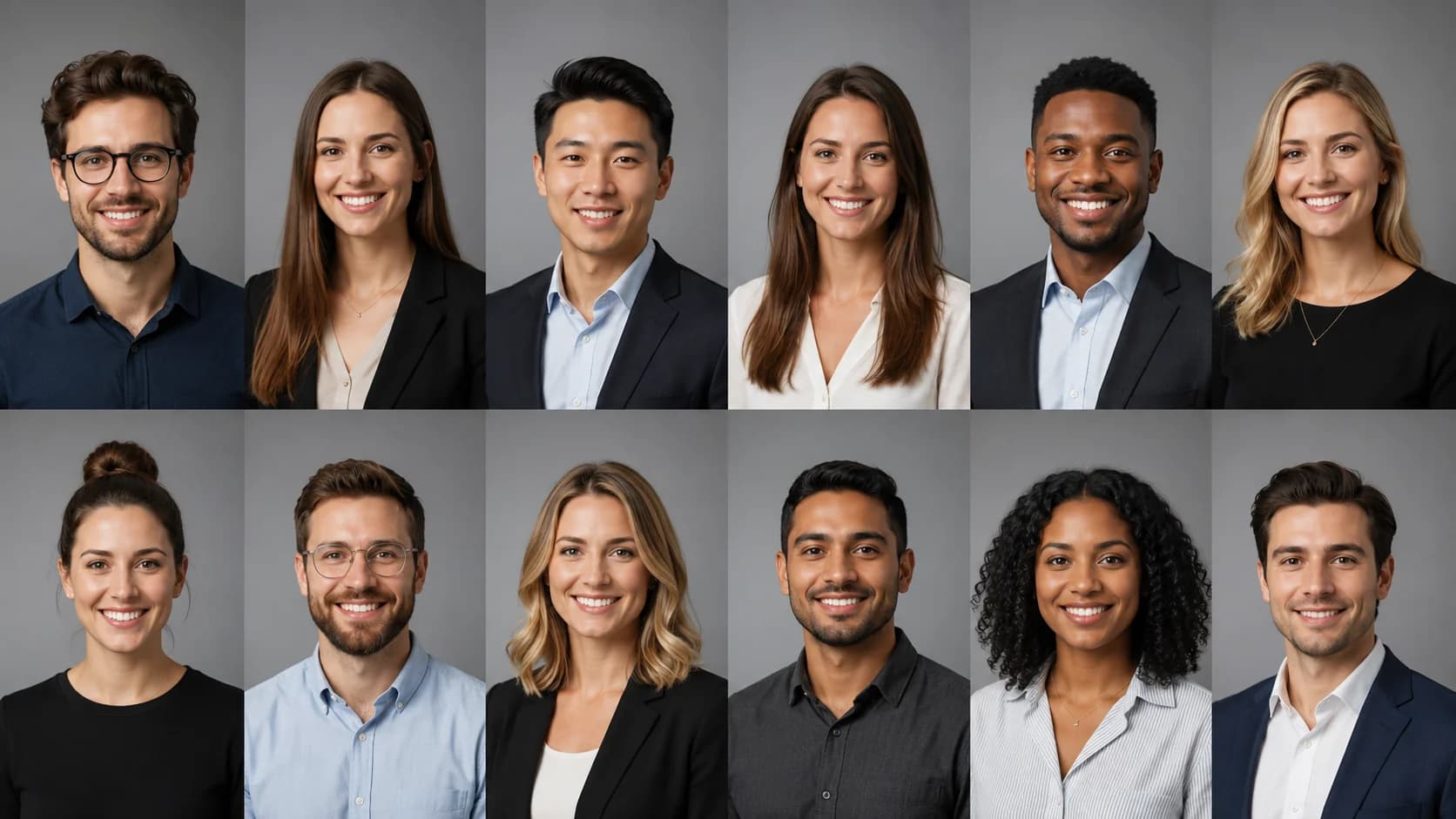
Website staff photos have different requirements than a LinkedIn profile picture or a casual team snapshot. A visitor usually sees your team grid all at once, so the eye immediately catches anything that does not match. That makes uniformity the first requirement, not an afterthought.
Here is what a strong set of employee headshots needs to deliver:
| Requirement | Why it matters | Practical standard |
|---|---|---|
| Consistent background | Mismatched backdrops break the grid instantly | One neutral color or office tone across everyone |
| Matched framing | Different crops look careless | Head-and-shoulders, eyes on the same horizontal line |
| Even lighting | Dark or washed-out faces reduce trust | Soft, front-facing light with no harsh shadows |
| Current resemblance | Old photos surprise clients in meetings | Taken within the last 1-2 years |
| Resolution | Blurry images look unprofessional on retina screens | At least 800x800px, square or 4:5 crop |
Attire should follow a simple shared guideline rather than a strict uniform. Most teams land on "business casual, solid colors, no busy patterns." That keeps individuals recognizable while the set still reads as one group. For deeper structure on organizing this across departments, our company headshots guide walks through building a repeatable standard.
AI Headshot Strategy for Team Photos
The traditional path is to hire a photographer, book a studio or office setup, and schedule each employee into a time slot. For a co-located team of eight, that works. For a 30-person hybrid company spread across time zones, it turns into a scheduling project. Professional headshot sessions commonly run a few hundred dollars per person once you factor in setup and retouching, and that multiplies fast across a full roster.
An AI headshot workflow changes the logistics. Instead of coordinating one shared time and place, each employee uploads a small set of their own photos, and the system generates matched headshots against a shared style. You set the background and framing standard once, then apply it to everyone. New hires can be added later without rebooking a shoot, which keeps your team page current.
This is especially useful when consistency is the whole point. When you want every portrait to share the same look, corporate headshots for remote teams built from a single style template remove the variability that creeps in when different photographers shoot different people.
A quick way to decide which approach fits your situation:
| Scenario | Better fit | Why |
|---|---|---|
| Small co-located team, one afternoon free | In-person shoot | Easy to coordinate, live direction |
| Remote or hybrid team across time zones | AI batch | No shared scheduling needed |
| Frequent new hires | AI batch | Add people without rebooking |
| Tight launch deadline | AI batch | Delivery in minutes, not weeks |
| Brand shoot with environmental photos | In-person shoot | Captures real office and candids |
Many teams blend both: an AI set for the consistent headshot grid, plus a short in-person session for a few lifestyle shots on the About page. For the operational side of keeping distributed staff consistent, see our remote team headshots playbook.
Create Professional Headshots in Minutes
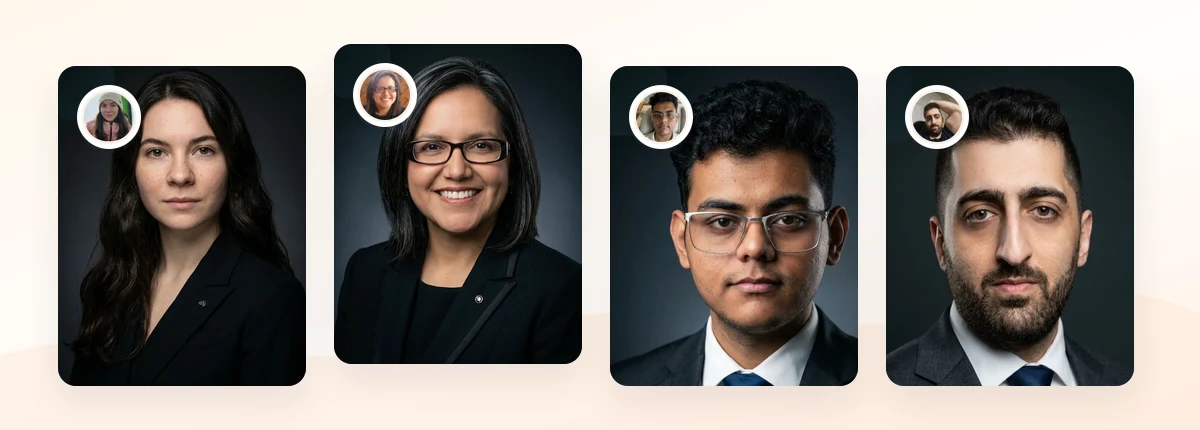
Upload 5-20 everyday photos and get 40-100 polished AI headshots for LinkedIn, resumes, company pages, and executive bios.
15-30 minute delivery • Full commercial rights • One-time payment
Get My Headshots →What Works for Staff Photos
Strong team pages share a few habits regardless of company size. The goal is a grid that looks intentional, where each person is clearly recognizable but nothing jumps out as mismatched.
- One background standard. Pick a single neutral tone, light gray, soft white, or a muted brand color, and apply it to everyone. This is the single highest-impact decision you will make.
- Consistent crop and eye level. Keep heads at a similar size and eyes roughly on the same line. When thumbnails sit side by side, this alignment is what makes the grid feel polished.
- Natural, approachable expressions. A relaxed smile or a calm, confident look builds client trust. Encourage the same general mood across the team rather than a mix of serious and casual.
- Soft, even lighting. Front-facing light with gentle shadows flatters most faces and keeps the set uniform.
- Simple, solid attire. Business casual in solid colors reads cleanly at small sizes and avoids clashing patterns across the grid.
It also helps to think about where these photos travel. A good staff photo doubles as a professional profile picture for LinkedIn, Zoom, and email signatures, so a clean head-and-shoulders crop serves more than just the website. If people want a single reusable image, our professional profile picture guide covers choosing one photo that works everywhere.
What to Avoid for Staff Photos
Most team pages fail on a handful of predictable mistakes. Watching for these upfront saves you a redo later.
- Mixing photographers and selfies. This is the most common consistency killer. Different cameras, lighting, and editing styles never blend, no matter how good each individual photo is.
- Letting everyone pick their own background. A patio, a kitchen, and a conference room in the same grid signal that no one owned the project.
- Using outdated photos. A headshot from five years and one haircut ago creates an awkward moment when a client meets the real person. Refresh photos that no longer match.
- Overprocessing. Heavy filters or skin smoothing look artificial and age quickly. If AI results look too glossy, our guide on fixing unnatural AI headshots explains how to dial them back.
- No standard for new hires. Without a documented spec, every new addition drifts from the original look. Write the standard down once.
The theme across all of these is the same: individual photo quality matters less than team-wide consistency. A grid of good-enough matched headshots beats a grid of excellent mismatched ones.
Step-by-Step: Organizing Your Staff Photos

Here is a repeatable process to produce a consistent set of employee headshots without a studio day.
- Define the visual standard. Decide on background color, crop (square or 4:5), framing (head-and-shoulders), and attire guideline. Write it in one short document you can reuse for new hires.
- Audit existing photos. List who already has an on-brand headshot and who needs a new one. You may only need to update a portion of the team.
- Collect source photos. For an AI workflow, ask each person for a handful of clear, recent photos with good lighting and a visible face. Share simple instructions so the inputs are usable.
- Generate a matched set. Apply one shared style template so backgrounds, lighting, and framing line up across the whole team in a single batch.
- Review for consistency. Put the thumbnails in a grid and check eye level, head size, background tone, and expression. Flag outliers and regenerate those specific ones.
- Export at web resolution. Use consistent dimensions and compress for fast loading. Keep a square master so the same crop works on the website, LinkedIn, and Slack.
- Document the spec for new hires. Save the style settings and instructions so onboarding automatically adds a matching headshot.
If your team is distributed and you want the fastest route to a consistent grid, the corporate headshots for teams walkthrough shows how to run this without scheduling a group photoshoot.
Create Professional Headshots in Minutes
Upload 5-20 everyday photos and get 40-100 polished AI headshots for LinkedIn, resumes, company pages, and executive bios.
15-30 minute delivery • Full commercial rights • One-time payment
Get My Headshots →Final Thoughts
Good staff photos make your website feel organized and trustworthy before a visitor reads a word. The winning move is not chasing the most impressive individual portraits. It is enforcing one shared standard for background, framing, and lighting across every employee headshot. When the grid matches, the whole team looks credible.
Start by writing down your visual standard, auditing who needs an update, and collecting a few clear source photos from each person. From there, a batch workflow lets you produce matched team photos for your website without coordinating a studio day, and it scales cleanly as you hire. Keep the final step, generating your set, in the CTA block above.
Frequently Asked Questions
Common questions from office managers and founders organizing team photos.